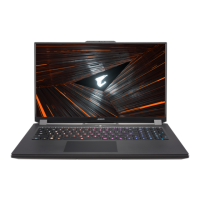
X7 equipped with many unique features, providing user an exceptional gaming experiences.
Surround Port
Surround port is located on the left side of X7. User may connect X7 up to three external monitors with
HDMI, mini Display and Surround port, presenting true visual surround effect and enjoy outstanding gaming
experience. Surround port is compatible with television , PC’s standard HDMI cable; however, only HDMI
port and mini-DP support dual screen display. Please refer to NVIDIA ofcial website for Surround's games
supporting.
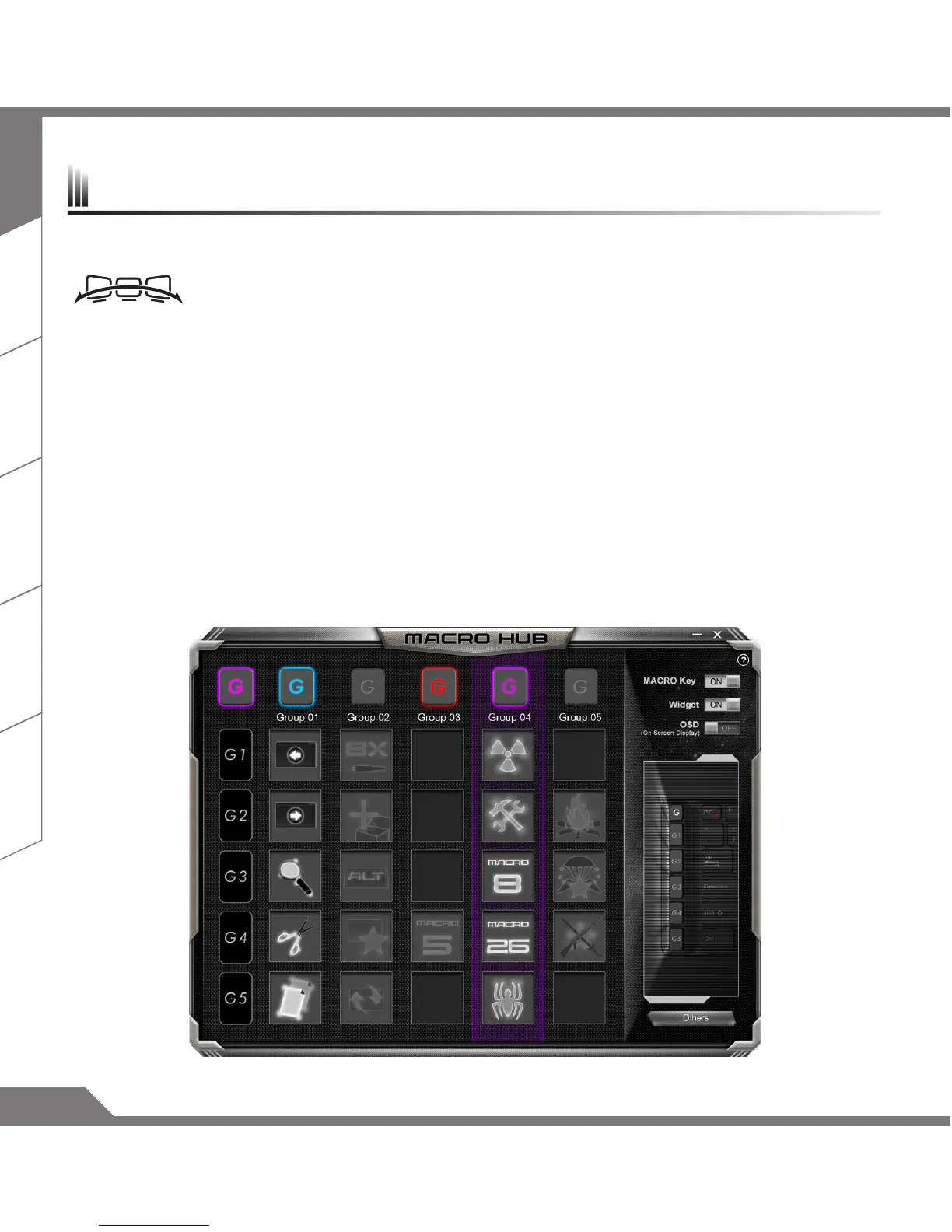
Macro key
X7 features five macro keys and macro group switch, providing users to set their own preference of
combinations, capable for switching in between maximum up to 25 sets of macros simultaneously. By using
Marco Hub, users can easily access to their own dened recorded macro, and also adjust the macro sets, so
the players are always steps ahead in games. For further detail instructions please refer Macro key setting
manual.
X7 Operation manual


 To Next Page