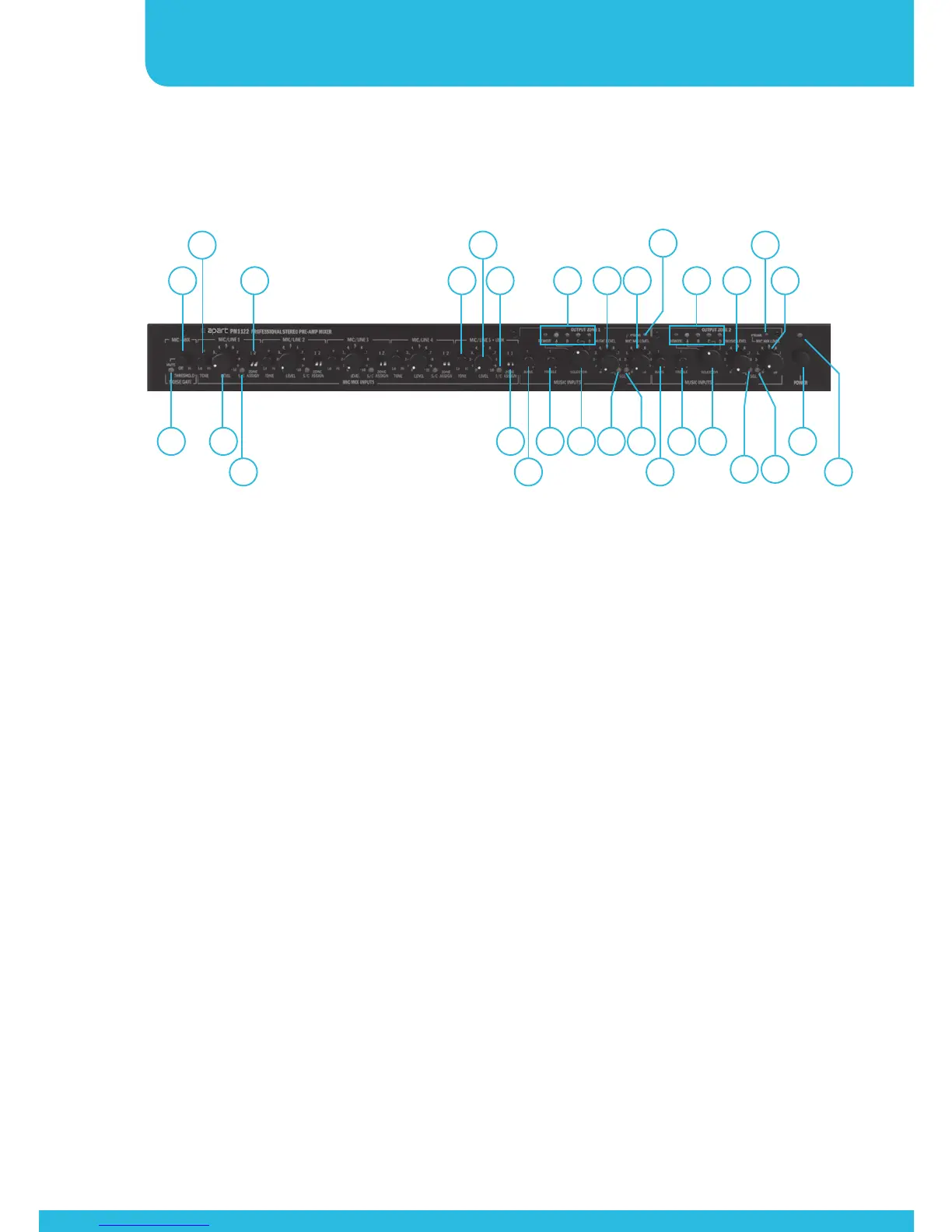
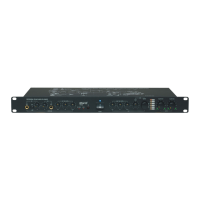
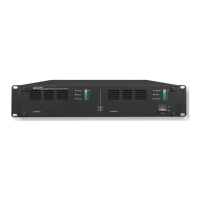
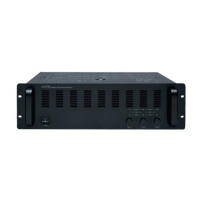
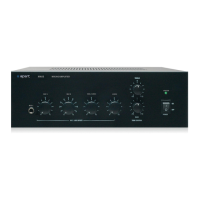
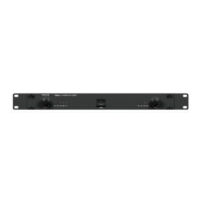
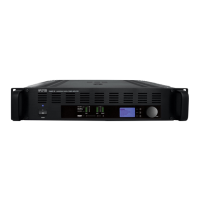
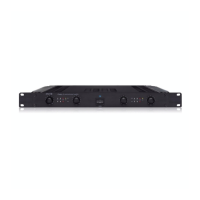
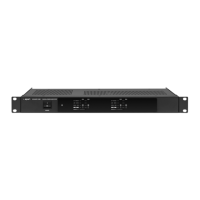
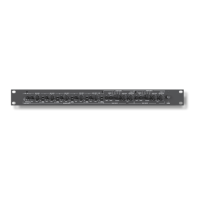
Front panel
1. Power on / off switch. Push the button to turn power on and
off. As an experienced audio device user, you know you have
to switch on the preamp fi rst, and then the power amp. When
powering off, please turn off the power amps fi rst and then
the preamp.
2. Power led: this led lights when power is switched on.
3. Mute led: this led lights up when the mute circuitry or
noise gate is closed. Use it to eliminate unwanted noise or
background noise coming through from your mic/line inputs.
4. Noise gate threshold: set the knob to the off position if you
don’t want to use the noise gate. Set the gate so that it opens
(mute led dark) when you talk into one of the mics connected
to the mic/line 1 to 5 connectors. Please take notice that the
chime signal is also routed through this gate, so use it only as a
noise suppressor.
5. Tone control mic/line 1 to 4: turn the knob to darken the tone
(turn to the left) or to brighten the tone (turn to the right).
1
2
3
4
5
6
7
8 9 11 15 24 26 2917 20
21
12 14 23
27
25
28
16 18 19
13 22
10 30


 To Next Page