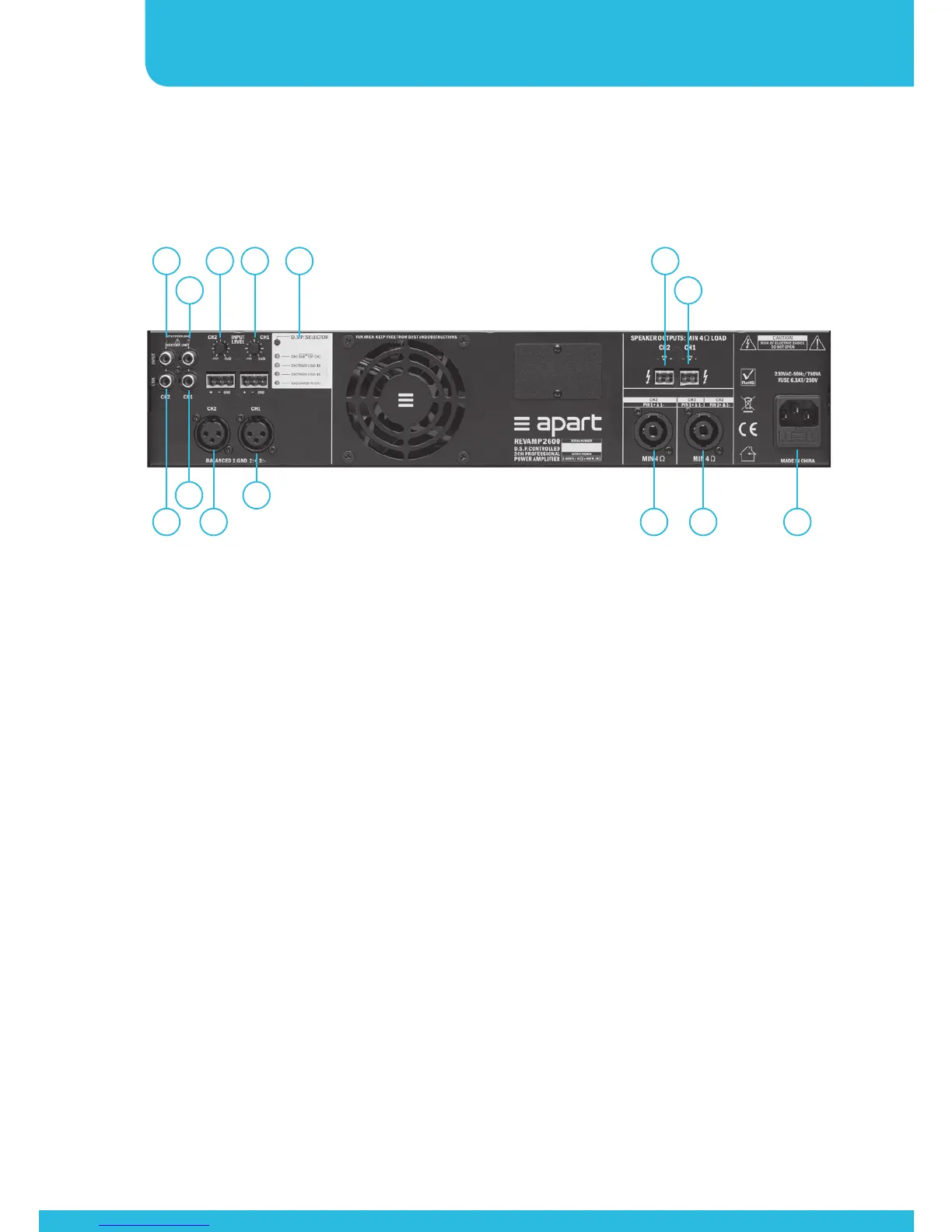
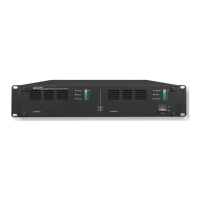
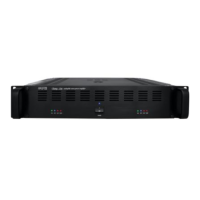
1. Channel 2 overload led: when this led lights up, you are
overloading the input. Lower the input signal immediately to
prevent the amplifier from shutting down.
2. Channel 1 overload led: when this led lights up, you are
overloading the input. Lower the input signal immediately to
prevent the amplifier from shutting down.
3. Channel 2 input gain setting. Adjust the input gain to the
output level of your source. Make sure to avoid the clip led
lighting up at the strongest input peak level.
4. Channel 1 input gain setting. Adjust the input gain to the
output level of your source. Make sure to avoid the clip led
lighting up at the strongest input peak level.
5. DSP selector switch with led indicators: push the button to
scroll between the various pre-programmed DSP settings.
There are 6 possible DSP settings and 2 available combinations.
The settings will be memorized and recalled when the unit is
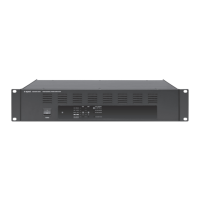
Connections
1
10 8 912 14
11 13
3 4 5 6
2 7


 To Next Page