13
Step 6: Connecting The System
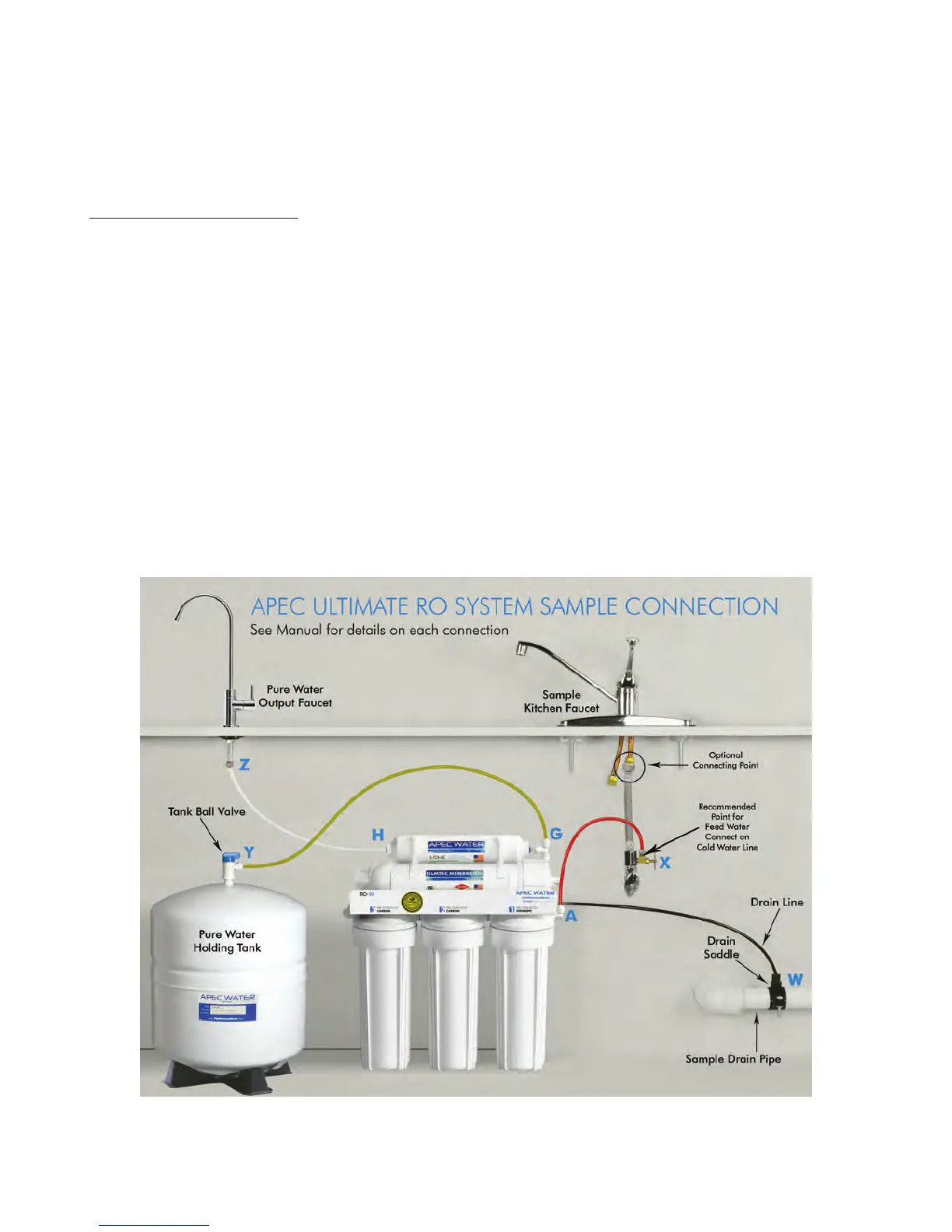
Summary of Tubing Connections:
There are 4 connections: See Fig 11 and 11A
Point A to X: Connect RO to COLD water supply — Red tubing.
Point G to Y: Connect product water from 5
th
-stage filter to tank — Yellow tubing. This tubing
is a 2-way line, Product water enters and leaves the tank via this line.
Point H to Z: Connect product water from 5
th
-stage output to RO faucet — Clear tubing.
Drain line to W: Connect waste water from 4
th
-stage membrane to drain outlet — Black tubing.
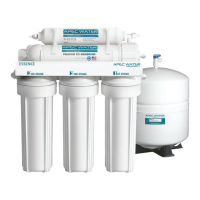
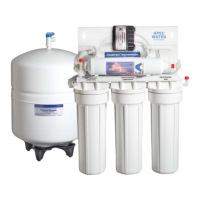
Please Note: The diagram below is for our Non Pump RO-45, RO-90 and RO-PH90. If
you are installing the RO Perm or RO Pump, please refer to the diagram in the
addendum.
Fig. 11



 To Next Page