Table of Contents
© 2014 Apeks
CAUTION: Failure to correctly reassemble the shoulder strap could cause strap
assembly to come undone during a dive, resulting in loss of equipment.
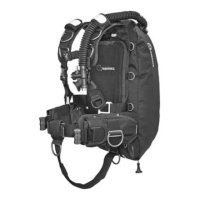
Customizing the Shoulder Hardware
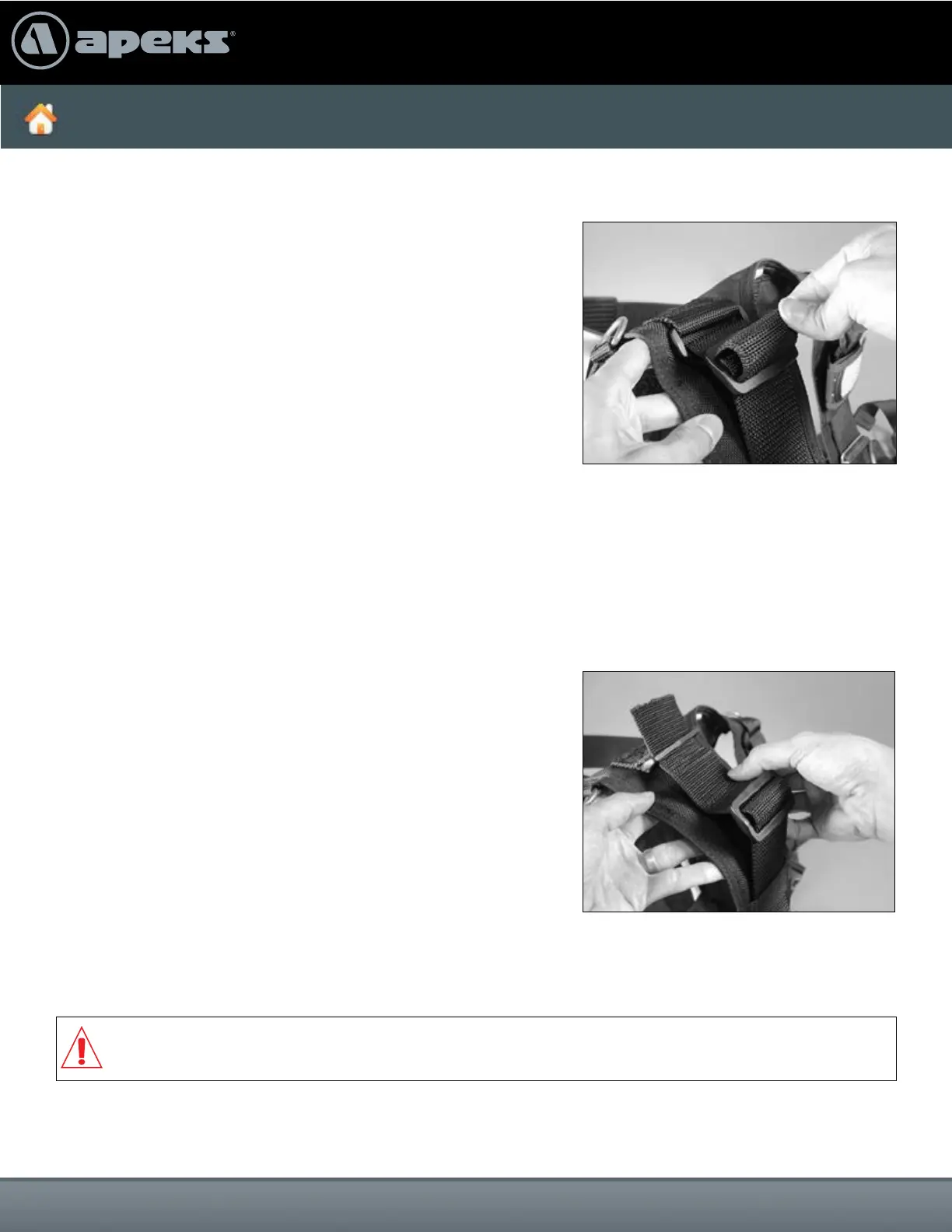
1. Remove epaulets from the shoulder strap webbing.
2. Unweave webbing from 3-bar plastic slide and rectangular
plastic loop.
3. Remove 3-bar plastic slide from webbing. Pull webbing
out from sewn-in shoulder strap loop.
4. You now have the ability to add or remove hardware
according to your needs.
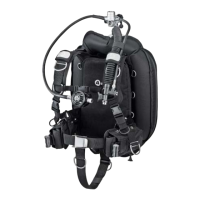
4. Weave webbing through 3-bar plastic slide and tighten,
making sure that there is at least 0.5 inches of excess
webbing extending past the 3-bar plastic slide.
1. Weave webbing back through sewn-in shoulder strap loop.
2. Install 3-bar plastic slide to webbing so that it’s positioned
about an inch below rectangular plastic loop.
3. Insert webbing, back to front, through rectangular plastic
loop and back around toward 3-bar plastic slide.
Securing the Shoulder Webbing


 To Next Page