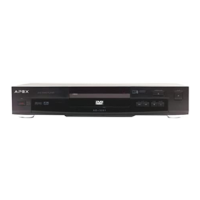
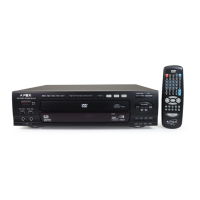
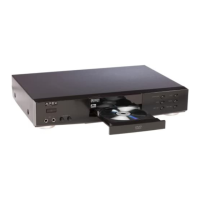
APEX DIGITAL
AD-1225
6
18. REPEAT
19. A-B REPEAT
20. MUTE
21. GOTO
22. CLEAR
23. DISPLAY
24. AFF
25. ZOOM
26. P AL/NTSC
27. ANGLE
28. SUBTITLE
29. TITLE
30. STOP
31. F AST FORW ARD
32. F AST REVERSE
Remote Control
1. POWER
2.
NUMBER BUTTONS
3. SHUFFLE
4. PROGRAM
5. KODAK T.E.
6. RESUME
7. SLOW
8. STEP
9. SETUP
10. AUDIO
11. MENU
12. DIRECTION BUTTONS
13. ENTER/PLAY
14. P AUSE
15. SKIP FORW ARD/ REVERSE
16. OPEN/CLOSE
17. VOLUME UP / DOWN
THE INSTRUCTIONS BELOW DESCRIBE THE
FUNCTIONS ON THE REMOTE CONTROL.
6
4
13
2
23
31
26
29
27
22
1
20
18
7
14
1
17
30
15
POWER button on the remote control is for st andby power only. T urn on the
main power button on the DVD Video Player .
P/N button is for P AL/NTSC. If a PAL region 1 DVD disc is played, press P/N
for normal playback. Otherwise, the picture will continuously roll.
MUTE button cut s out sound from the player; MENU returns the player to the
movie menu at the beginning of a disc; VOL controls player volume.
24
3
5
8
9
1
11
21
25
28
1
19
!
32
When displayed on TV, function is not operational on the disc.



 To Next Page
 Loading...