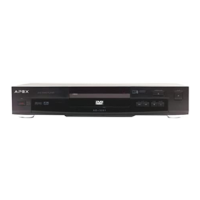
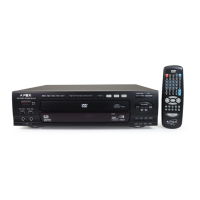
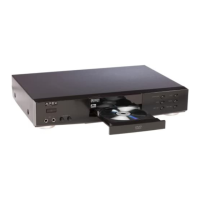
APEX DIGITALAD-1225
9
Enjoying Digital S tereo Sound (BETTER)
Digit al S tereo
Enjoy the dynamic sound of Digit al S tereo by
connecting an amplifier equipped with a digit al
audio input and speaker system (right and lef t
front speakers).
Refer to the manual of the connected TV.
T urn of f power and unplug both unit s before connecting.
Due to the wide dynamic range of sound output of the DVD video player, adjust the volume of your receiver to a comfort able listening
level to avoid damaging speaker.
Connection to Optional Equipment
!
To VIDEO
OUT
To ANALOG
AUDIO OUT
Audio cable
Y ellow
Connection
Example
To audio
input
Amplifier
equipped with
Dolby Pro
Logic Surround
To video
input
Front
speaker
(lef t)
Connect one or
two speakers. The
output sound from
the rear speakers
will be monaural
even if you
connect two rear
speakers.
Front
speaker
(right)
Center
speaker
Rear
speaker
To VIDEO
OUT
Yellow
Connection
Example
To digit al
audio input
Amplifier equipped
with digit al audio input
To video
input
Front
speaker
(lef t)
Front
speaker
(right)
Coaxial cable
To PCM/BITSTREAM
TV
TV
(Optional)
Enjoying Dolby Pro Logic Surround
Sound (GOOD)
Dolby Pro Logic Surround
Enjoy the dynamic realistic sound of Dolby Pro
Logic Surround by connecting an amplifier and
speaker system (right and lef t front speakers, a
center speaker, and one or two rear speakers).



 To Next Page
 Loading...