EasyManua.ls Logo

Apex Digital DT250 - User Manual

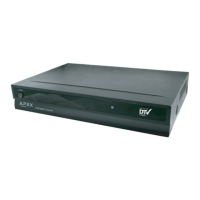
Apex Digital DT250
25 pages
Print Icon
To Next Page IconTo Next Page
Loading...
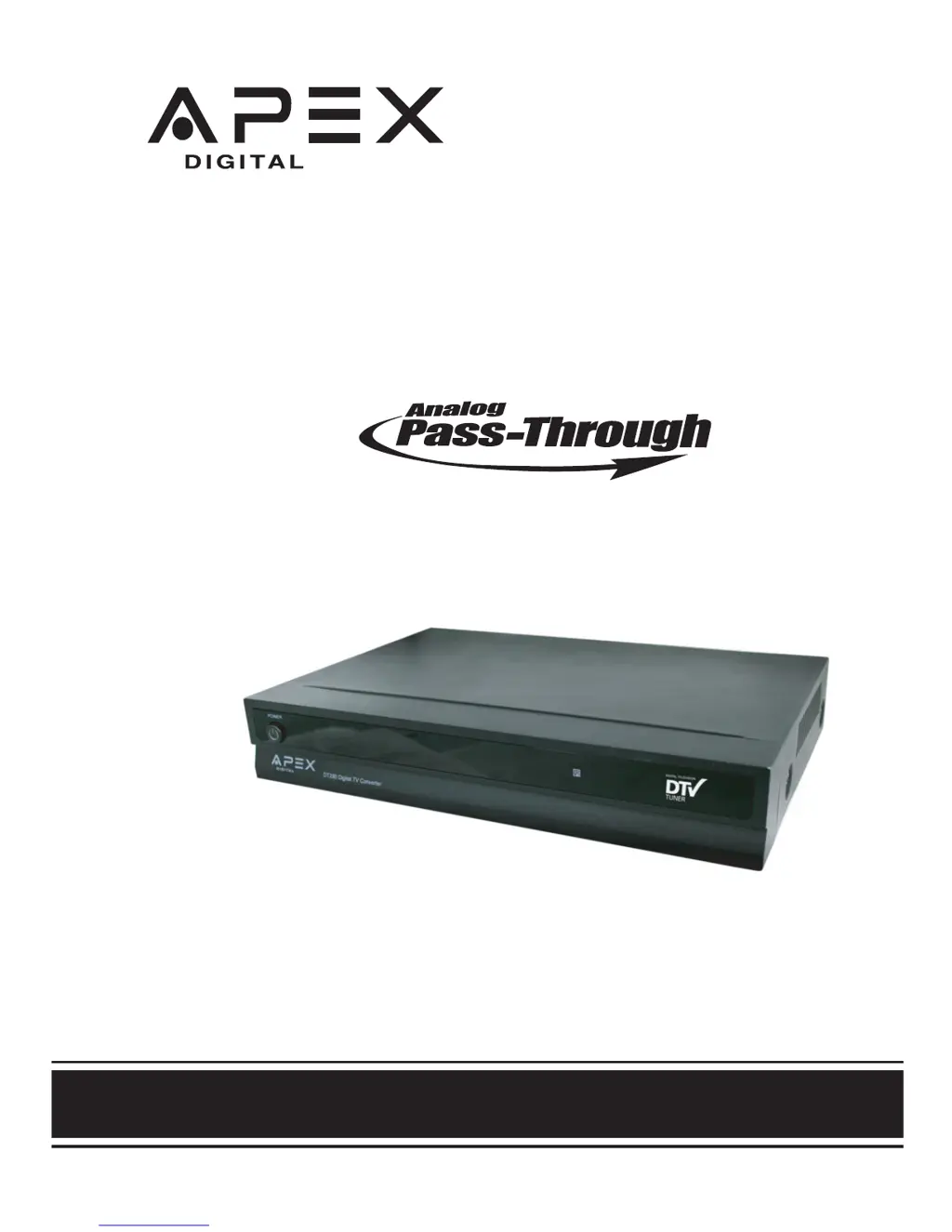
DT250
Digital TV Converter Box
User's Manual
®
simply remarkable™
WITH
Caja Convertidora
de TV Digital
CON CAPACIDAD DE PASAR LA SENAL ANALOGICA
Manual del usuario

Other manuals for Apex Digital DT250

Questions and Answers

  • R
    Raymond ThomasJul 29, 2025
    What to do if there is no picture on my Apex Digital DT250?
    • A
      Aaron WalkerJul 29, 2025
      If you're not getting any picture on your Apex Digital TV Converter Box, here are a few things to try: * Ensure that the video devices are turned on. * Reconnect the antenna or cable wiring. * Try another channel as the digital TV channel signal may be weak. * Make sure Auto Scan Channels is complete.
  • C
    Cathy ChambersAug 3, 2025
    Why is there no sound coming from my Apex Digital DT250?
    • R
      Ricardo YoungAug 3, 2025
      If your Apex Digital TV Converter Box is not producing any sound, make sure the connected audio cables are fully inserted. Also, ensure the correct audio source is selected on your amplifier. Check if the mute function is enabled and, if so, press the MUTE button on the remote to disable it.
  • J
    jillellisAug 6, 2025
    How to fix Apex Digital TV Converter Box when it cannot receive certain channels?
    • J
      John ZimmermanAug 6, 2025
      If you cannot receive certain channels through the antenna on your Apex Digital TV Converter Box, use the automatic scanning function to add the channels not included in memory. The signal from the TV station may be weak, or you may need to reposition the antenna.
  • A
    adam53Aug 11, 2025
    Why is my Apex Digital TV Converter Box blocked at certain channels?
    • J
      Joseph ParsonsAug 11, 2025
      If your Apex Digital TV Converter Box is blocked at certain channels, use the automatic scanning method to add the channels not included into the memory. Also, check your parental control settings.
  • P
    Phillip SparksAug 15, 2025
    What to do if video is noisy or choppy on Apex Digital DT250 TV Converter Box?
    • M
      Michelle NelsonAug 16, 2025
      If you are experiencing video noise or a choppy picture with your Apex Digital TV Converter Box, first ensure that all connected video and audio cables are completely inserted. If the problem persists, try repositioning the antenna.
  • M
    morgan24Aug 19, 2025
    How to remove black box on screen on Apex Digital DT250?
    • S
      Stephanie PowellAug 20, 2025
      If you see a black box on the screen of your Apex Digital TV Converter Box, it could be because the "Text" option is enabled but no text is available. Alternatively, try turning off CC (Closed Captions) on the remote control.
  • C
    Connie AndrewsAug 25, 2025
    What to do if my Apex Digital DT250 has no power?
    • A
      Amanda DanielsAug 25, 2025
      If your Apex Digital TV Converter Box has no power, the batteries in the remote control may need replacing. If that doesn't work, remove and then reattach the AC plug to the wall outlet after waiting a moment.

Summary

Important Safety Information

Product Introduction and Specifications

Technical Specifications

Details unit dimensions, weight, aspect ratio, tuner type, resolution, and outputs.

Remote Control Setup and Range

Battery Installation Guide

Instructions for inserting AAA batteries into the remote control.

Remote Control Functions Overview

Remote Control Basic Functions

Remote Control Channel Management

Favorite Channels Setup

Adding and deleting channels from the favorite list for quick access.

Main Menu: Auto Program & Channels

Auto Program and Channel Scan

Setting up automatic channel scanning and manual channel selection.

Password and Parental Controls

Managing passwords and setting up parental control restrictions.

Main Menu: Captions, Language, Timer

Closed Caption and Language Options

Customizing closed caption display and on-screen language preferences.

Main Menu: Antenna, Aspect Ratio, Reset

Smart Antenna and Aspect Ratio

Configuring smart antenna settings and TV aspect ratio for display.

Troubleshooting Common Issues

Apex Digital DT250 Specifications

General IconGeneral
BrandApex Digital
ModelDT250
CategoryTV Converter Box
LanguageEnglish

Related product manuals