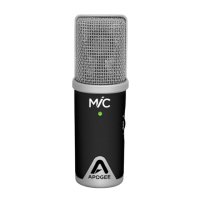
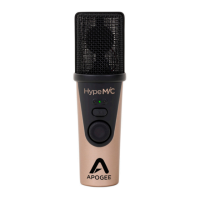
Apogee ClipMic digital 2 - User’s Guide
7. In the case where WDM and ASIO audio drivers are both in use (for example, if Zoom and
Ableton Live are both open), there are a few advanced properties to set for stable performance.
a. From the Microphone Device Properties
page, click Additional device properties.
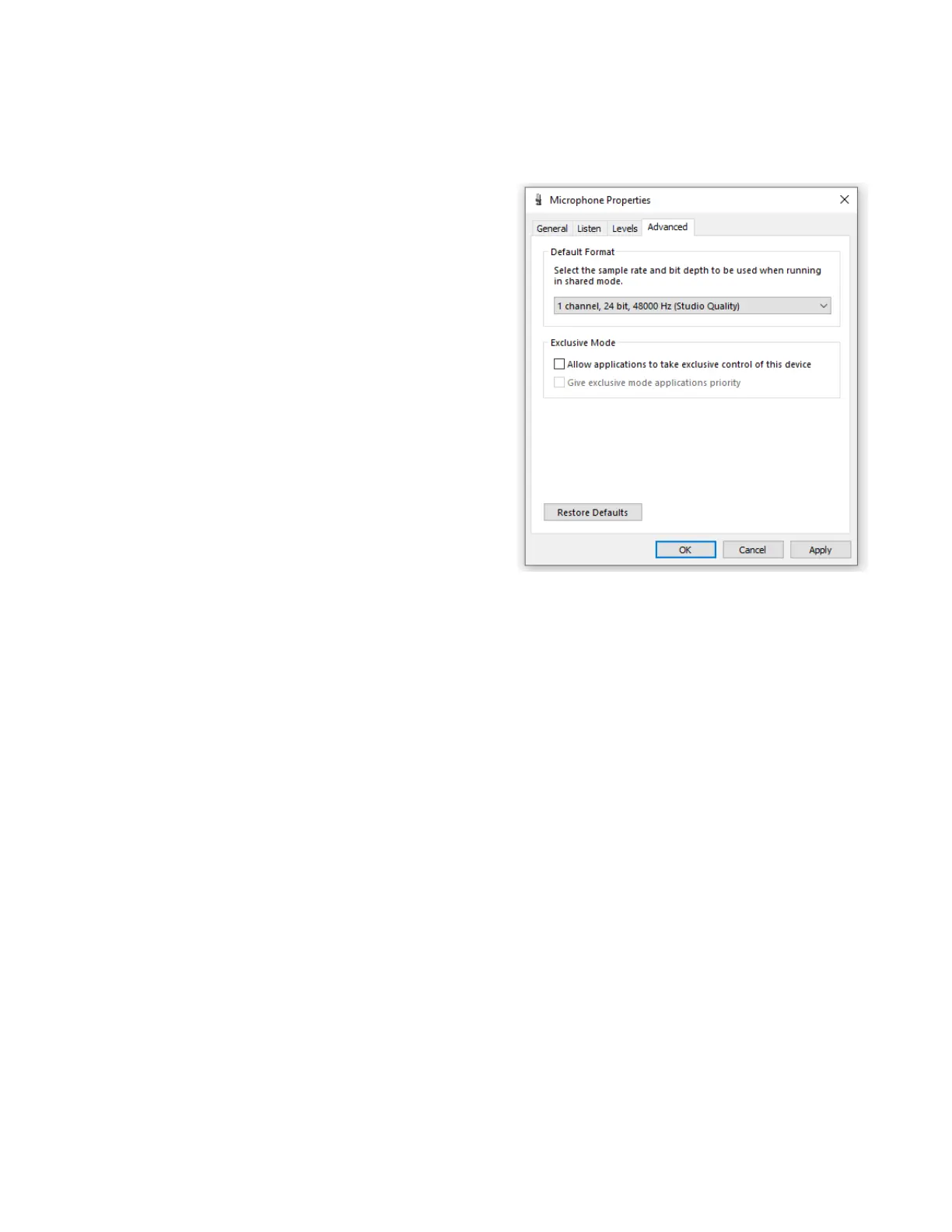
b. In the Microphone Properties window,
click the Advanced tab.
c. Set the Default Format sample rate to
match the sample rate of your DAW
session.
d. Uncheck “Allow applications…”
e. Repeat steps a-c for your Speaker
device.
f. When you change the sample rate here,
it may be necessary to re-launch apps
for audio to pass.



 To Next Page