iMac (21.5-inch, Late 2009) Take Apart — General Information 108
2010-11-18
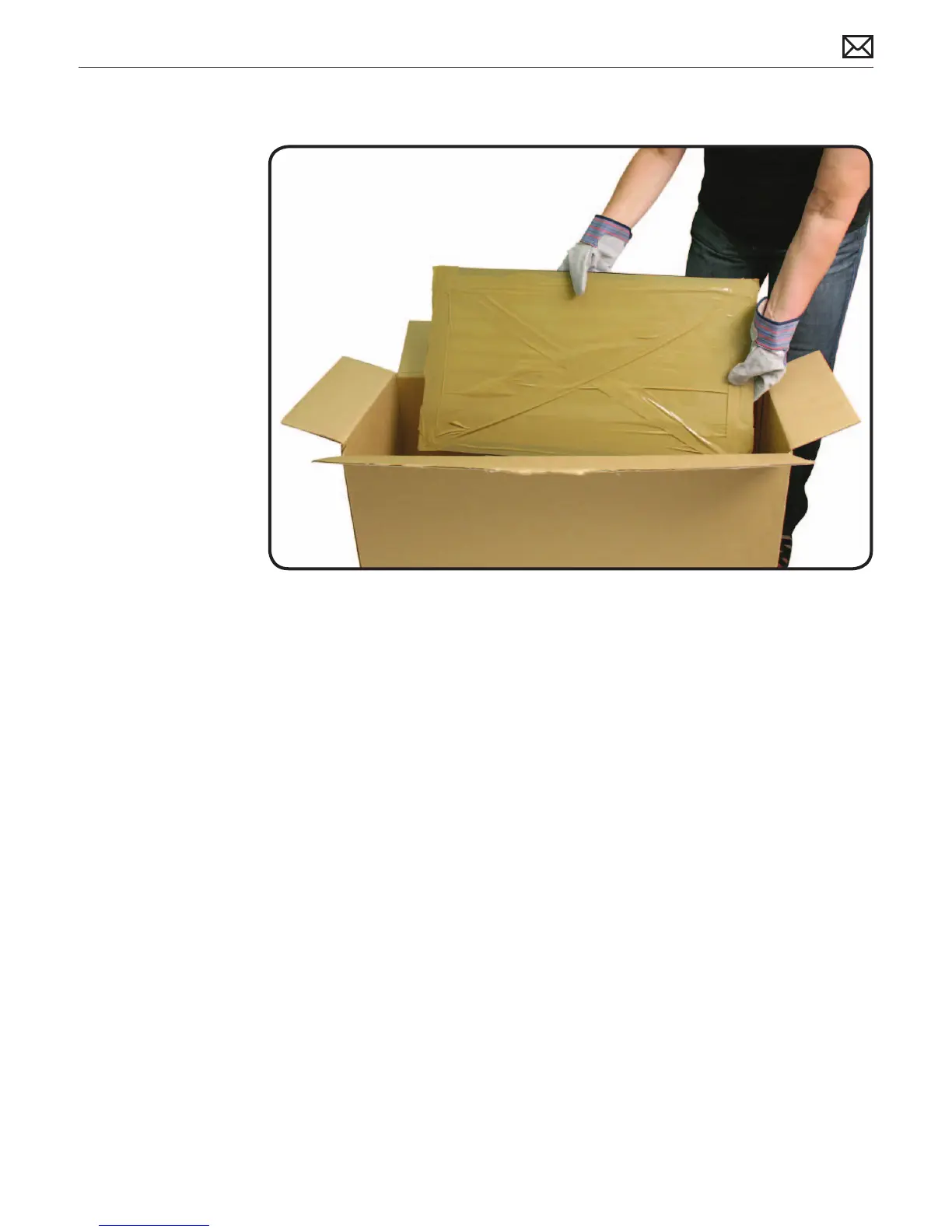
8. Place the broken glass inside a large box, label the box, and dispose of it properly.
9. Using a whisk broom, clean the work surface of tiny glass particles.
10. Stand the iMac up and use a lint free cloth to carefully brush any of the particles o the
iMac onto the table. Clean the work surface again.
11. When the repair is nished the cloth should be disposed of immediately.
12. Use a broom and dustpan to sweep up as much of the broken glass as possible. Glass
fragments may have traveled several feet from the location of the glass panel, so be sure to
thoroughly clean the entire area. Use a vacuum to remove the smaller fragments not picked
up by the broom.
Note: A broken glass panel may leave one or more scratches on the LCD display depending on
the severity of the glass breakage. As long as the LCD itself has not been fractured the LCD does
not require replacement, but be sure to let the customer know that the scratches are there and
were caused by the broken glass panel.



 To Next Page