iMac (21.5-inch, Late 2009) Take Apart — General Information 109
2010-11-18
Safety
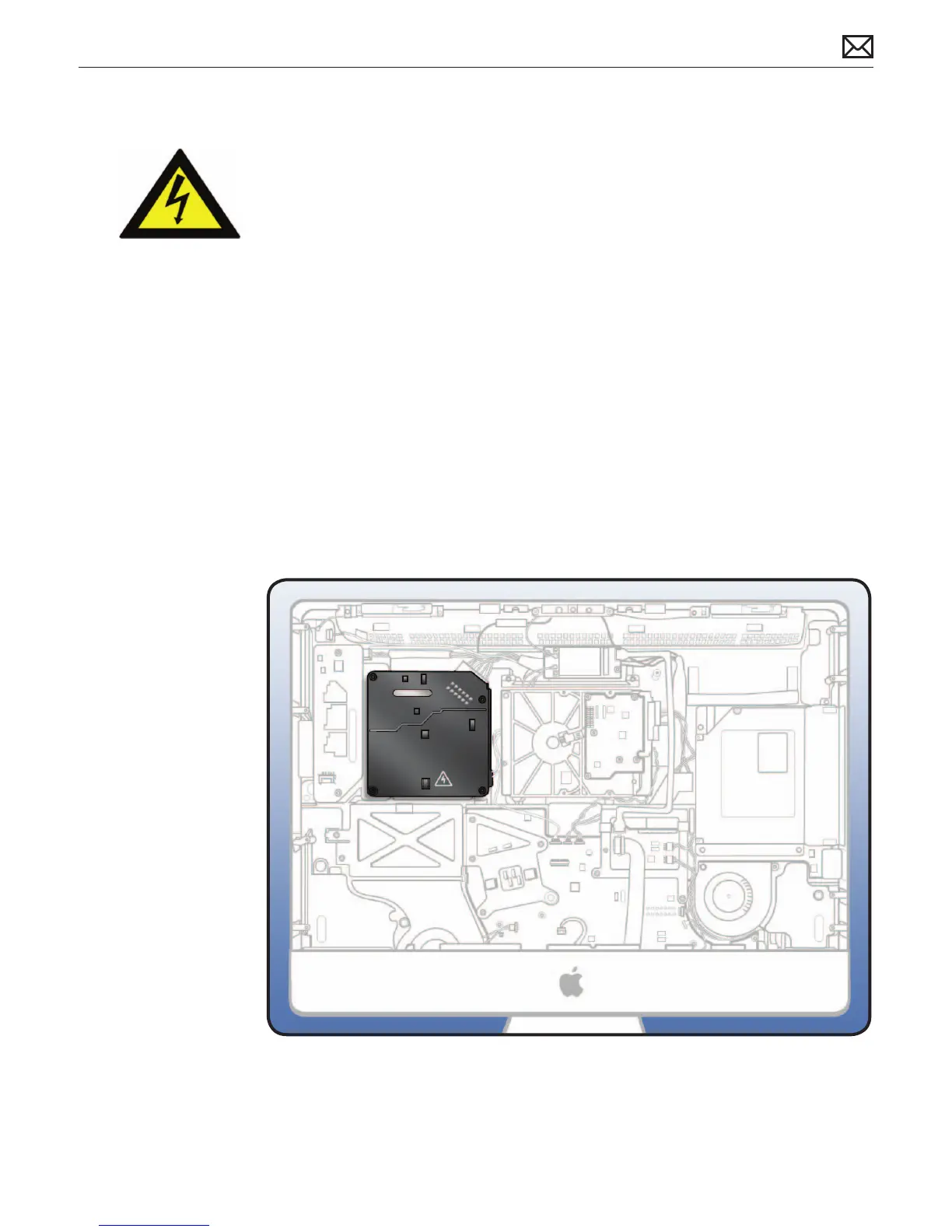
Warning: HIGH VOLTAGE: The AC/DC power supply PCB remains powered up whenever
system is plugged in, whether or not system has been turned on. Use extreme caution
when troubleshooting system with glass panel removed.
• Don’t work alone. In the event of electrical shock it is important to have another
individual present who can provide assistance.
• Keep one hand in your pocket when working on any iMac system that is plugged
in. This will help ensure that your body does not provide a path to ground in the
event that you accidentally make contact with line voltage.
• Don’t wear jewelry, watches, necklaces, or other metallic articles that could present
a risk if they accidentally make contact with power supply circuitry.
Use extreme caution when working around power supply. The power supply contains a
high voltage capacitor that may remain charged for several minutes even when computer is
unplugged. Never touch leads on top side of power supply, especially capacitor leads located
near warning sign.
Important: If computer is shut down by removing power cord, allow power supply a good 2-3
minutes to discharge capacitors before handling it. However, if you select “Shut Down” via the
Apple menu, the computer will discharge power supply capacitor almost immediately.



 To Next Page