iMac (21.5-inch, Late 2009) Symptom Charts — Display 52
2010-11-18
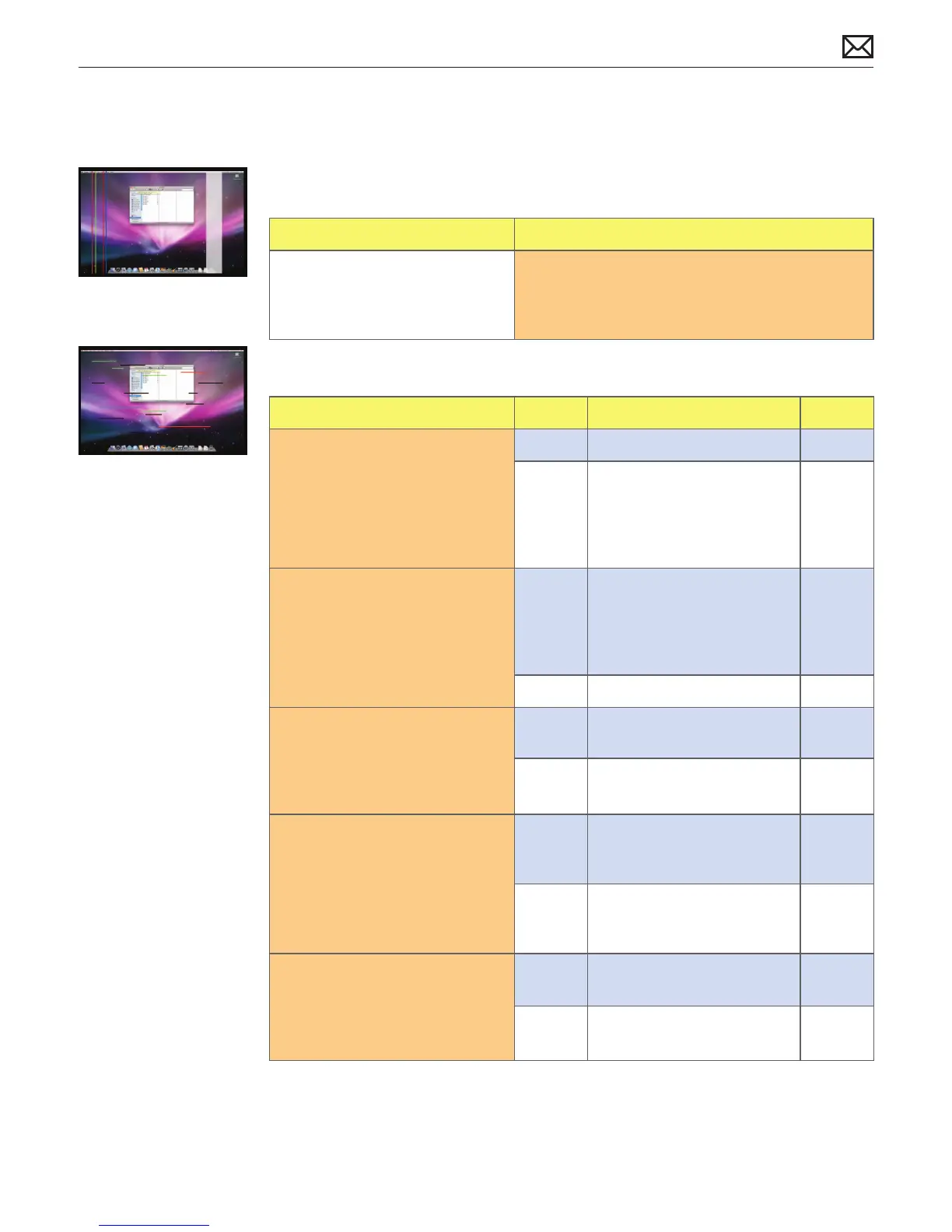
Vertical/Horizontal Lines
Unlikely cause: power supply, hard drive, optical drive, fans, speakers, camera, microphone
Quick Check
Symptoms Quick Check
Vertical/Horizontal Lines
• Vertical lines
• Horizontal lines
1. Boot from install DVD to determine if potential
software issue exists.
2. Verify if issue is visible on an external display.
Deep Dive
Check Result Action Code
1. Boot from Install DVD and
verify if issue is still visible.
Yes Go to step 2.
No Issue likely caused by
software or driver issue.
Troubleshoot for software
issues. Make sure all software
updates have been installed.
2. Verify if issue is visible on an
external display attached to
mini DisplayPort.
Yes Issue NOT caused by internal
LCD. For systems with a video
card, go to step 3. For systems
without a video card, go to
step 4.
No Go to step 6.
3. If a video card is present,
remove video card and inspect
connector for damage or
corrosion then reinstall. Verify if
issue still occurs.
Yes Replace video card.
Go to step 8.
M24
No Issue likely caused by poor
video card connection.
4. For systems without video card,
horizontal lines may be related
to a failing RAM module. Verify
if video issue only happens
AFTER Apple logo and spinning
wheel appear.
Yes Issue only happens AFTER
Apple logo and spinning
wheel appear. Go to step 5.
No Issue present before Apple
logo and spinning wheel
appear. Go to step 8.
5. Start with shift key down
(safe mode) to disable system
extensions. Verify if issue still
happens when booting in safe
mode.
Yes Go to step 8.
No No video issue when booting
in safe mode. Go to step 6.



 To Next Page