iMac (21.5-inch, Late 2009) Symptom Charts — Mechanical 99
2010-11-18
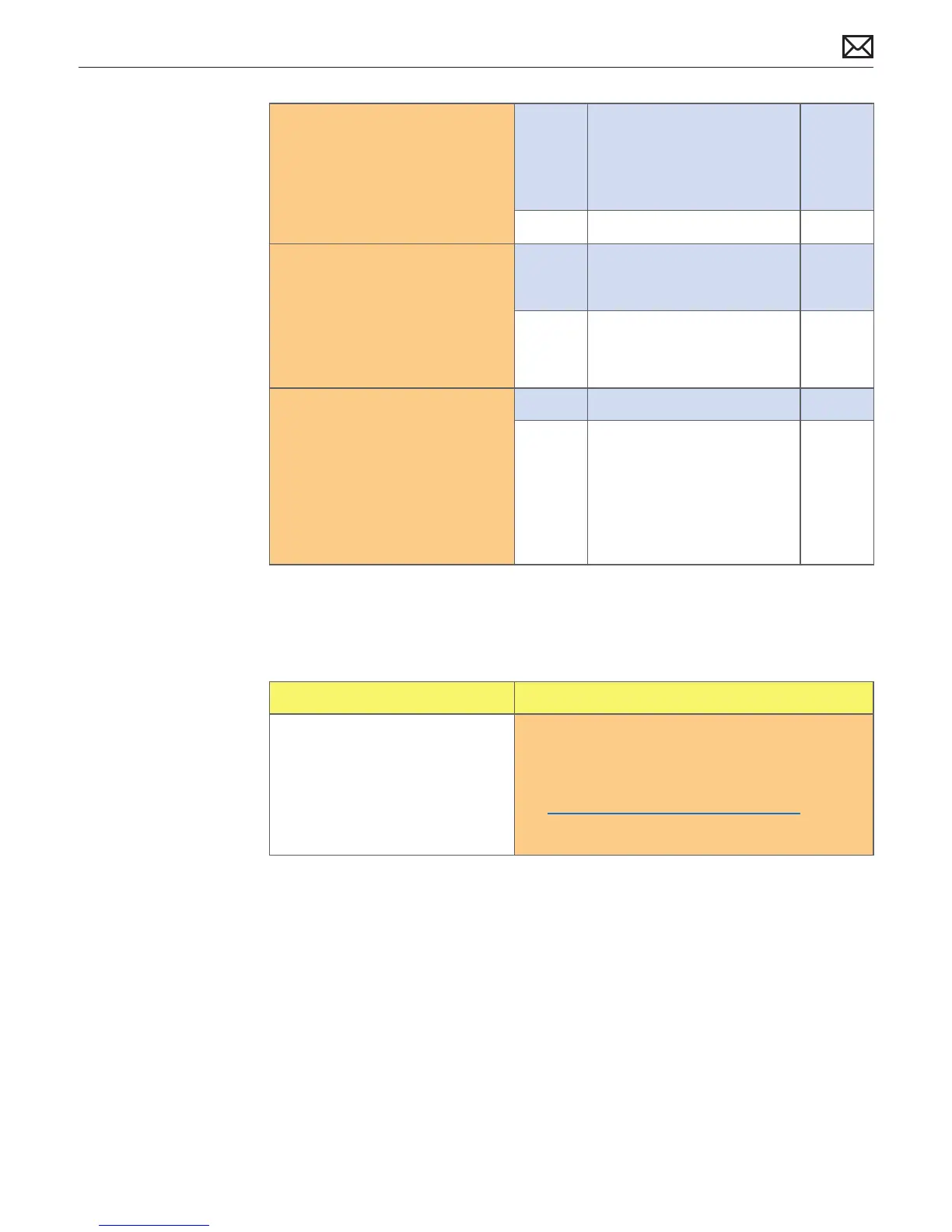
3. Verify if any tape, gasket, cable
label, or cable is touching
the fan blades and causing a
ticking noise.
Yes Secure the material so it
doesn’t touch fan blades. If
tape adhesive has lost its
stickiness, replace that section
of tape.
No Go to step 4.
4. Remove fans and rotate blades.
Check for any dust that could
be clogging the fans. Verify
if fan blades spin smoothly
without interference from fan
housing and fan blades are all
intact.
Yes Go to step 5.
No Replace aected fan(s). P06
5. Run Apple Service Diagnostics
stand-alone tests in looping
mode, and verify if all sensor or
fans related tests pass.
Yes Noise issue resolved.
No Check for correct sensors/fans
connections on logic board.
Check for pinched cables.
Compare with known-good
similar system, and check
for unlisted sensors. Replace
aected sensor/fan.
P06
Stand/Hinge Issues
Symptoms Quick Check
Stand/Hinge Issues
• Bent stand
• Broken hinge
• Stripped screw/head
• Stripped screw boss
1. Determine if damage caused by user /technician
environment, accidental damage, or abuse. If
so, inform user/technician the failures are not
covered by Apple warranties. Refer to
http://www.apple.com/legal/warranty
2. For hinge noise issues replace hinge mechanism.



 To Next Page