23
CHAPTER
2
2
Problems Using Your Computer
Problems With Applications, Documents, and Memory
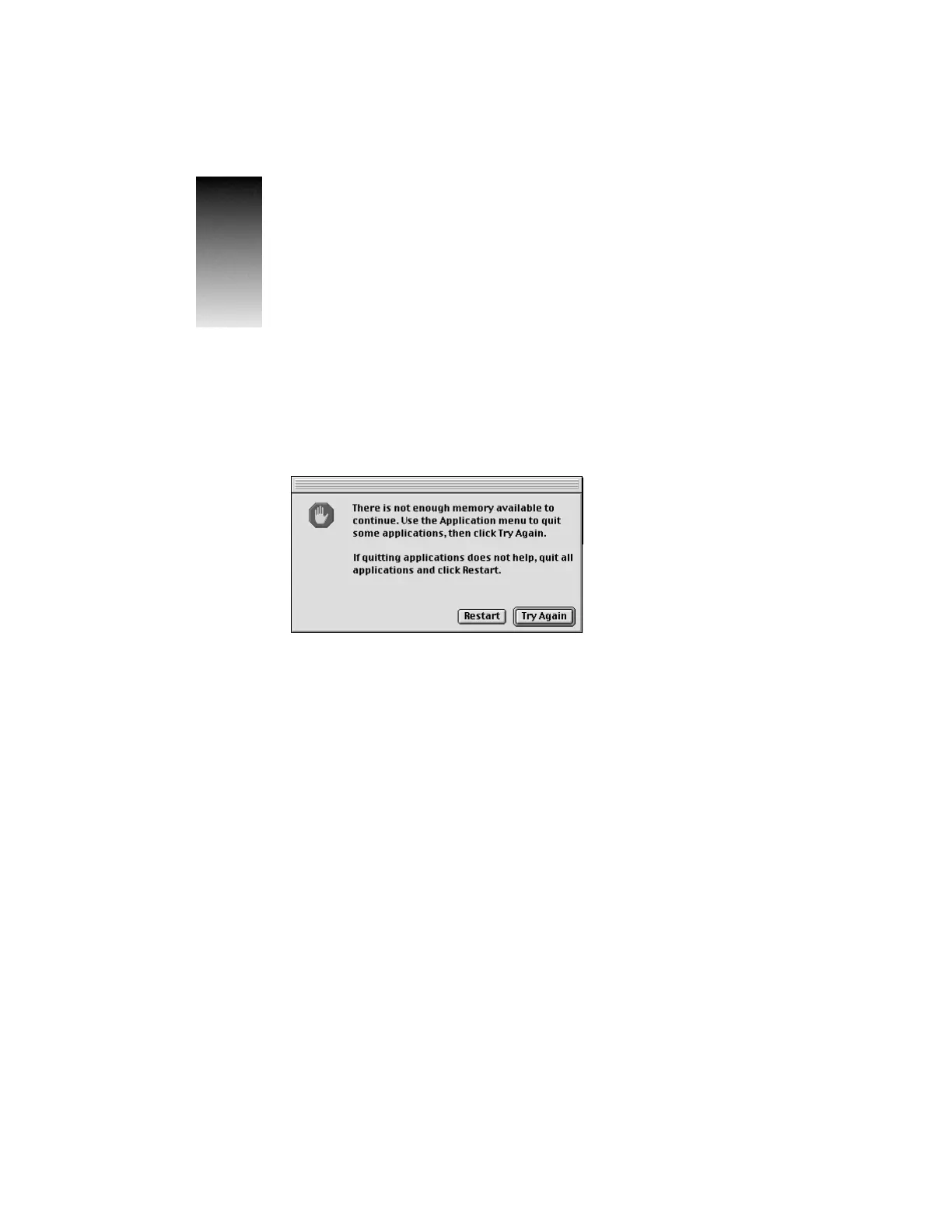
Message appears saying there’s not enough memory.
All the memory in your Macintosh is in use by other application programs, system software,
and system resources.
m Quit other open programs to free memory, then open the program you want to use.
Note: Make sure you have quit other applications, not just closed their open documents.
To quit an application, open the application menu at the far right of the menu bar and
choose the application name to make the application active. Then open the File menu
and choose Quit.
m Follow these steps to allocate more memory to the program:
1 Choose About This Computer from the Apple (K) menu. Take note of the number in
the Largest Unused Block section. This number tells you how much memory is
available to open programs.
2 Quit the program if it’s open, select its icon, and choose Get Info from the File menu.
Take note of the numbers in the Minimum Size and Preferred Size boxes.



 To Next Page