Testing and Repairing Your Hard Disk Directory 51
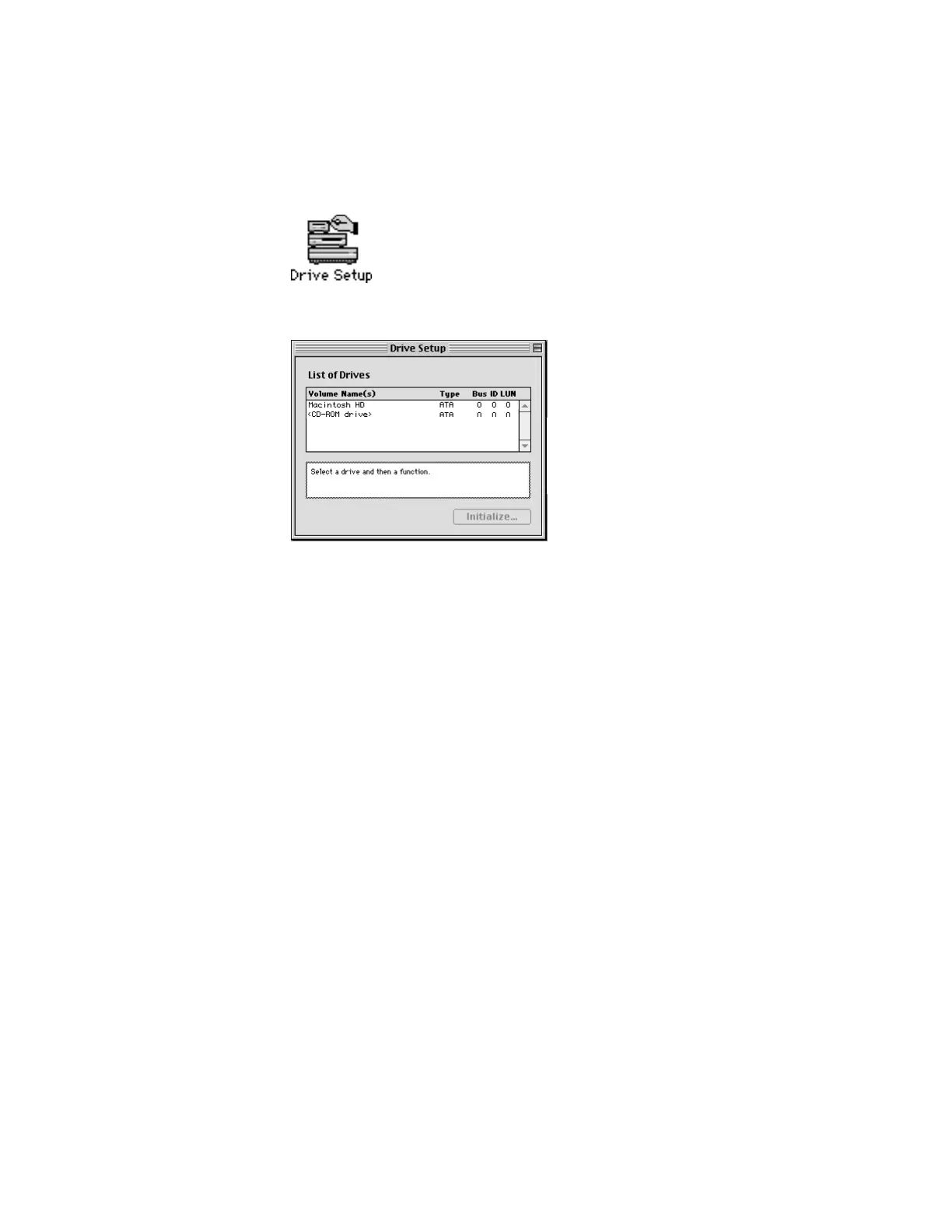
2 Locate the Drive Setup icon and double-click it to open the Drive Setup program.
3 In the list of drives, click the disk you want to test.
4 From the Functions menu, choose Test Disk.
5 When a message tells you that the testing is complete, click Quit.
If the test reveals a problem, the hard disk may be damaged. Consult an Apple-authorized
service provider for assistance.



 To Next Page