iMac (27-inch, Mid 2010) Basics — Overview 14
2010-09-09
Safety Precautions
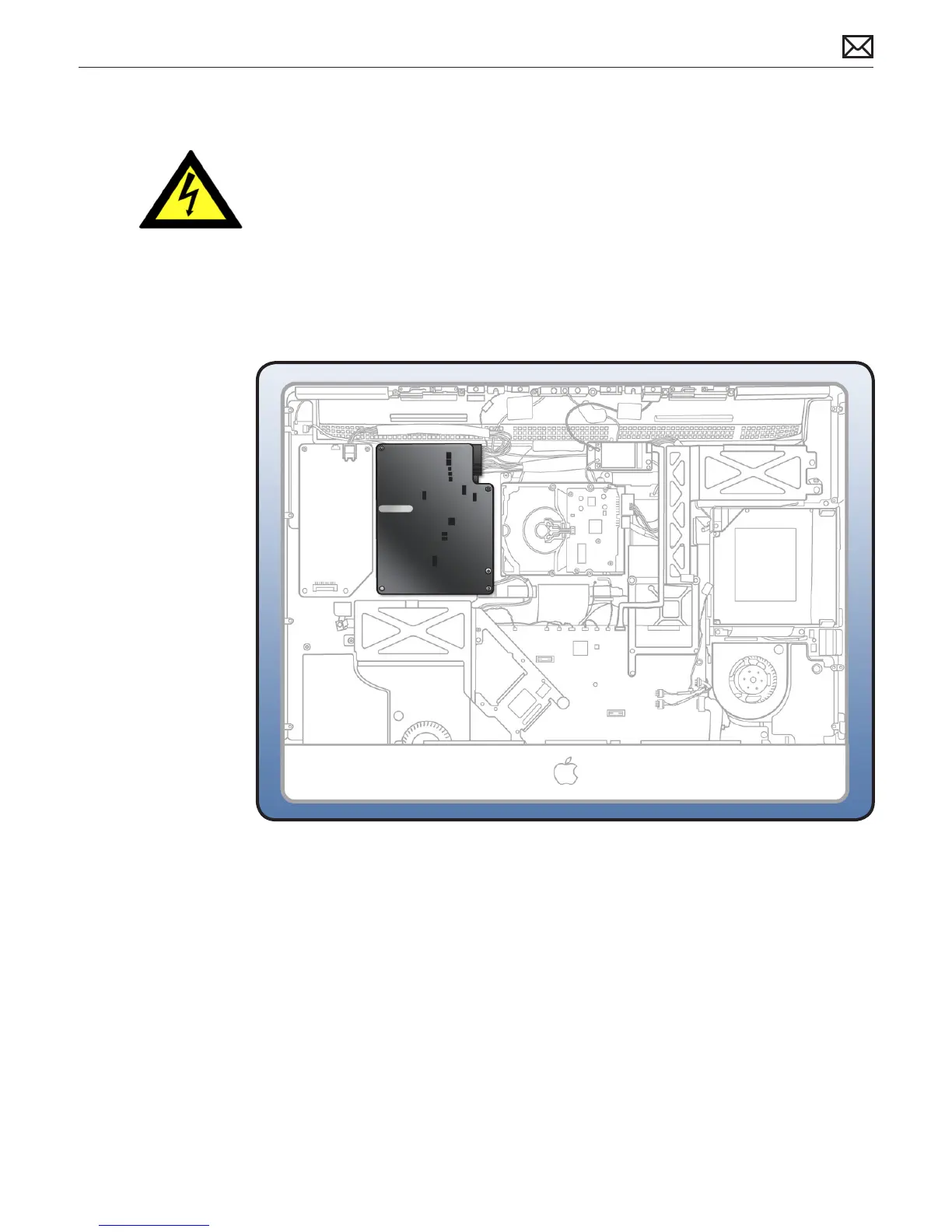
WARNING: HIGH VOLTAGE: The AC/DC power supply PCB remains powered up whenever the
system is plugged in, whether or not the system has been turned on. Use extreme caution
when troubleshooting the system with the front bezel removed.
Important: If the computer is shut down by removing the power cord, allow the power supply
a good 2-3 minutes to discharge the capacitors before handling it. However, if you select “Shut
Down” via the Apple menu, the computer will discharge the power supply capacitor almost
immediately.


 To Next Page
 Loading...


