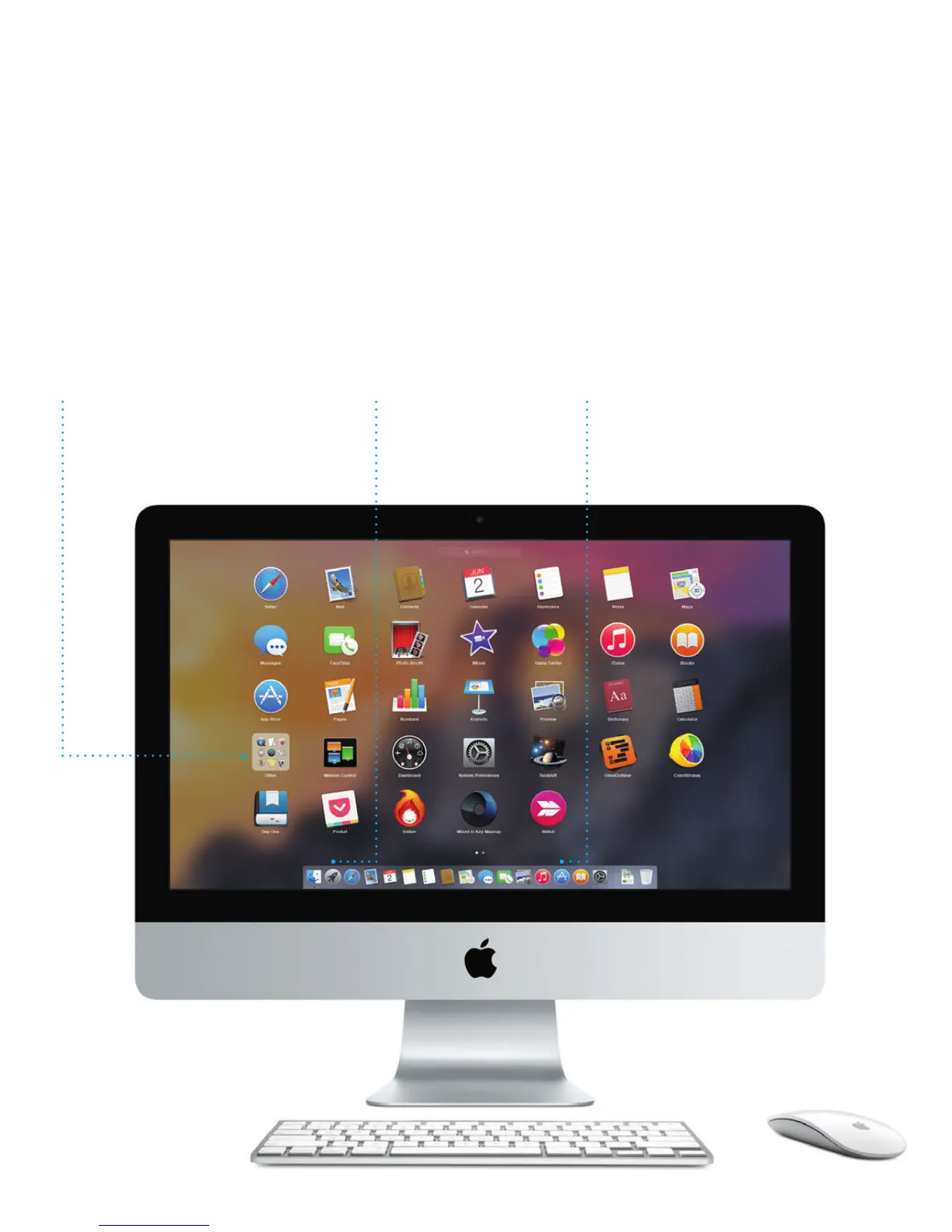
Find the app you want
Your Mac comes with great apps you can use to make the most of your
photos, create documents, browse the web, and more. Use Launchpad
to easily nd all the apps on your Mac. Arrange apps any way you want
and even group them in folders.
Find new apps on the Mac App Store. When you download an app you like,
it appears in Launchpad. The Mac App Store lets you know when app and
OS X updates are available, and can update them automatically.
Open Launchpad
Click the icon in the
Dock.
Folders
Group apps by dragging one
on top of another.
Browse the Mac App Store
Click the icon in the Dock.





 To Next Page