12 Chapter 1
Getting Started
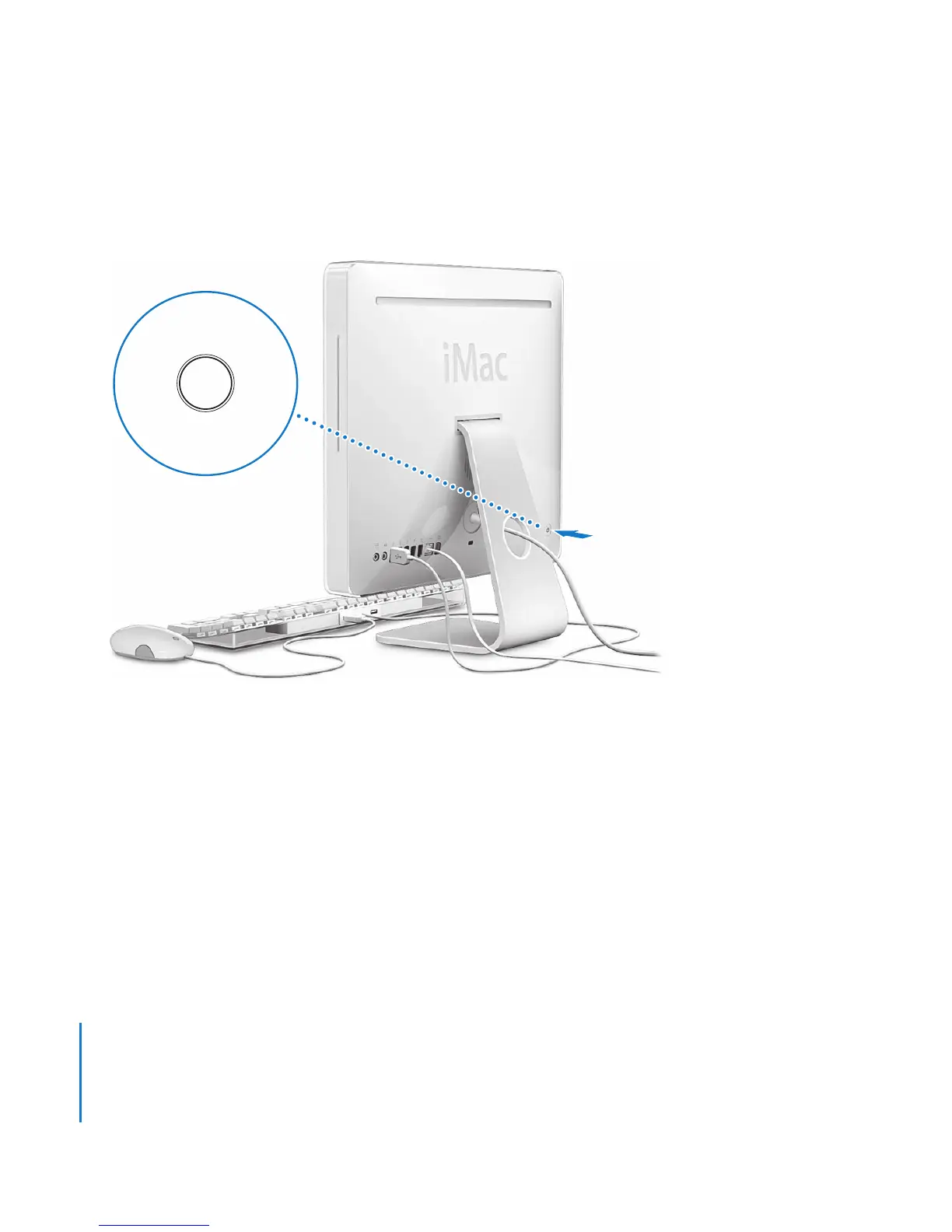
Step 4: Press the power (®
) button to turn on your iMac.
Step 5: Using Setup Assistant
The first time you turn on your iMac, Setup Assistant starts. Setup Assistant helps you
enter your Internet and email information and set up a user account on your iMac. If
you already have a Mac, Setup Assistant can help you automatically transfer files,
applications, and other information from your previous Mac to your new iMac.
®





 To Next Page