24 Chapter 2 Getting to Know Your iMac
Customizing Your Desktop and Setting Your Preferences
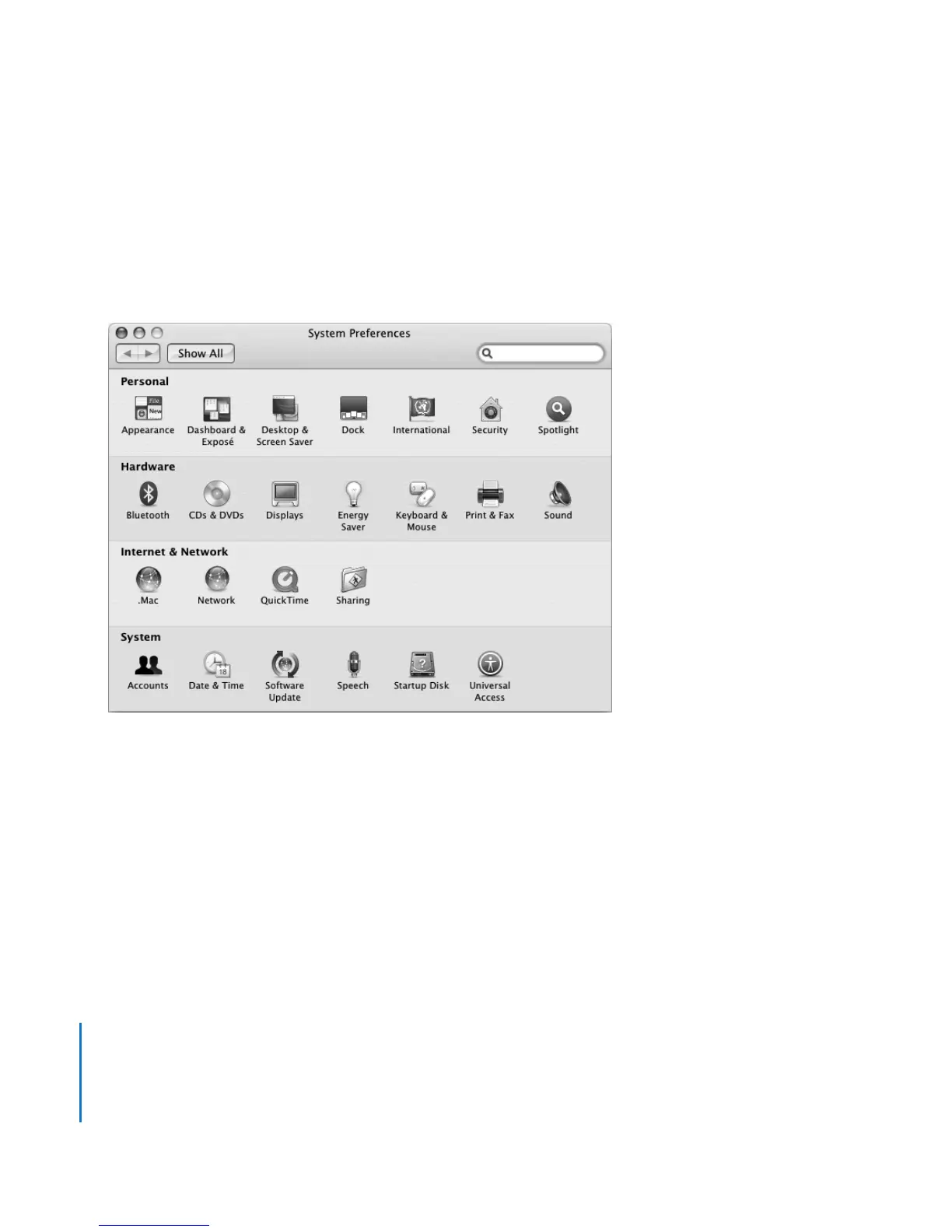
You can quickly make your desktop look the way you want using System Preferences.
Choose Apple () > System Preferences from the menu bar.
As you get to know your iMac, explore the system preferences. System Preferences is
your command center for most settings on your iMac. For more information, choose
Help > Mac Help and search for “System Preferences” or for the name of a specific
preference.





 To Next Page