EasyManua.ls Logo

Apple Macintosh - Page 224

Apple Macintosh
321 pages
Print Icon
To Next Page IconTo Next Page
To Previous Page IconTo Previous Page
Loading...
More on MacPalnt 227
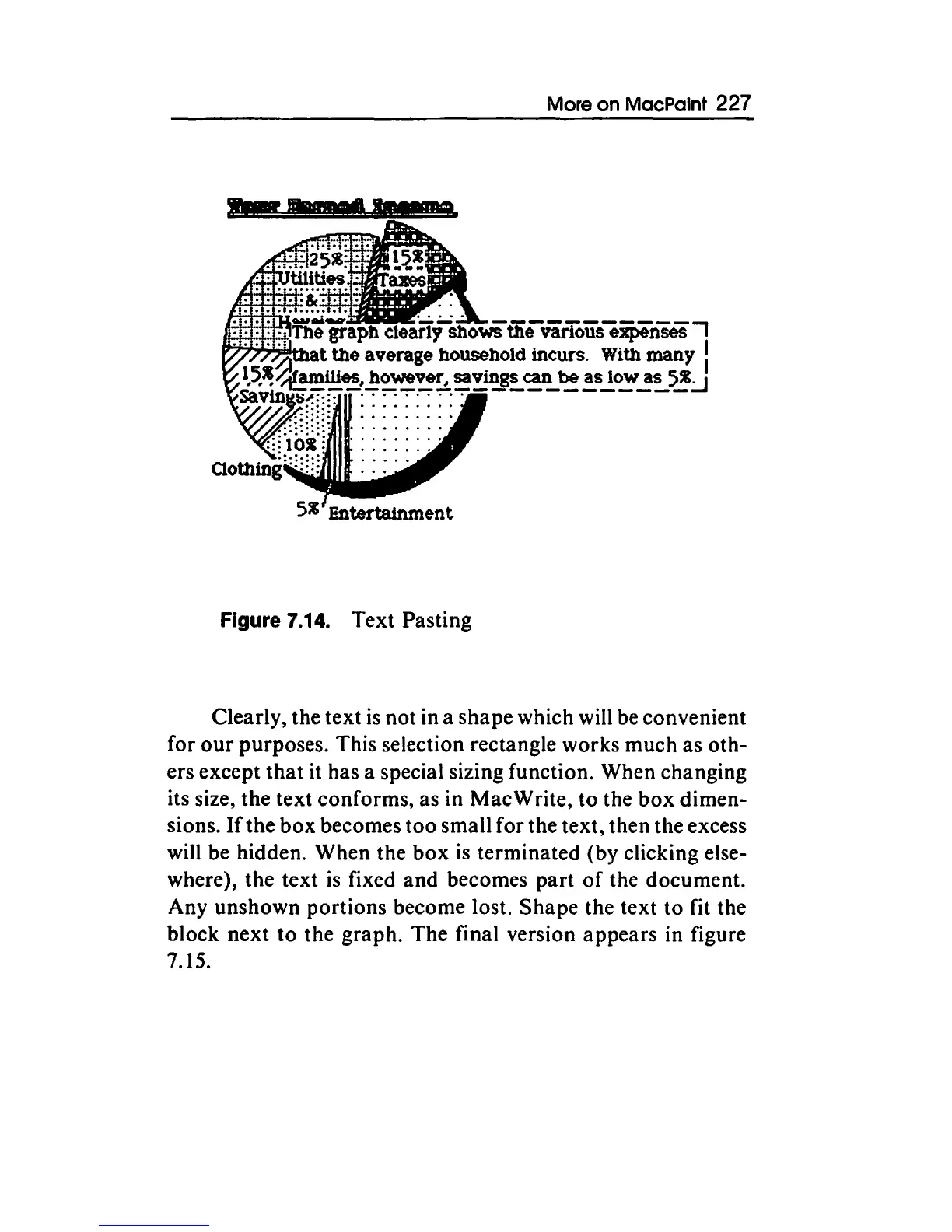
Figure 7.14.
Text
Pasting
Clearly, the
text
is
not
in a
shape
which will be convenient
for
our
purposes. This selection rectangle works
much
as
oth-
ers except
that
it has a special sizing function. When changing
its size,
the
text
conforms,
as in
Mac
Write,
to
the
box
dimen-
sions.
If
the
box
becomes
too
small
for
the
text,
then
the excess
will be hidden.
When
the
box
is
terminated
(by clicking else-
where),
the
text
is
fixed
and
becomes
part
of
the document.
Any
unshown
portions
become lost.
Shape
the text
to
fit the
block
next
to
the
graph.
The
final version
appears
in figure
7.15.

Other manuals for Apple Macintosh

Related product manuals