EasyManua.ls Logo

Apple Macintosh - Page 280

Apple Macintosh
321 pages
Print Icon
To Next Page IconTo Next Page
To Previous Page IconTo Previous Page
Loading...
Macintosh Communications 283
FILE MENU
For
th
e
most
part,
the
File
menu
for
the
MacTerminal
document
behaves
as
it
has
for
every
other
Mac
application.
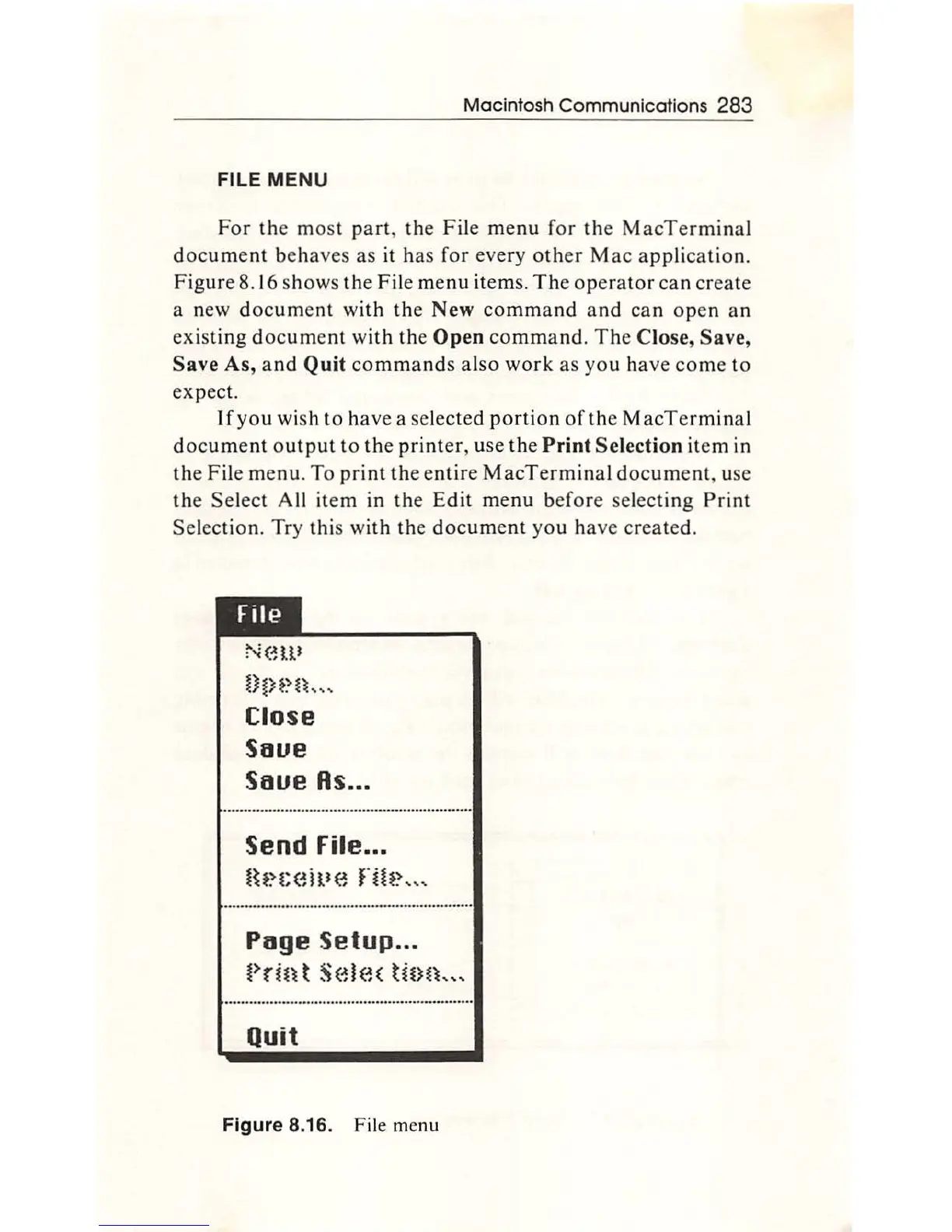
Figure
8.16
shows
the
File
menu
items.
The
operato
r
can
create
a new
document
with
the
New
command
and
can
ope
n
an
existi
ng
document
with
th
e
Open
command
.
The
Close,
Save,
Save
As,
and
Quit
commands
also
work
as
yo
u have
come
to
expect.
If
yo
u wish
to
h
ave
a selected
portion
of
the
MacTermin
al
document
output
to
the
printer
,
use
the
Print
Selection
item in
the
File
menu.
To
print
the
e
ntir
e
MacTerminal
document
, use
the
Select
All
item
in
th
e
Edit
menu
be
fore
sel
ect
ing
Print
Selection. Try this
with
the
docum
ent
you
have
created.
New
OtH~n"
'
Close
Saue
Saue
Rs
...
Send
File
•.•
Hf~t;(~ille
Hh~---
Puge
Setup
...
t>rin t
Sel(~(
ttnn
__
,
Quit
Figure
8.16. File m
en
u

Other manuals for Apple Macintosh

Related product manuals