58
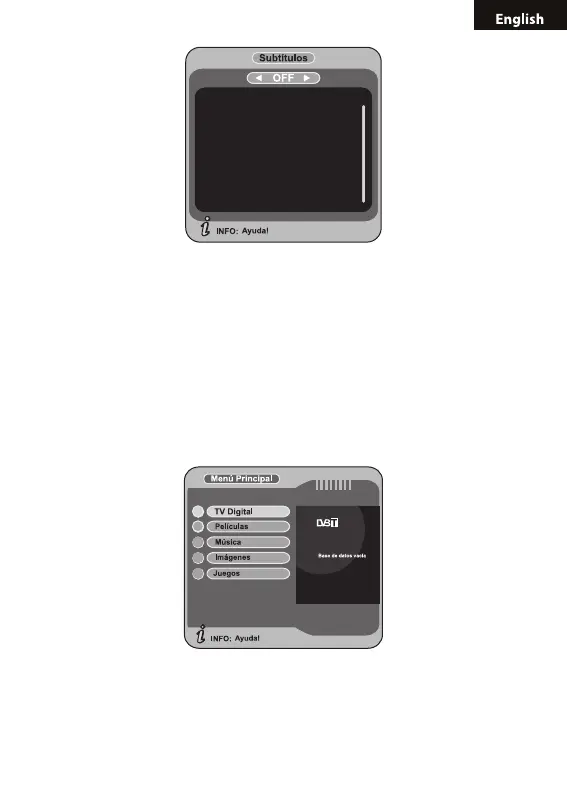
Press LEFT/RIGHT key to choose whether to open Subtitle, press UP/
DOWN key move upward and downward to choose language.
5. MAIN MENU
In the main menu of the system, under Digital TV, there are such options
as auto TV search or broadcast programs, program management, sys-
tem setup, software update and software version information view etc.
After the platform is opened,, as shown in, to set some information about
Digital TV, enter Digital TV menu of the system; and press MENU key
rstly to enter the main menu.
In Main Menu, press UP/DOWN key to choose Digital TV option and then
Press OK key once to enter Digital TV menu.



 To Next Page