62
set it to 6MHz, 7MHz, and 8MHz.
3. Press “OK” key after conguration of parameters to start manual scan.
4. If any program is detected and the scanning process is nished, sys-
tem will exit the scanning page and save the program, at the same time
return to the “installation menu” and to play them in vpp window automati-
cally.
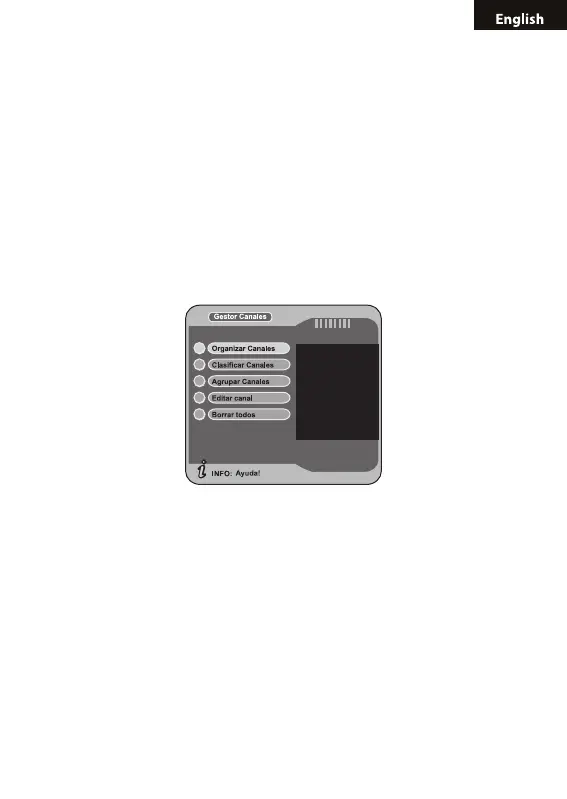
5.2 CHANNEL MANAGER
System offer an efcient function of channel management such as chan-
nel deleting, marking, moving, locking, sorting and grouping.
There are two independent pages for channel management, TV and
RADIO. You can enter the page via “digital TV-->channel manager”.
5.2.1 CHANNEL ORGANIZER
Channel organizer page includes favorite channels, channel deleting,
moving, locking and rename.
1. You can enter the page as shown in the gure below via “MENU->
Digital TV-> Channel Manager -> Channel Organizer”.



 To Next Page