Air Cleaner Control
Model 4838
Owner’s Manual
Fits Air Cleaner Models 2120, 2140, 2200, 2400 & 5000
OPERATION
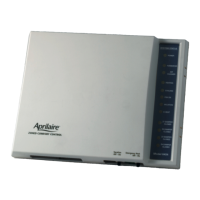
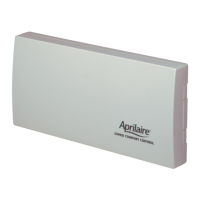
The exclusive Aprilaire Air Cleaner Control (see Figure 1) is installed by your contractor at a location that is convenient for you.
It may be located next to your thermostat, on the air cleaner or near your heating and cooling equipment.
1
Filtering
When the air cleaner is cleaning the air, either at your
command or when the heating and cooling system is operating,
bars on the display will sequence on and off to let you know
that it is working
2
Filter Life Indicator
This area of the display indicates filter usage. Bars will build
indicating usage increments of 20%, based on how the Air
Cleaner Control was set up. When all bars are filled and begin
to flash, it is time to change the filter. See the Maintenance
section on pages 2-3 for more details.
3
Active Cleaning
Four selections are available to choose the Air Cleaner Control
option that is best for you, beyond the cleaning that occurs
whenever your equipment is heating or cooling.
4
Display Backlight
An Air Cleaner Control hard wired to the HVAC system power will result in the display backlight being lit 100% of the time. If the
Air Cleaner Control is powered by batteries, the backlight will come on for ten seconds when a button is pushed.
2
1
3
2
4
FIGURE 1
90-1339

 Need help?
 General

 To Next Page