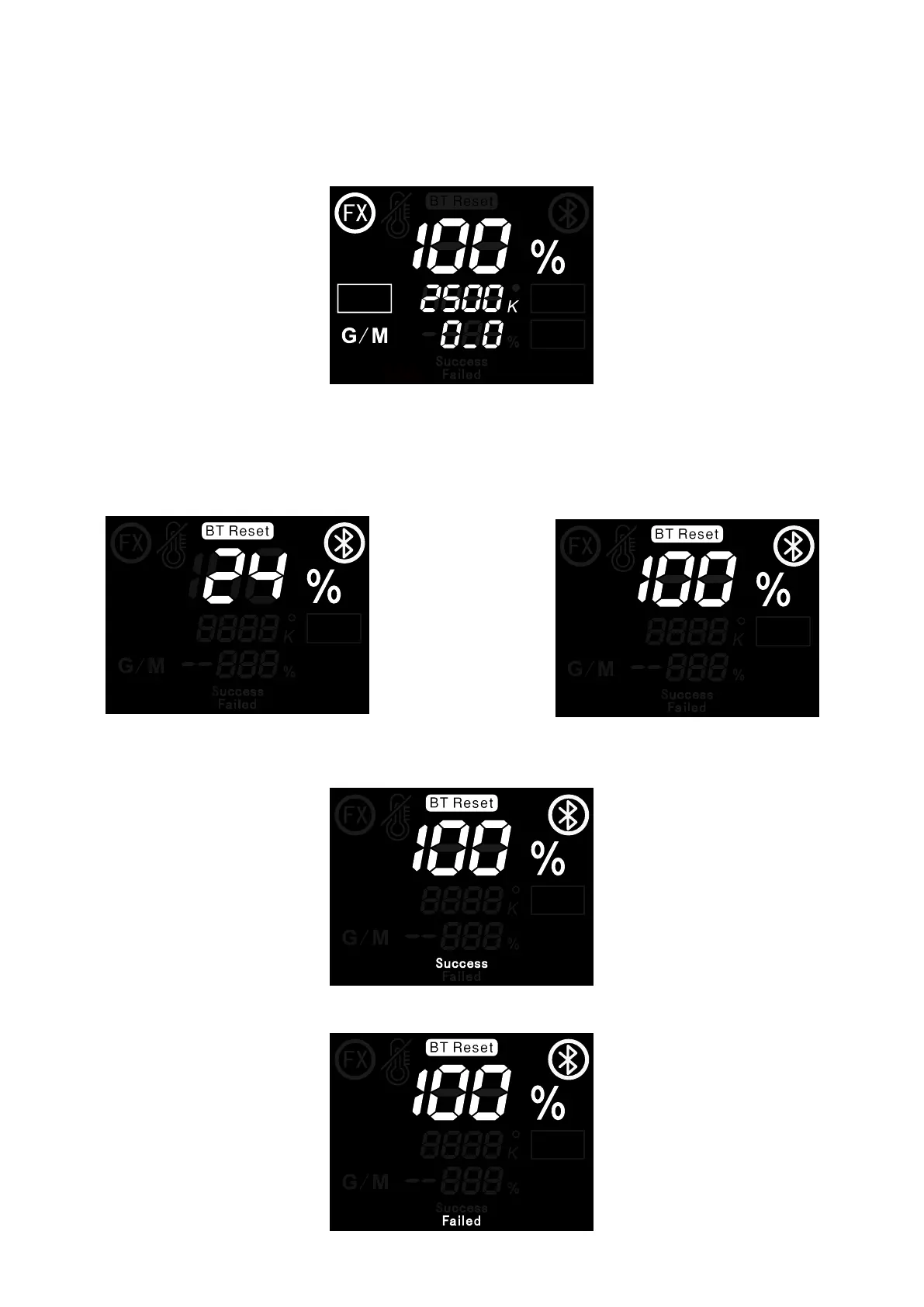
Connect Sidus Link® APP, the user can find the Bluetooth serial number corresponding to the lamp
in the APP and connect. When controlling the light effect through the APP, "FX" will be displayed on
the upper left corner of the screen. In wireless mode, 9 lighting effects can be controlled through APP:
Paparazzi / Lightning / TV / Fire / Faulty Bulb / Pulsing / Cop Car / Party Lights / Fireworks. Amaran
150c supports Sidus Pro® FX.
2.3 BT Settings
1. Long press the Bluetooth reset button to reset Bluetooth.
2. During the reset process, the LCD displays “BT Reset” and the Bluetooth icon is flashing, and the
percentage shows the current reset progress.
3. The LCD will display “Success” after the Bluetooth reset is successful.
4. The LCD will display “Failed” after the Bluetooth reset is unsuccessful.
INT
CCT
HUE
SAT
INT
CCT
HUE
SAT
INT
CCT
HUE
SAT
INT
CCT
HUE
SAT
INT
CCT
HUE
SAT
滚滚长江东逝水
08











 To Next Page