- 12 -
Operating
Temperature
Controlling method
Display
Cooling Mode
2500K~7500K
≥98
50W(Max)
24V
Power adapter
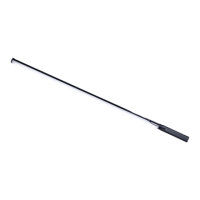
Battery Handle
CCT
TLCI
Power input
Voltage
5. Specifications
Sidus Link APP, DMX
≤80m/262.5ft, 2.4G Hz
OLED
Natural heat dissipation
3.4 DMX Channel Selection
In DMX mode, match the channel of your DMX controller with the light, and then
control the light via DMX controller.
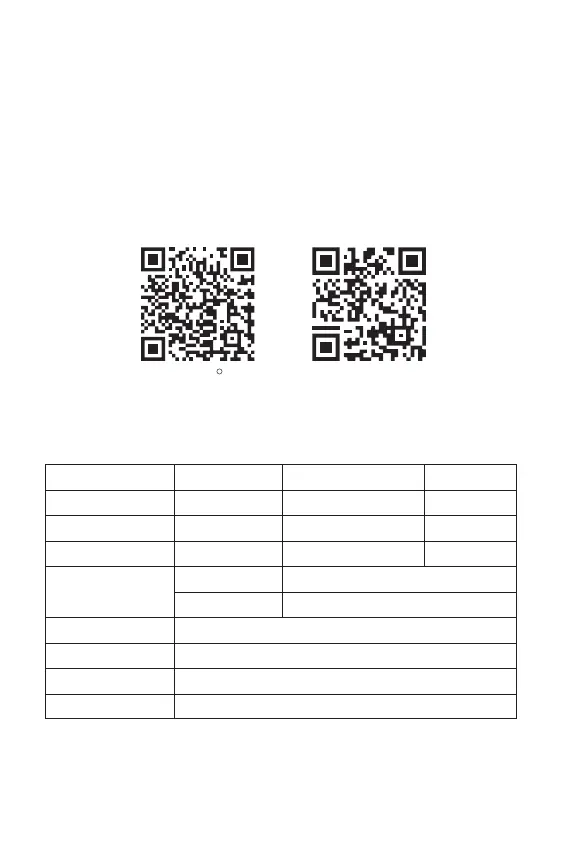
4. Using the Sidus Link APP
You can download the Sidus Link app from the iOS App Store or Google Play Store
for enhancing the functionality of the light. Please visit sidus.link/app/help for more
details regarding how to use the app to control your Aputure lights.
Sidus.link/app/helpGet Sidus Link App
R
CRI
Power output
Operating Current
≥95
40W(Max)
2.1A(Max)
-10°C~40°C
24V
12~16.8V,24V
Operating Temperature
Remote control distance












 To Next Page