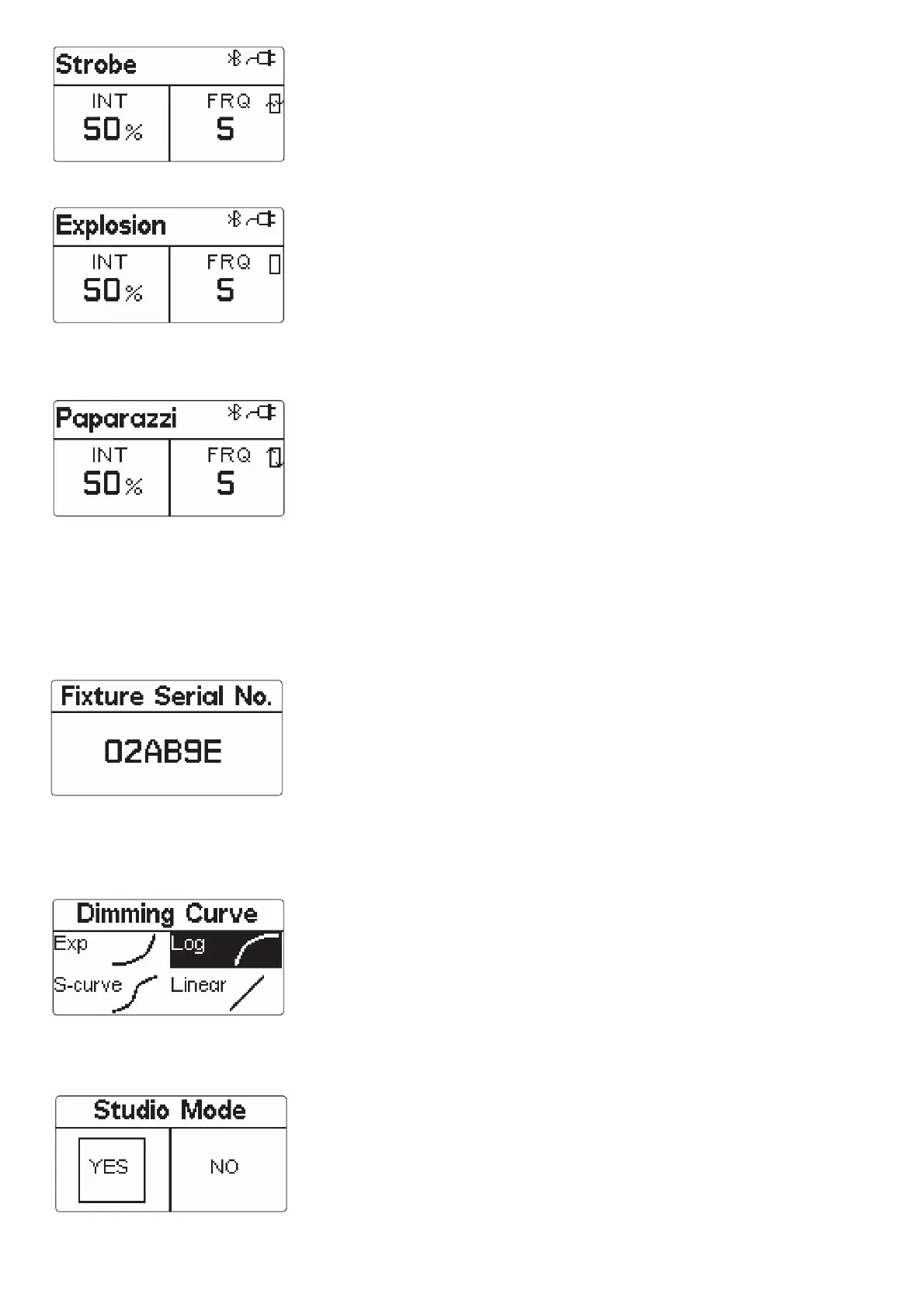
h. Explosion Mode
* In explosion mode, short press the Trigger button to single trigger the light effect.
* The adjustable frequency of explosion mode is 1~10.
Rotate the MENU key to select “INT, frequency”, and then rotate the “OK” knob to adjust the brightness value (10% ~ 100%), and frequency [1-10, R (random)].
* If the light is powered off, upon turning on again, the light resumes its last saved setting.
* In FX mode, click “MENU” to return to the light effects MENU interface. At this point, rotate “OK” to switch to different light effects. Click “MENU” again to return to the main MENU
interface.
At this time, the selected FX mode is still maintained. You can choose different options according to your needs, and select “CCT” to exit FX mode.
5) Wireless mode
Users can connect devices with the name LS 60d ****** through the Bluetooth of their mobile phones or tablets (six digits + letters are the serial number of the machine). At this time, they
can control the devices wirelessly through their mobile phones or tablets.
* Through the menu interface, select “Device serial number” to view the serial number of the device
6) Dimming curve mode
Press “MENU” key to enter MENU mode, rotate “MENU” key to select “Dimming curve” item, click “MENU” key to enter “Dimming curve” mode, rotate “OK” key to select exponential,
logarithmic, linear and “S” dimming curve, and then click “OK” key to confirm the selection.
7) Studio mode
Press “MENU” key to enter the MENU mode, rotate “MENU” key to select studio mode, click “MENU” key to enter studio mode, then rotate “OK” key to select “Yes” or “No”, and click “OK”
key to open or close studio mode.
* When Studio Mode is active, the light will turn on as soon as it receives power, without having to press the power button.
* The factory default language is English.











 To Next Page