Power on the device and ensure that the screen displays
normally and enters the network setup prompt page.
4
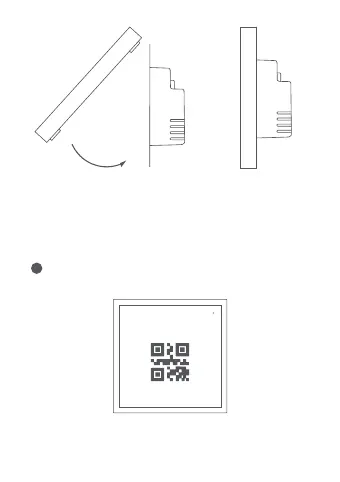
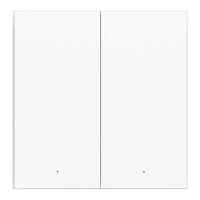
First, tilt the panel downward and
align the top portion with the
slots.
The installation is complete.
Please scan the real QR code on the screen of the device to
access the network, this picture is only for display.
Temporarily not online
Android users only
Apple users scan the code to access the network >
Open Aqara Home App, scan QR code
Secondly, press the bottom part of
the panel directly to engage and
secure it in place.



 To Next Page