YOUR WATERBAR· 27·
MANUAL - MINI TOUCH & FLEXIBLE TOUCH
7 | INITIAL OPERATION - MINI TOUCH
• STEP V
• Finally, turn the tap of the cold water inlet under the sink back on.
• STEP VI
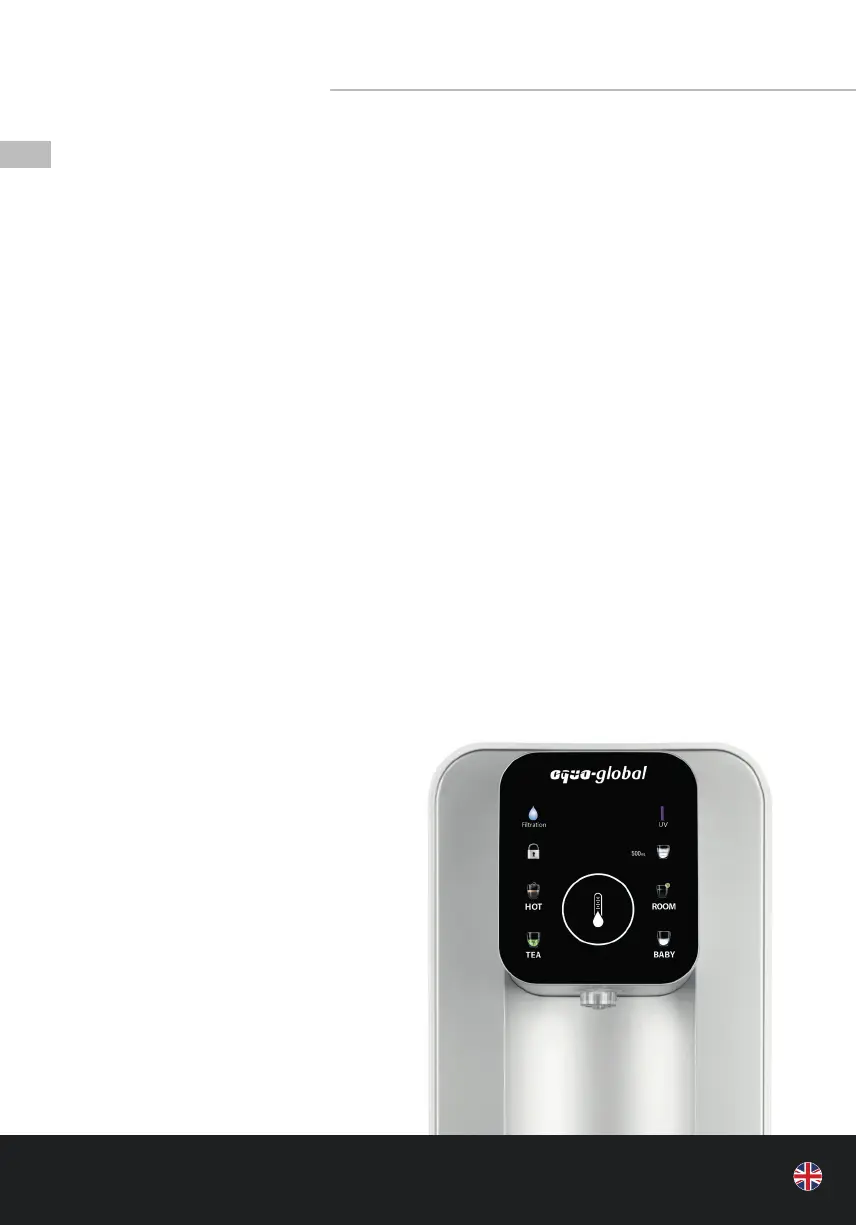
• After successful installation, the appliance automatically goes into cleaning mode. During
that time, the ltration indicator on the display lights up permanently.
• As soon as the cleaning mode is complete, the machine automatically switches to
ltration mode until the inner clean water tank is lled. The process takes approx. 10-15
minutes. During that time, the water ltration indicator lights up on the display.
• IMPORTANT NOTES
• Before using the “HOT”, “TEA” and “BABY” temperatures, it is important that the system is
lled with water.
• After the installation, please wait until the ltration light goes o and place a glass under
the outlet. Press the “ROOM” button repeatedly (up to 5 times) until water runs from the
outlet.
• Drain the inner tank by placing a su ciently large container under the water outlet and
then pressing and holding the “ROOM” button for approx. 6 seconds.
• Drain the water until no more water runs from the outlet and the ltration symbol ashes.
The appliance automatically starts ltering the water again until the internal tank is lled.
• When you use the appliance for the rst time or if the appliance was temporarily discon-
nected from the power supply and the mains plug is plugged back into the socket, it
produces water at room temperature for the rst 60 seconds. After the 60 seconds, hot
water can be withdrawn.
• If there is any change in how the water
tastes, withdraw approx. 200 ml of hot
water to ensure that the lters, the
instantaneous water heater, and the
tank are su ciently rinsed.
• We recommend tipping away the rst
50 ml after an extended period of non-
use (= stale water in the system).
Continuation



 To Next Page