10
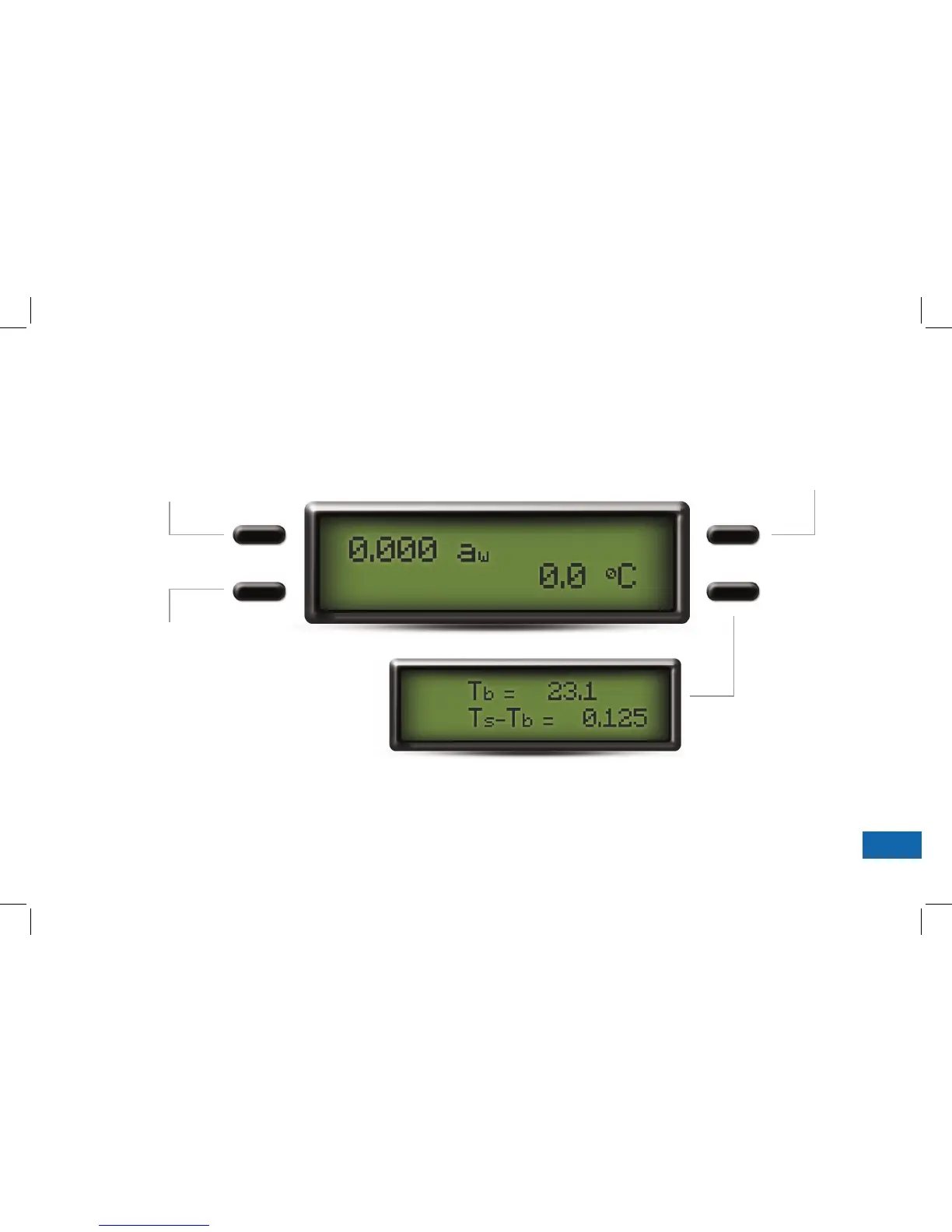
Screen Options
This menu allows you to view the temperature
difference between your sample and the
instrument when the drawer knob is in the
OPEN/LOAD position.
Temperature Equilibration Screen
System Configuration
This menu allows you to make
minor system changes. From
this menu, you can change
the audible alarm aer each
sample or enter the linear offset
adjustment menu.
Continuous Normal Mode
See Section 5 in your Operator’s
Manual.
Select Language
English, German, French,
Spanish, Italian, Swedish,
Danish, Norwegian, Czech,
Portuguese, Japanese, Polish,
or Finnish.


 To Next Page