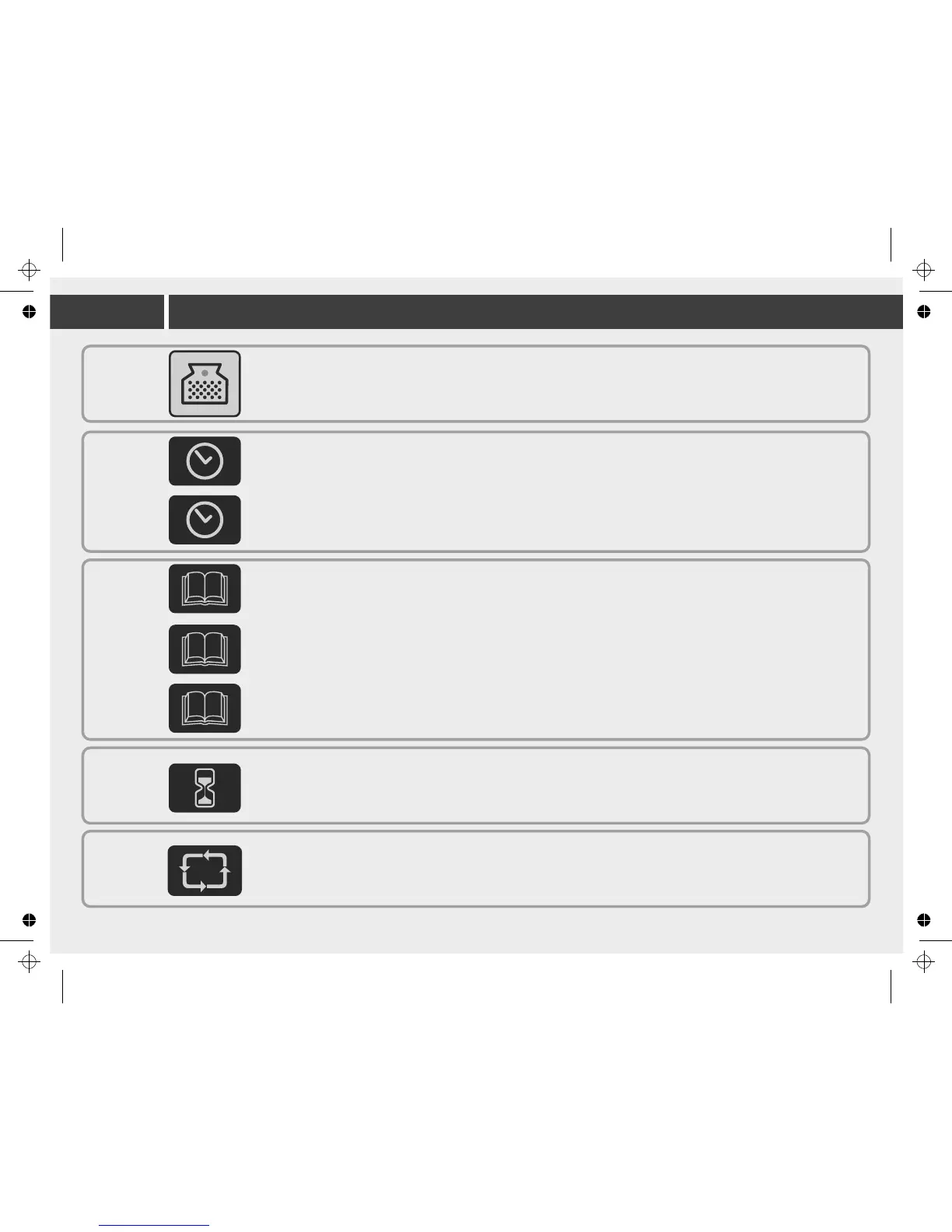
Cleaning time
- time duration spent cleaning the pool.
Press the button to select the desired time. A red light will indicate your selection.
This feature can only be selected when the Power supply is in standby mode
Overlay buttons
Cleaning program selection:
Program 01 – 1 hour floor and wall cleaning
Program 02 – 1.5 hour floor and wall cleaning.
Program 03 – 2 hour floor and wall cleaning.
Internal timer - Automatic operation option:
Every 48 hours
Every 72 hours
Every 96 hours
External timer
This feature gives the option to the end user to program the cleaning schedule through an external timer (sold separately). Pressing this button enables
and disables this feature.
Swivel – adjust the robots rate of turns in the pool.
Normal – Standard operation
High – Different rate of turns
100/200
300/400
500
100
200/300
200
300/400
200
300/400
300/400
500
Cleaning program selection:
Program 01 – 1.5 hour floor only cleaning program
Program 02 – 2 hour floor and wall cleaning.
Program 03 – 2.5 hour floor and wall cleaning.
Model
400
500
Cleaning program selection.
Program 01 – 2 hour floor only cleaning program
Program 02 – 4 hour floor and wall cleaning. (on certain models wall cleaning feature is not available)
Program 03 – 5 hour floor and wall cleaning. (on certain models wall cleaning feature is not available)
10
Check filter
- Illuminated light means the filter bag must be removed, cleaned and properly installed back into the robot to work efficiently.
In Models 300, 400, 500 - the robotic cleaner will stop climbing on the walls once the Check Filter is illuminated


 To Next Page