5.9 Speed Limit
User can set the speed limit of the running capacity to meet the flow requirement of other
equipment such as sand filters.
Speed limit of the running capacity can be set from 60% - 100% in the parameter setting. (see 5.10)
100% means no speed limit and the running capacity can be set from 30% - 120% under normal
operation.
To ensure the performance, the following mode or process will not be limited by the speed limit:
1. Self-priming at each start
2. Manual self-priming
3. Self-learning
4. Auto-Inverter mode
5. Flow rate setting in the timer mode
5.10 Parameter Setting
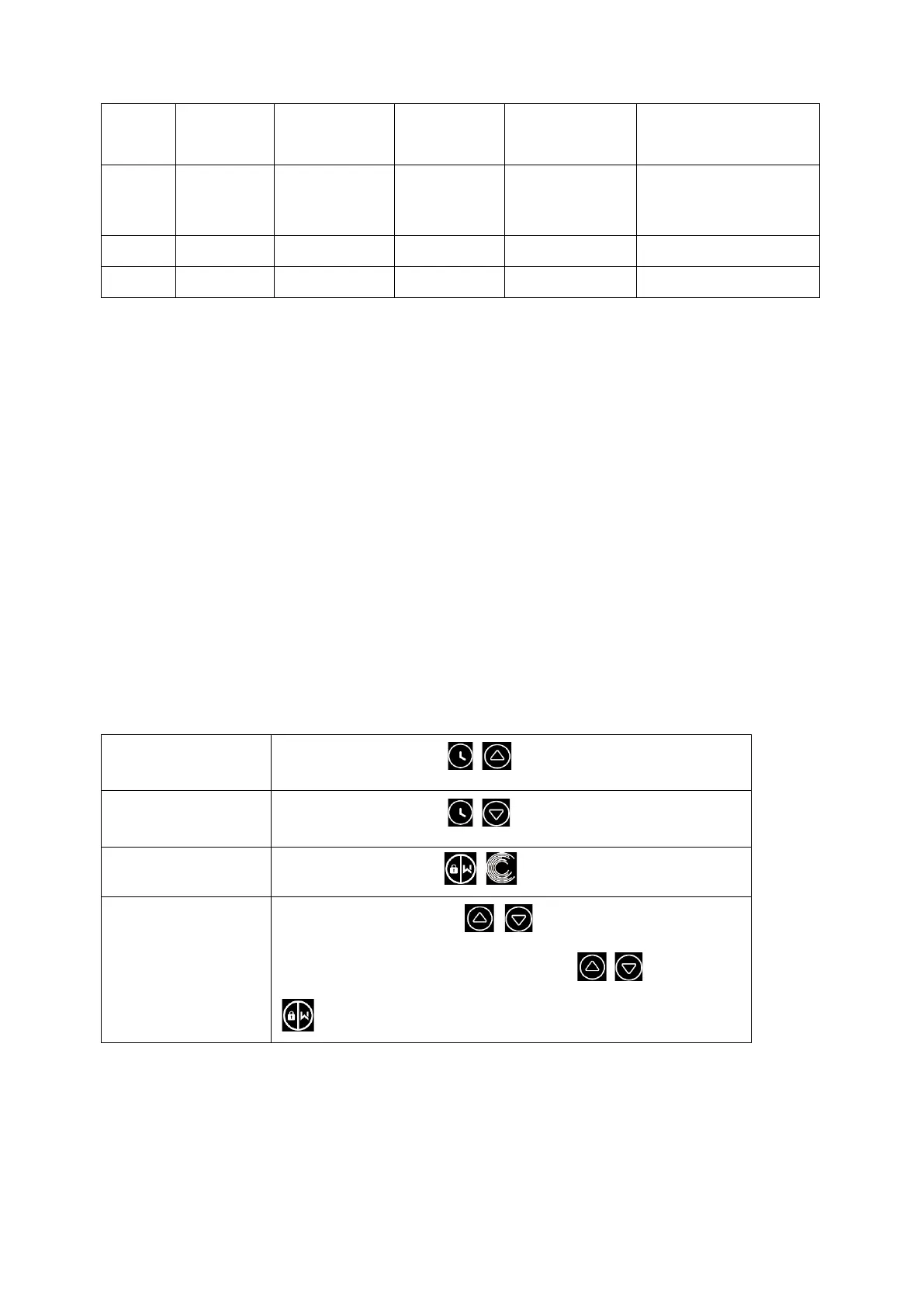
Under off mode, hold both for 3 seconds; If current
address does not need to be adjusted, hold both or press
to next address



 To Next Page