Quartz Digital exposed with adjustable head installation instructions Page 14
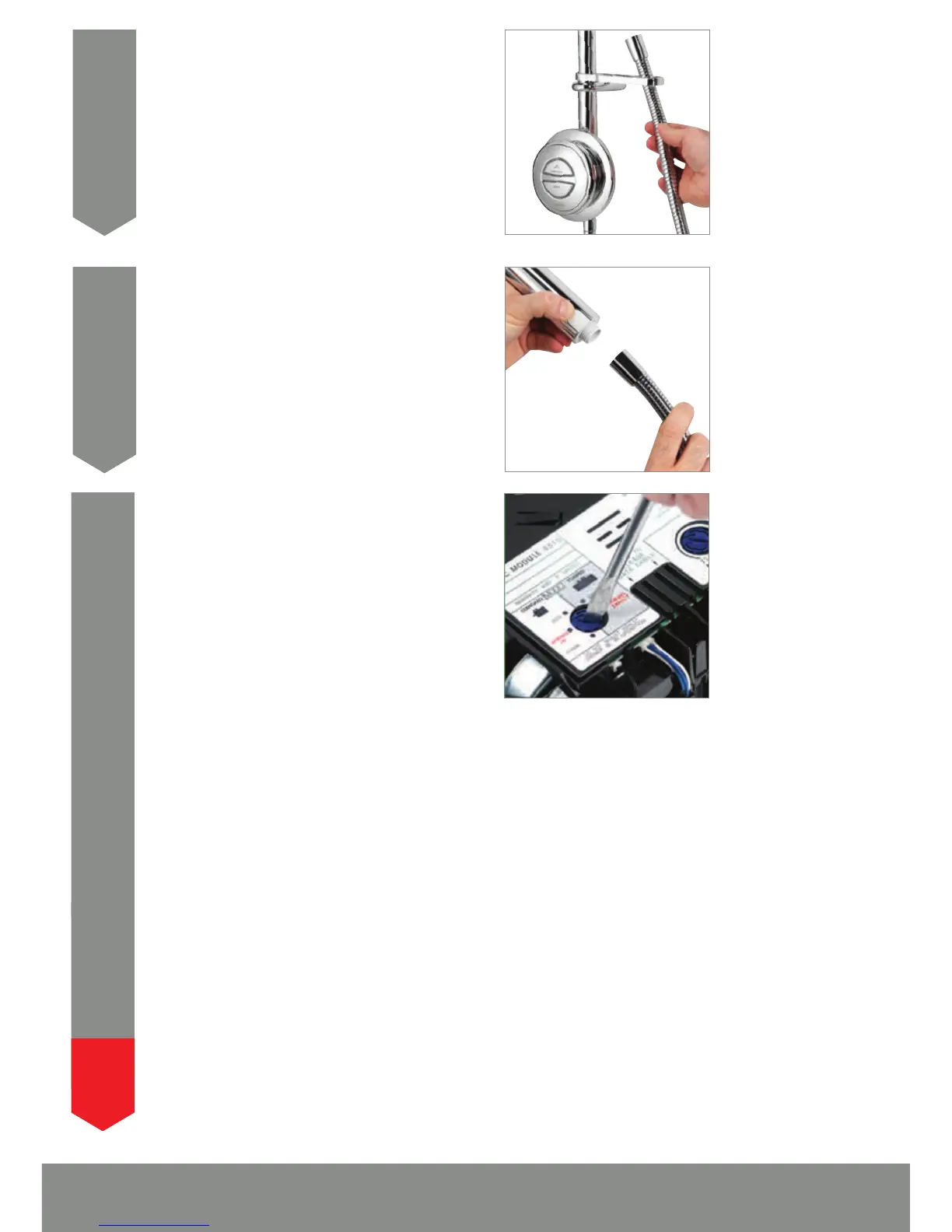
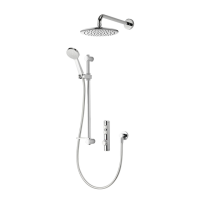
Thread the shower hose through the hose
restraint.
24
Ensuring the hose washer is in the correct
position, depress the anti-swivel locking button
on the handset and secure the handset to the
hose, then place the handset into the handset
holder.
25
The Digital processors are supplied factory set
with the flow rate at either ‘NORMAL HP’ or
‘NORMAL GRAVITY’ mode depending on which
shower system has been ordered.
HP/COMBI PROCESSORS ON BALANCED HP
SYSTEMS:
HP/Combi Digital processors fitted to balanced
high pressure systems may be set to ‘NORMAL HP’, or for water economy,
‘ECO’ modes.
HP/COMBI PROCESSORS ON COMBINATION BOILER SYSTEMS:
For HP/Combi Digital processors installed on combi boiler systems, for optimum
performance we recommend setting the flow rate to the ‘COMBI’ mode.
26
N.B. The ‘ECO’ flow rate mode should not be selected for shower systems fitted
to combination boilers.
GRAVITY PUMPED PROCESSORS:
Gravity Pumped Digital processors fitted to gravity systems may be set to
‘NORMAL GRAVITY’, or for water economy, ‘ECO’ flow rate modes.
WHEN MAKING ANY ADJUSTMENT TO THE PROCESSOR SETTINGS THE
POWER MUST BE ISOLATED.
!



 To Next Page