AquaMaster
®
Owner’s Manual 1/21/2021 17
Setting the Controller
Step 13
Determine the Controller Setting Number
H. For municipal water, call the water department to
determine the hardness and pH of your water supply.
For well water, use the hardness test strips provided
with your appliance, or have a sample of your
untreated water tested by a water testing laboratory.
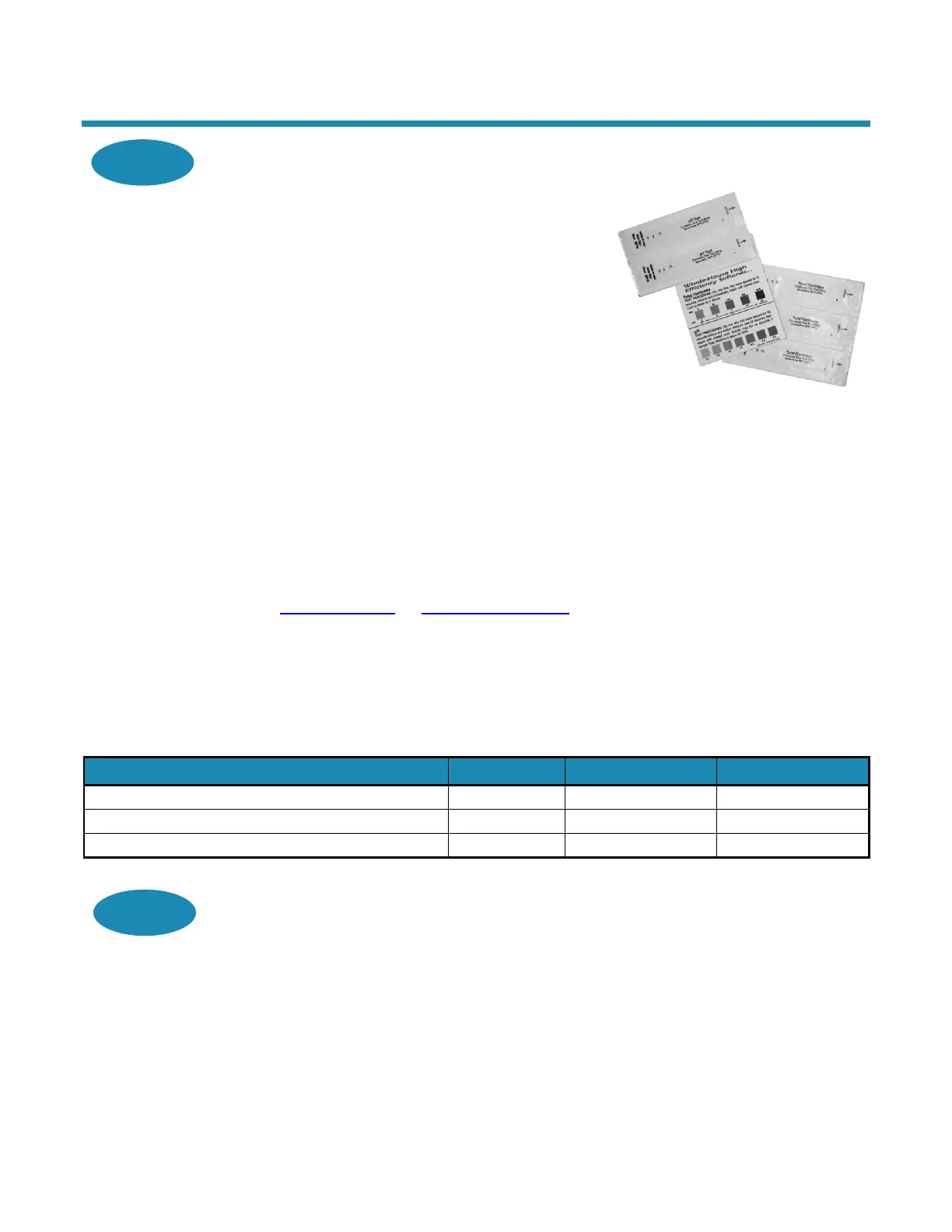
9. Test Strips—Follow the instructions on the test
strips. If the color on your test strip is
between two readings, use the higher number.
Compare the colors as soon as you remove them
from your water. This number gives the hardness
in grains per gallon and parts per million (mg/L).
10. Testing Laboratory—To ensure proper settings,
have a sample of your untreated water tested for
iron and pH. To find a facility to test your water
sample, check your Yellow Pages under Water
Analysis or Water Testing or contact the company
below to conduct a test for you.
National Testing Laboratories, Ltd.
1-800-458-3330
www.ntllabs.com or www.watercheck.com
11. If the pH is below seven and you have a 700 or
900 unit, call the HelpLine listed in General
Information.
Use the following example to determine the controller
setting.
Figure 9: Hardness Test Strips
Enter hardness grains per gallon (mg/L)
If your water contains 3 ppm (mg/L) iron, add 15 (257)*
The sum is your controller setting number
*Increase your water hardness setting by 5 grains per gallon for every 1 ppm (mg/L) of ferrous iron.
Step 14
Enter Your Setting Number Into the Controller
I. Press and hold the Set button for about 5 seconds until “25” displays.
Press the Change button until the display matches your compensated number. Once you
pass “70” (models 700 and 950) or “90” (model 900), the display will reset to “03.”
Press Set to save the hardness setting number.
To recheck the hardness setting number, hold down the Set button for about 5 seconds.
Note: Refer to Specifications for the maximum water hardness that your appliance can
handle.
Your controller is now set.


 To Next Page