EasyManua.ls Logo

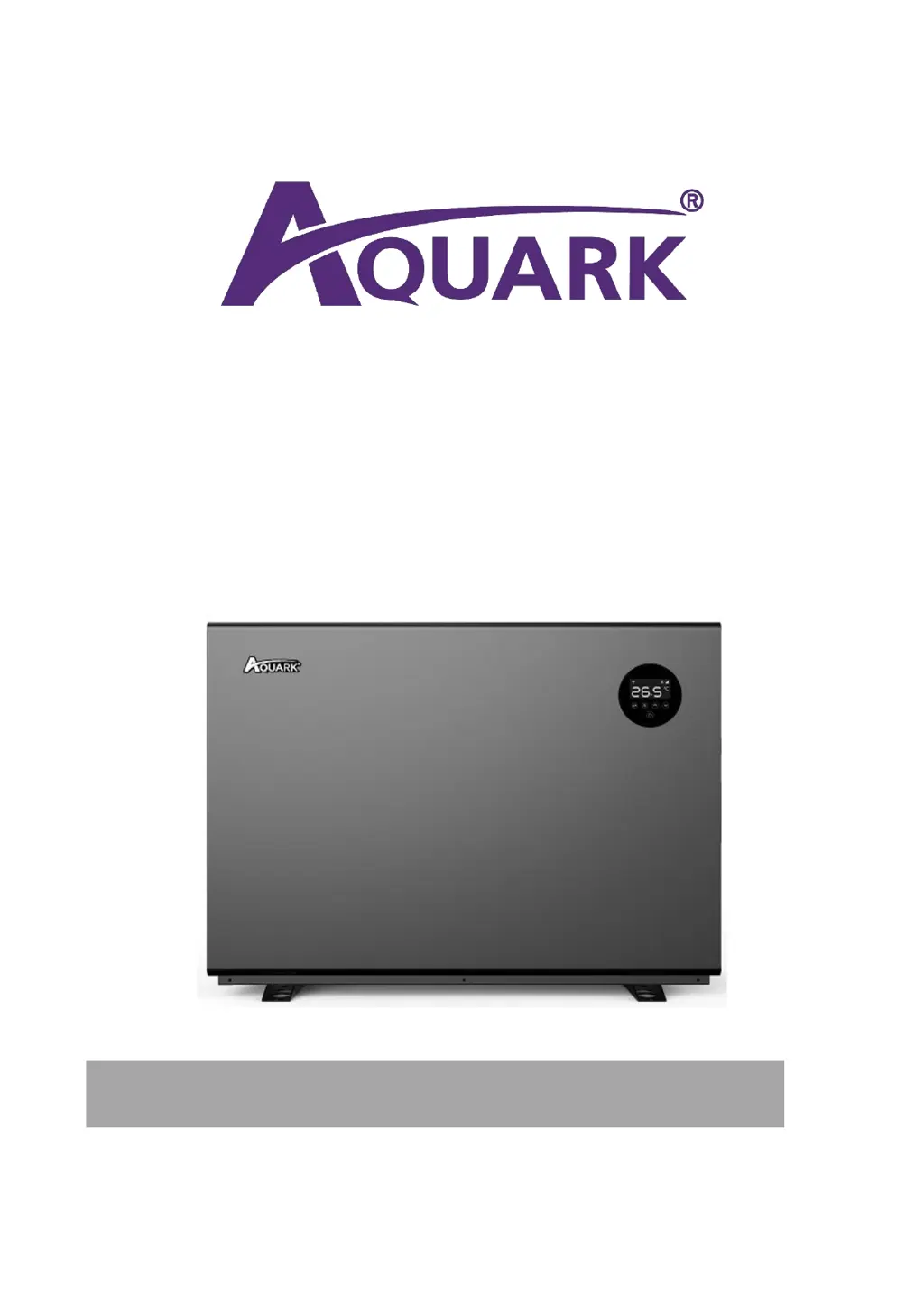
AQUARK MR.SILENCE MS110 - User Manual

Default Icon
32 pages
Print Icon
To Next Page IconTo Next Page
Loading...
MR. SILENCE
INVERTER POOL HEAT PUMP
USER MANUAL

Questions and Answers

  • S
    Susan DavidsonAug 9, 2025
    Why is my AQUARK MR.SILENCE MS110 fan running but not heating?
    • C
      cory16Aug 10, 2025
      If your AQUARK Heat Pump's fan is running but not providing enough heat, check for these possible causes: * **Blocked evaporator:** Make sure there are no obstructions blocking the evaporator. * **Blocked air outlet:** Ensure that the air outlet is free from any obstacles. * **Start delay:** The unit may have a 3-minute start delay. If this is the case, wait patiently for the heating to begin.
  • J
    Jennifer MoralesAug 19, 2025
    What to do if AQUARK MR.SILENCE MS110 Heat Pump doesn’t run?
    • P
      Patrick WalterAug 19, 2025
      If your AQUARK Heat Pump isn't running, the following could be the reasons: * **No power:** There might be a power outage. Wait for the power to be restored. * **Power switch is off:** Ensure that the power switch is turned on. * **Fuse burned:** Inspect the fuse and replace it if necessary. * **Breaker is off:** Check the breaker and switch it on if it has tripped.
  • H
    Holly HebertAug 30, 2025
    What to do if my AQUARK MR.SILENCE MS110 display is normal, but there is no heating?
    • D
      David GambleAug 30, 2025
      If your AQUARK Heat Pump display is normal, but there's no heating, consider the following: * **Set temperature:** The set temperature might be too low. Adjust it to a suitable heating temperature. * **Start delay:** There could be a 3-minute start delay. If this is the case, wait patiently.

Summary

Safety Precautions

Warning

Highlights hazardous procedures or practices that could lead to injury if not followed correctly. These signs are important.

Safety Instructions

Details safety measures such as protecting children from the power supply, switching off during storms, and ensuring good ventilation for operations.

Installation Guidance

Installation Reminder

Stresses that installation must be performed by professional staff only to ensure safety and prevent unit damage.

Location and Water Pipe Connection

Details proper unit placement for ventilation, frame fixing, and water pipe connection, including hard pipe requirements.

Wiring and Diagram

Covers essential wiring instructions, earthing, leakage protector settings, and presents the electric wiring diagram for setup.

Protecting Devices and Cable Specification

References specifications for protective devices (breakers, fuses) and appropriate cable types and sizes for power and signal connections.

Operation Guidance

Key Control Functions

Illustrates the control panel interface, detailing icons for power, Wi-Fi, screen lock, modes (Boost/Silence), and temperature settings.

Operation Instructions

Provides step-by-step instructions for screen locking, powering on, setting temperature, and selecting operational modes.

Testing

Leakage Detection Procedures

Outlines safety precautions for leakage detection, prohibiting ignition sources and specifying appropriate detection fluids and methods.

Maintenance

Troubleshooting Common Faults

Failure Solutions and Codes

Lists common failures, their causes, and solutions, along with a detailed table of protection and failure codes for diagnosis.

Protection and Failure Codes

Details specific protection and failure codes (e.g., E1, P0, F1) and their meanings, aiding in troubleshooting complex issues.

Wi-Fi Operation

AQUARK MR.SILENCE MS110 Specifications

General IconGeneral
ModelMR.SILENCE MS110
Heating Capacity11.0 kW
Power Input Cooling2.0 kW
EER Cooling4.0
RefrigerantR32

Related product manuals