Aquatic 13
Infinity Owner's Manual & Installation Guide
OPERATION INSTRUCTIONS
BATHSIDE CONTROL SYSTEMS
KeyPad A Functions
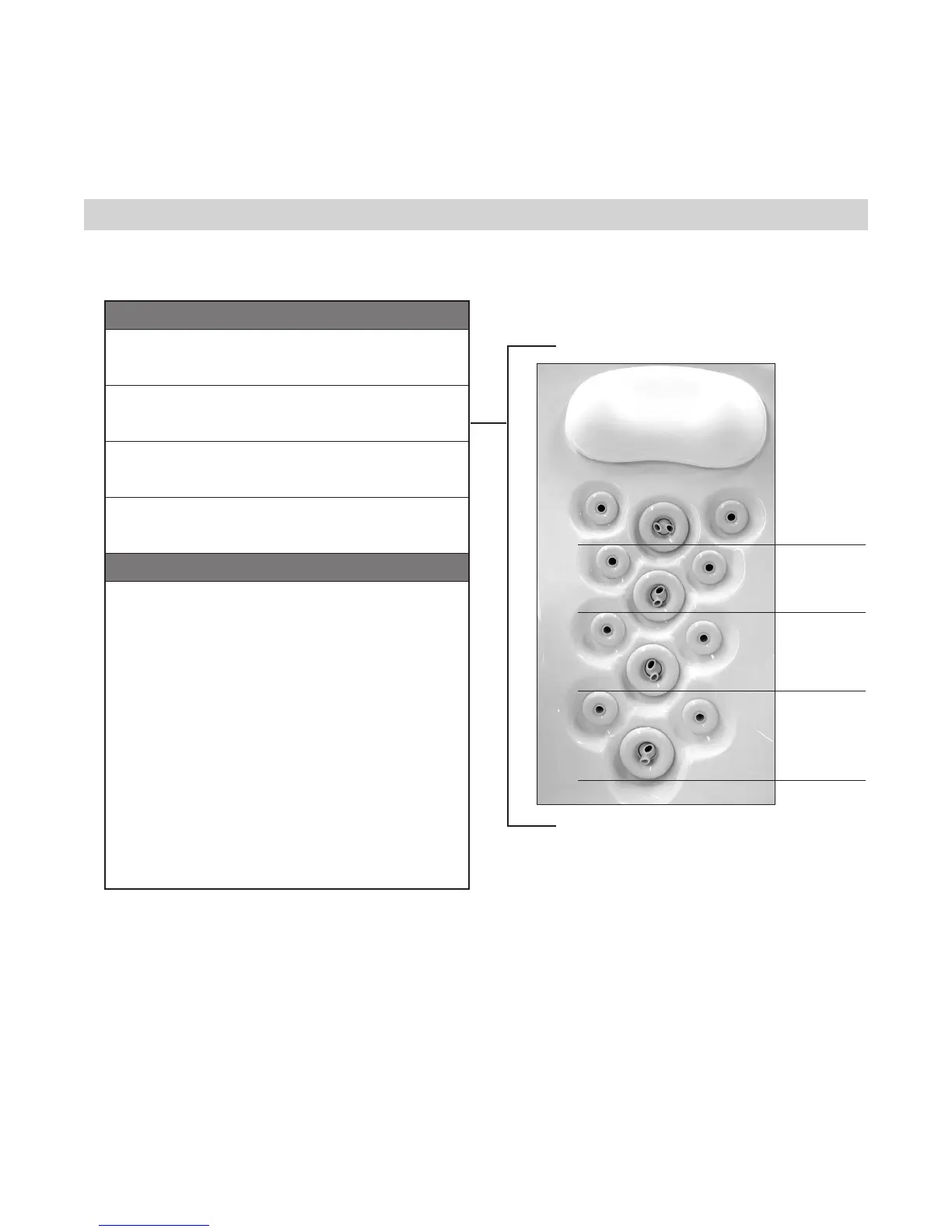
SEQUENCER MODE A
The BackJet row shown will be at ON during the cycle:
Backjet row 1, 2, 3, 4, 3, 2 and repeats the sequence.
SEQUENCER MODE B
The BackJet row shown will be at ON during the cycle:
Backjet row 1-2-1-2 All Off, 1-2-1-2 All Off.
SEQUENCER MODE C
The BackJet row shown will be at ON during the cycle:
Backjet row 3-4-3-4 Off, 3-4-3-4 All Off.
SEQUENCER MODE D
The BackJet row shown will be at ON during the cycle:
Backjet row All On, All Off.
Advanced Programming
PRESETS
This mode allows the user to start the tub with his preferred set-
tings with the pres of a button. Up to 4 different presets can be
configured.
To Configure the Settings:
- Start all desired systems
- Adjust the blower/sequencer speed and the light color
- Press button 1 for more than 1 second.
- LED’s 2, 3, 4 and 5 will blink. You have 10 seconds to choose
which of the 4 buttons you want your settings saved to.
- Press the selected button
- LED’s of the selected button will blink 3 times to confirm.
All systems will stop.
To Select a Preset:
- When all accessories are turned off, press the selected button
more than 1 second.
- The preselected settings will activate.
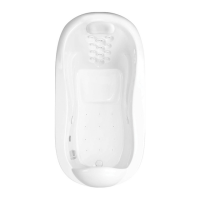
Back Jet Row
4
3
2
1


 To Next Page