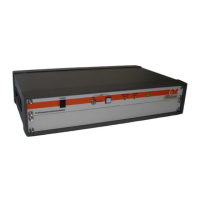
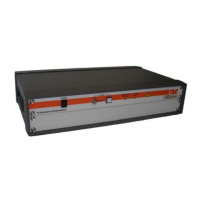
PL7004 Kit
Rev F 19
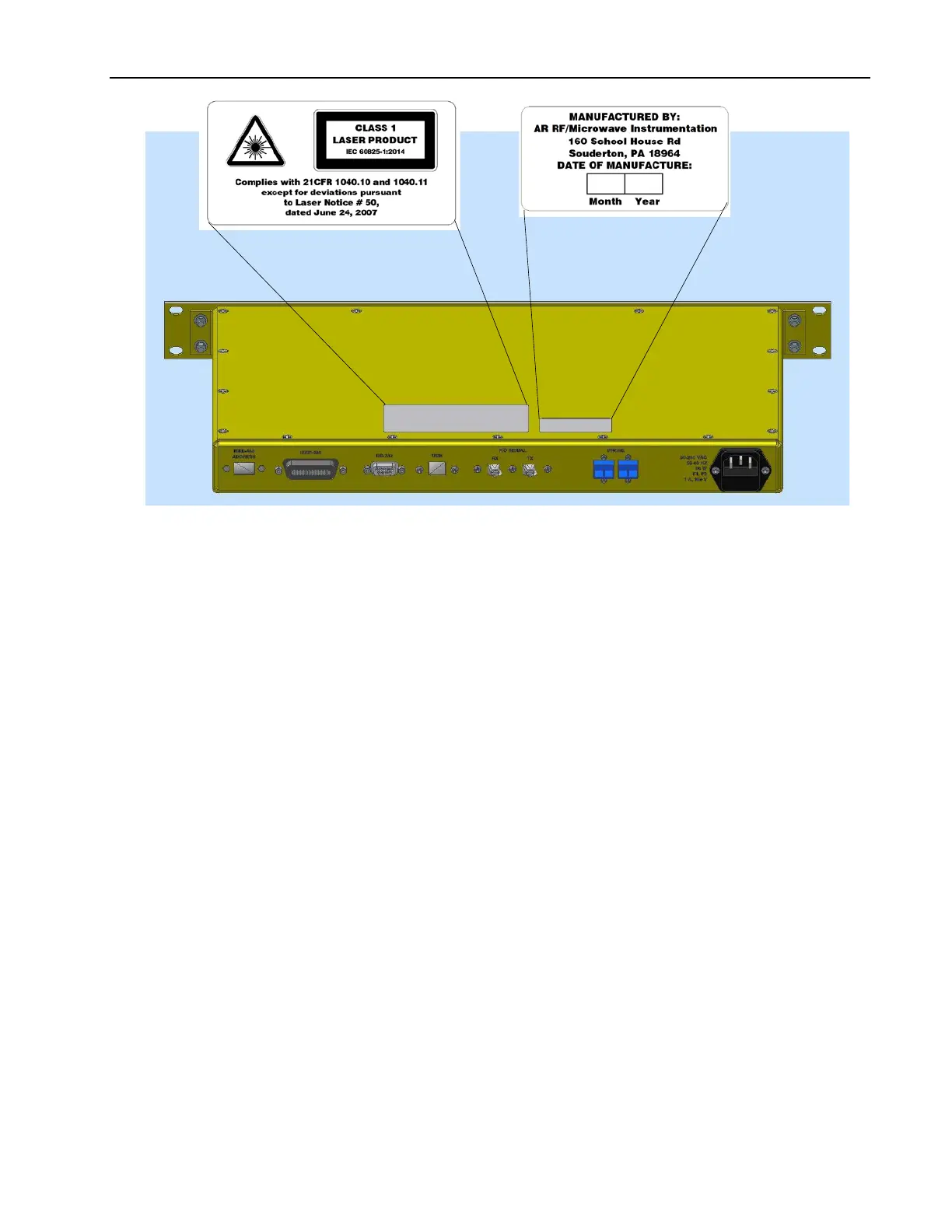
Figure 3-4. Interface Assembly Label Details
3.5 INSTALLATION
3.5.1 Unpacking
Upon receiving the probe kit, inspect the shipping container for obvious signs of external damage. If damage
is observed, notify the carrier and contact an authorized service representative.
Unpacking:
1. Remove the probe from its shipping containers. Save the boxes and any protective packing materials for
future use.
2. Open the carrying case, which holds all smaller items.
3. Check all materials against the packing list to verify that the equipment received matches the order. Note
any discrepancies. If discrepancies are noted, or there are questions about the probe kit contents, contact
AR Customer Service.
4. Be sure that you are satisfied with the contents of your order and the condition of your equipment before
installing the probe kit.
3.5.2 Mounting
3.5.2.1 Probe Interface
The interface may be bench top mounted or rack mounted occupying 1.75” of internal rack space in a
standard 19” rack.


 To Next Page