19
19
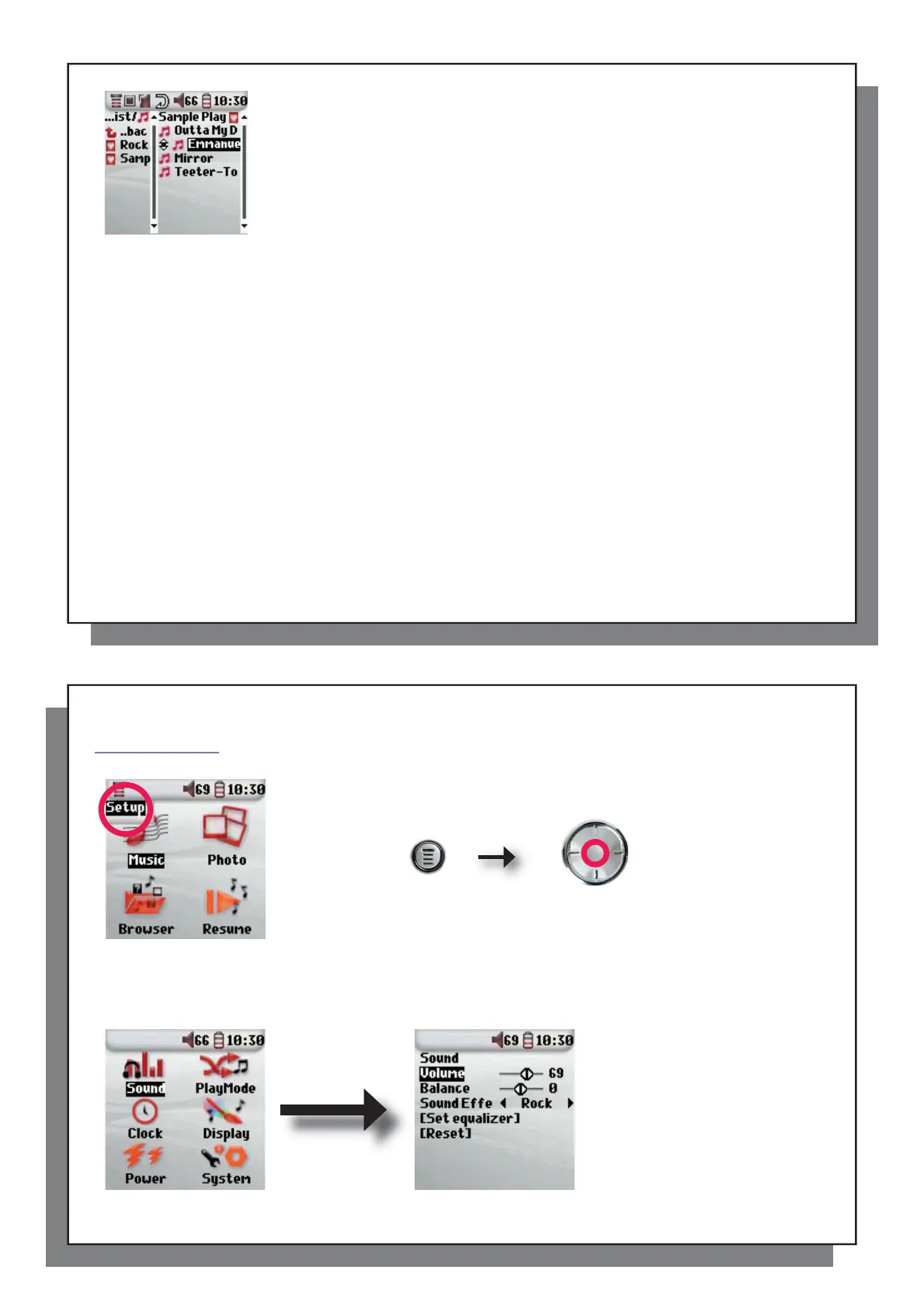
• Move: Allows you to change the order of songs in the Playlist by moving them up
or down using the UP/DOWN buttons of the navigation pad.
• Delete: Removes the highlighted track from the playlist.
Note: To delete a Playlist, navigate to Browser > Playlists . Highlight the Playlist, the menu
button, highlight Delete and press ENTER.
(Moving a music track)
Important: Once you save a Playlist it is important that you do not move the actual fi les as the
Playlist searches in the original fi le location. If you need to move your fi les to a different folder,
you’ll have to recreate your Playlists.
20
20
6
Settings
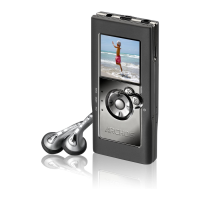
There are a number of parameters you can set on the Archos™ 104 to make it operate
according to your particular needs. To access the Setup menu, press the MENU button
and then the ENTER button from the main screen.
Within the menus, you will fi nd different parameters. In order to modify a parameter,
click LEFT or RIGHT on the navigation pad. Note that once you have reached the last
option, clicking further will not normally take you back to the fi rst item in the list.
6.1 Changing the Sound Settings
6.1 Changing the Sound Settings
If you would like to customize the sound quality, go to [ Setup > Sound ].



 To Next Page