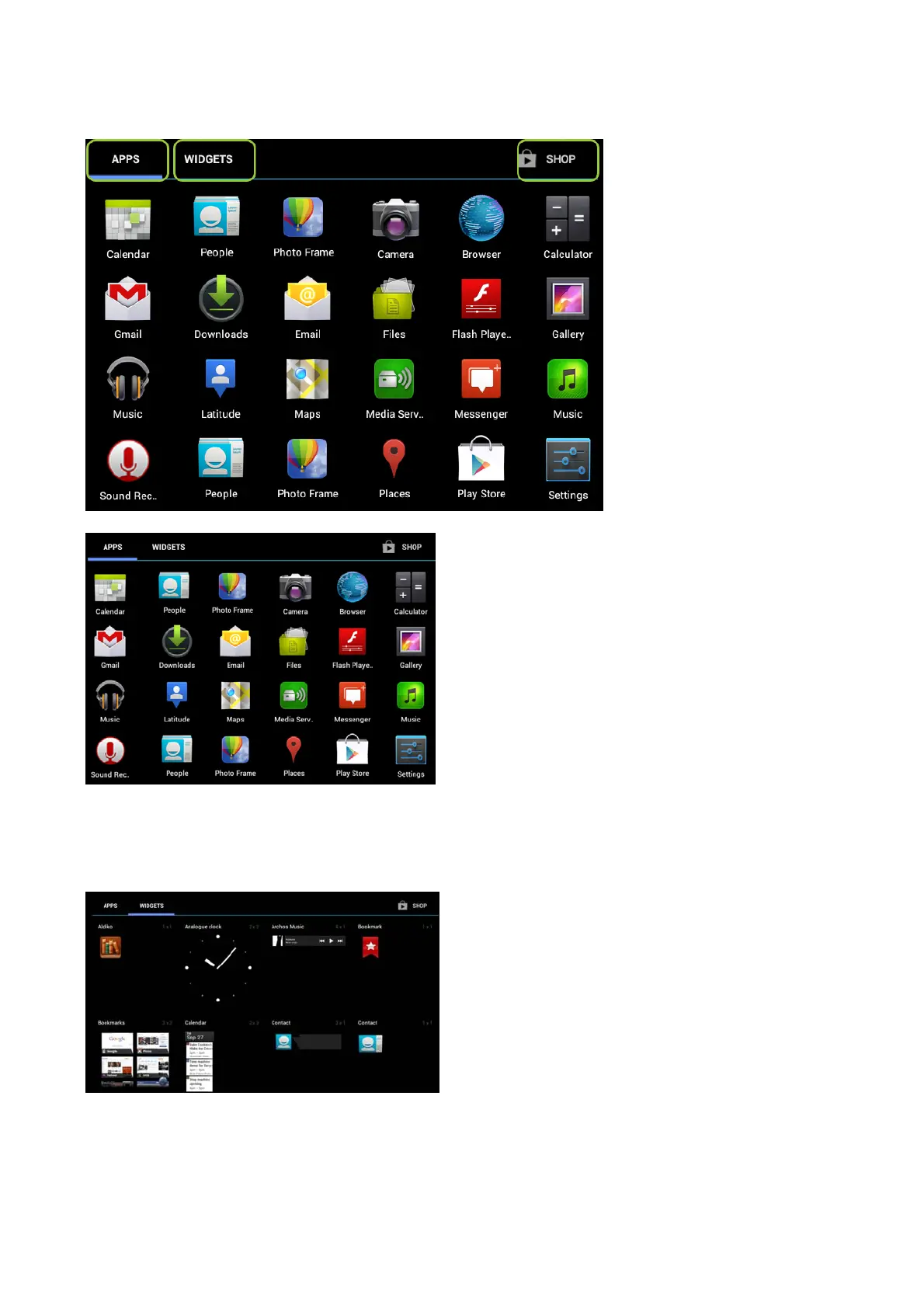
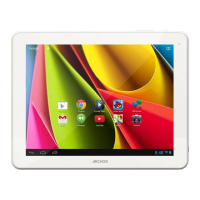
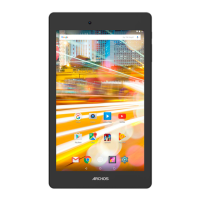
The Apps screen
From the Apps screen, there are types of actions you can perform.
z Uninstalling an app: from the All apps screens, touch and hold it, then slide your finger towards the top of the screen and drop it over Uninstall bin.
z To obtain information about any application: from the All apps screens, touch and hold it, then slide your finger towards the top of the screen and drop it over App info.
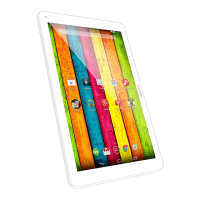
The widgets screen
Swipe the screen left to view the widgets.
Touch and hold your finger onto a widget until the home screens are displayed, then slide it to the desired location, and release your finger.
Make sure you have enough room on the desired location otherwise you can't place your widget.
Google Search & Google Voice
In the Home screen, touch "Google" to search the web and your tablet or to launch apps.
Page 4 of 14ARCHOS 97 Carbon English
2012-11-19http://www.archos.com/manuals/A97Carbon
EN.htm



 To Next Page