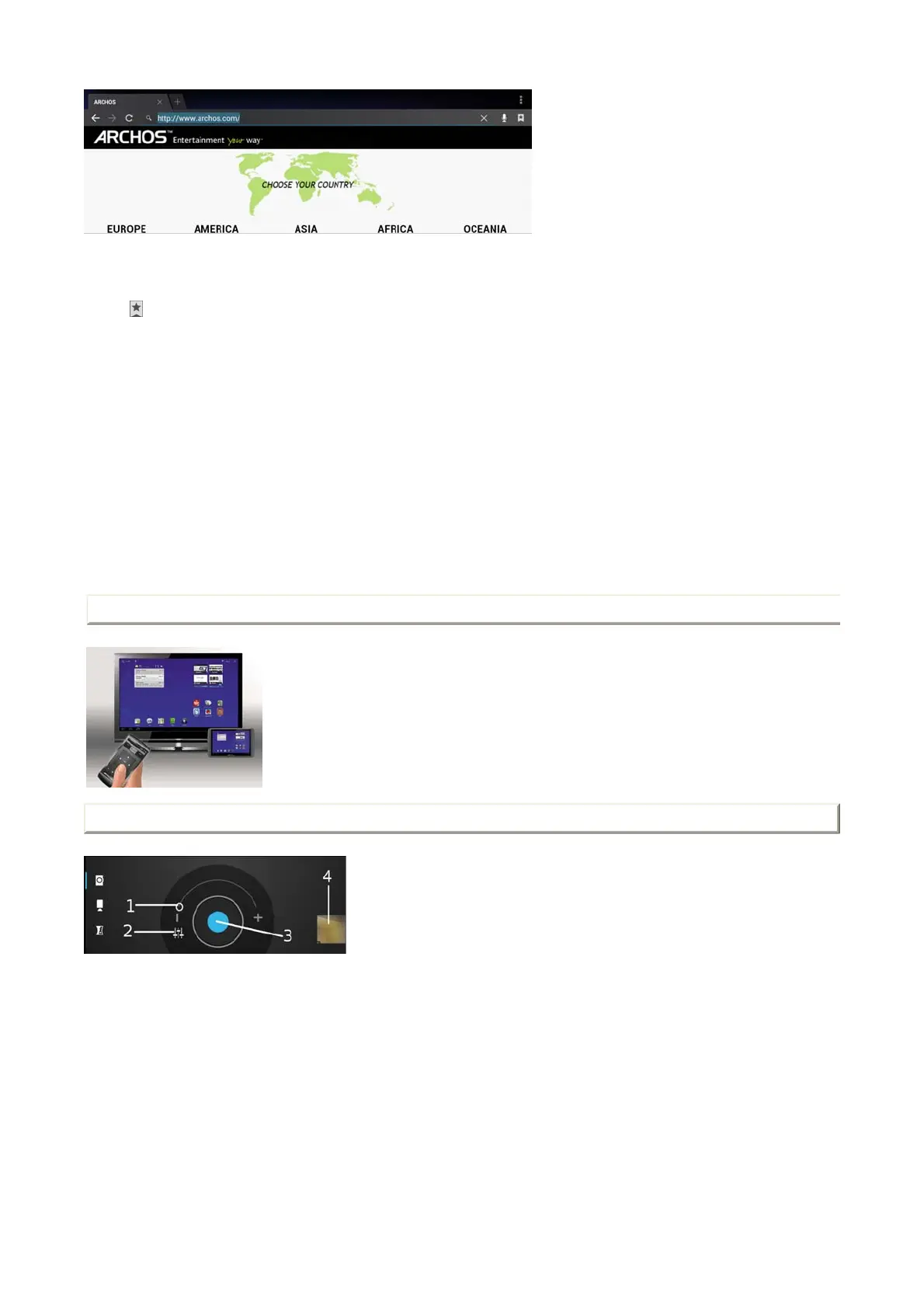
2. Enter the searched item.
Bookmarks & history & saved pages
1.
2. Consult your bookmarks, the history of visited pages and the saved pages for offline reading.
Settings of a Web page
1. Touch the Menu icon button.
Different options are displayed.
Webcam
Use your Webcam to take pictures, to make videos and video chats.
Ta
.
New incognito tab
Pages that you view in this window won't appear in your
browser history or search history, and they won't leave other
traces, such as cookies, on your device after you close the
incognito window. However, any files that you download or
bookmarks that you create will be preserved.
Share page Share a page via Bluetooth, Google mail, etc.
Find on page Search any information in a page
Request desktop site
Check to display the desktop site instead of the mobile
version.
Save for offline
reading
Save a desired Web page to be able to consult it later offline.
Settings Define your navigation preferences
Tv Out
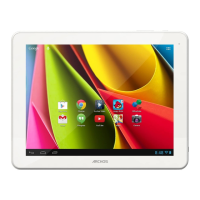
Connect your tablet to your TV using a mini-HDMI to Standard-HDMI male/male cable.
There are no settings to be done.You have automatically a mirroring screen: a display on your tablet and on your TV screen.
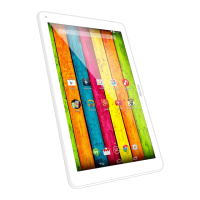
1
Zoom indicator. Drag it from - to + to change zoom
settings.
2 Open the settings menu.
3 The shutter
4 Thumbnail of the last picture you took.
Set your parameters and take pictures. Set your parameters and make a movie. Make a panorama picture.
Page 9 of 14ARCHOS 97 Carbon English
2012-11-19http://www.archos.com/manuals/A97Carbon
EN.htm



 To Next Page