BXT3 – V2.3
ARCURE SA – 14, rue Scandicci – 93500 Pantin – France - Tel.: +33 144 068 190
www.arcure.net
09/05/2019 36/41
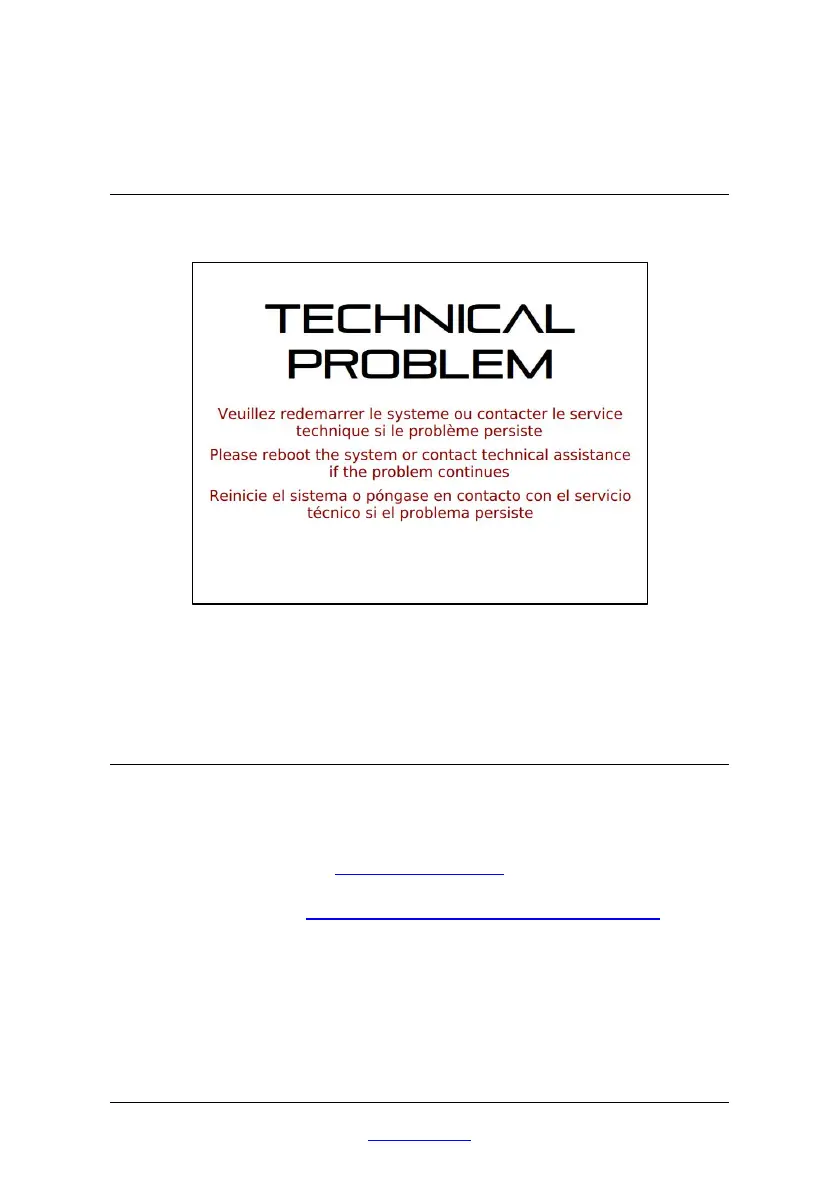
8.6 Technical problem
If “technical problem” message appear on the screen, please reboot the
system.
If the problem continues, make a backup (following step on paragraph 9.1.1)
and contact technical assistance.
8.7 Customer support
For any support required or for any technical questions concerning
BLAXTAIR®, its installation or maintenance, do not hesitate to contact us at
hotline@blaxtair.com
or see our web page http://arcure.net/arcure-throughout-the-world for the
contact details of BLAXTAIR® for your country.
For any support request, Arcure’s technical team will ask you the product and
serial numbers indicated on the processing unit.
The technical team may also request :


 To Next Page