BXT3 – V2.3
ARCURE SA – 14, rue Scandicci – 93500 Pantin – France - Tel.: +33 144 068 190
www.arcure.net
09/05/2019 35/41
The colour of the text defines the type of information:
• failure messages are displayed in red colour;
• warning messages are displayed in blue colour;
• informative messages are displayed in white colour.
If an icon is displayed persistently on the screen, turn off BLAXTAIR®, wait a
few minutes and restart it.
If the problem persists, contact your installer or Arcure’s customer support.
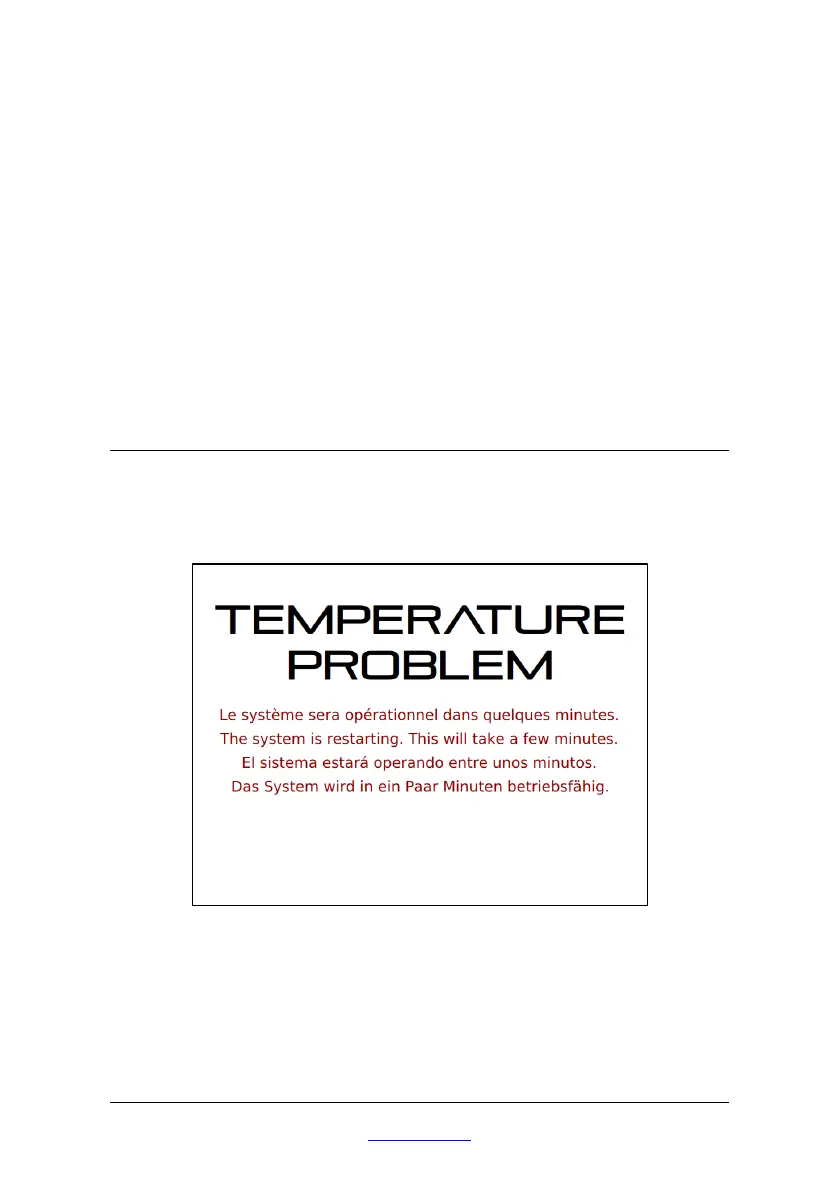
8.5 Temperature problem
If the Sensor Head or Processor temperatures are out of the range (after the
icon ‘temperature’), this message will appear on the screen in order to reboot
the system and cool down the temperature.


 To Next Page