BXT3 – V2.3
ARCURE SA – 14, rue Scandicci – 93500 Pantin – France - Tel.: +33 144 068 190
www.arcure.net
09/05/2019 34/41
the sensor head, dry and clean windows, correct lighting conditions,
detection distances, etc.
5. Check that the reverse gear is engaged if detection is enabled by this
condition (which is generally the case, except on excavators).
After having performed these checks and having made relevant corrections if
necessary, if detection performance remains degraded, contact your installer
or Arcure’s customer support.
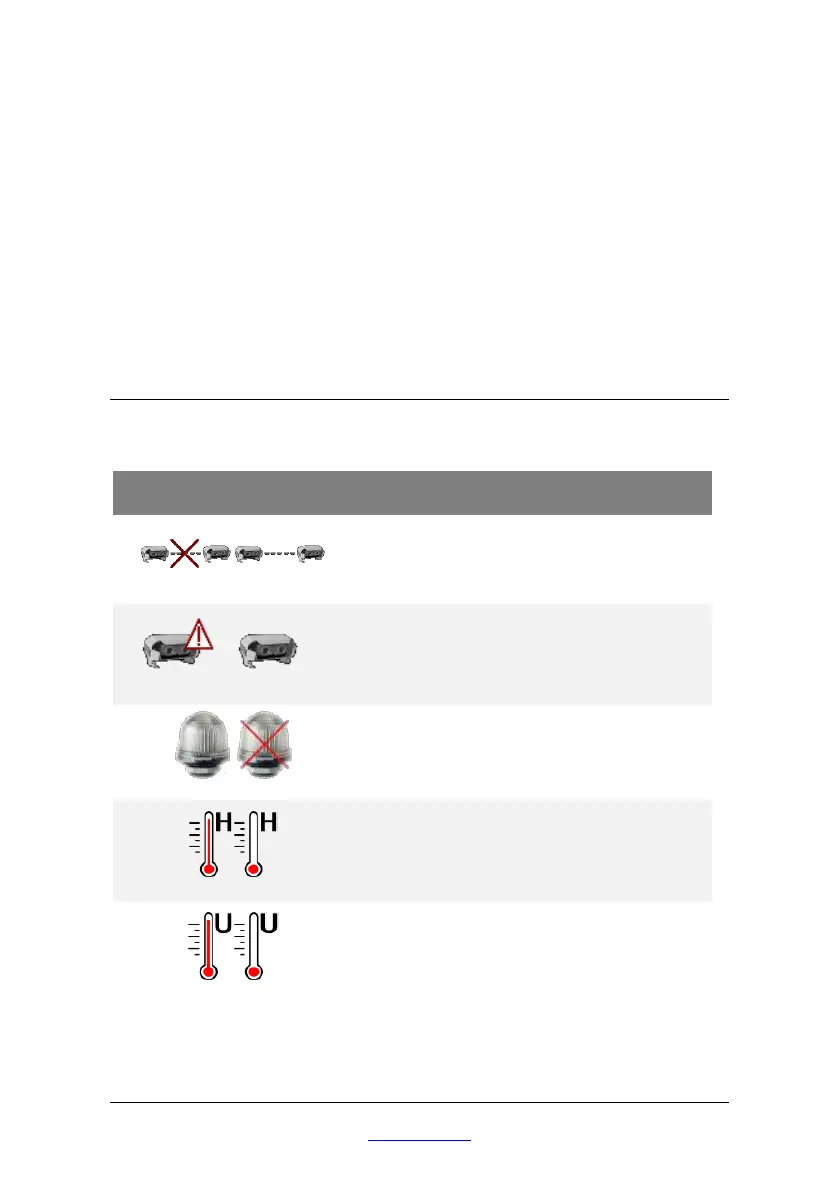
8.4 An icon is displayed on the screen
When BLAXTAIR® meets a technical problem, one or more icons may be
displayed in the top left of the screen.
Technical problem related to
communication between processing units
(MR180 configuration only).
Technical problem related to the LED:
either communication is broken or PU
requests are not properly taken in account


 To Next Page