HARDWARE INSTALLATION
49
after a drive is installed. Fault (red) blinking 2 Times/Second.
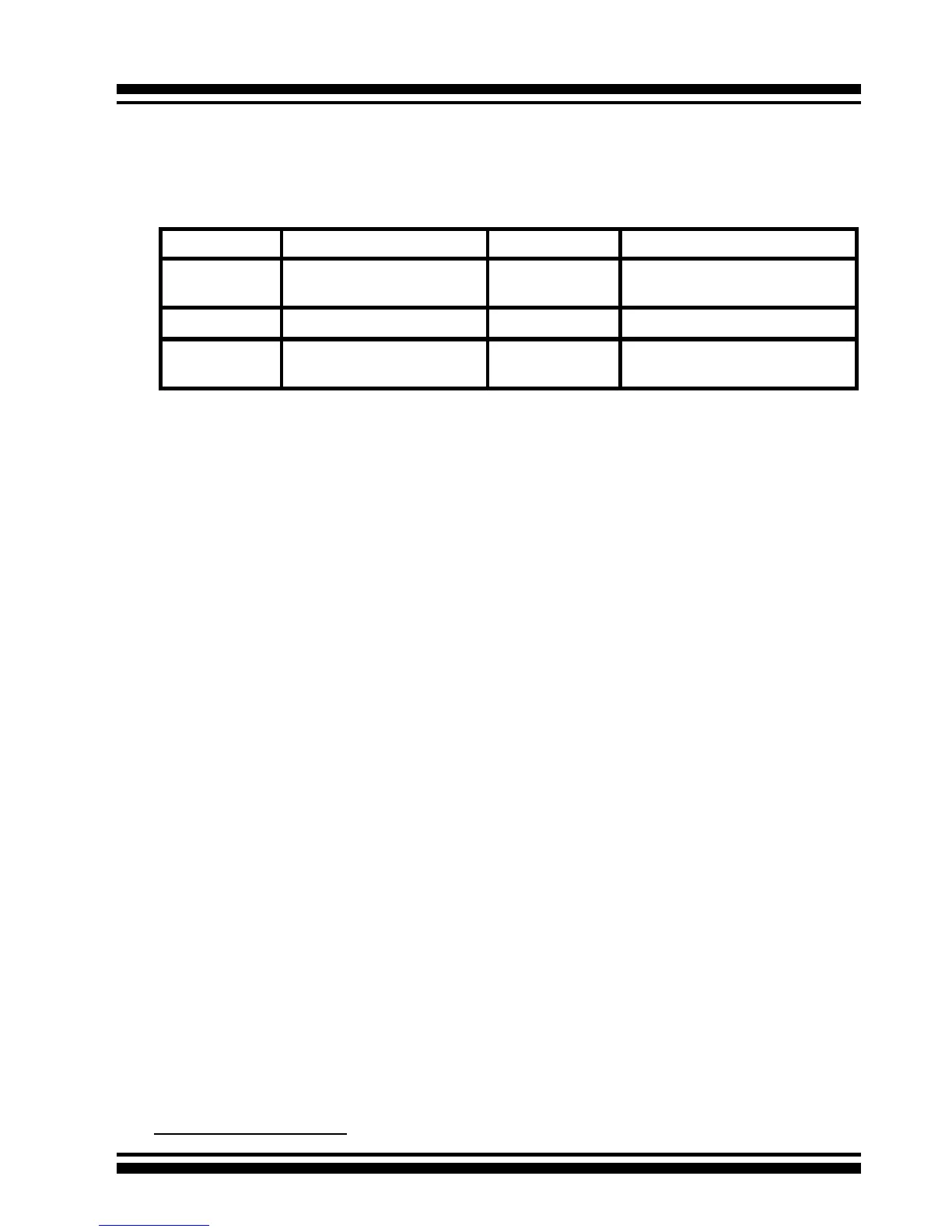
The following signal denes the SGPIO assignments for the Min
SAS 4i connector in ARC-1230ML/1260ML/1280ML.
Step 7. Re-check the SATA HDD LED and Fault LED Cable
connections
Be sure that the proper failed drive channel information is dis-
played by the Fault and HDD Activity LEDs. An improper connec-
tion will will tell the user to ‘‘Hot Swap’’ the wrong drive. This can
result in removing the wrong disk (one that is functioning properly)
from the controller. This can result in failure and loss of system
data.
Step 8. Power up the System
Thoroughly check the installation, reinstall the computer cover, and
reconnect the power cord cables. Turn on the power switch at the
rear of the computer (if equipped) and then press the power button
at the front of the host computer.
Step 9. Congure volume set
The adapter congures RAID functionality through the McBIOS
RAID manager. Please reference Chapter 3, McBIOS RAID Man-
ager, for the detail regarding conguration. The RAID controller
can also be congured through the McRAID storage manager soft-
ware utility after ArcHttp proxy server is installed. For this option,
please reference Chapter 6, Web Browser-Based Conguration.
Step 10. Install the controller driver
For a new system:
PIN Description PIN Description
SideBand0 SClock (Clock Signal) SideBand1 SLoad (Last clock of a bit
stream)
SideBand2 Ground SideBand3 Ground
SideBand4 SDataOut (Serial data
output bit stream)
SideBand5 SDataIn (Serial data input bit
stream)



 To Next Page