BIOS CONFIGURATION
63
3.7.2 Raid Set Function
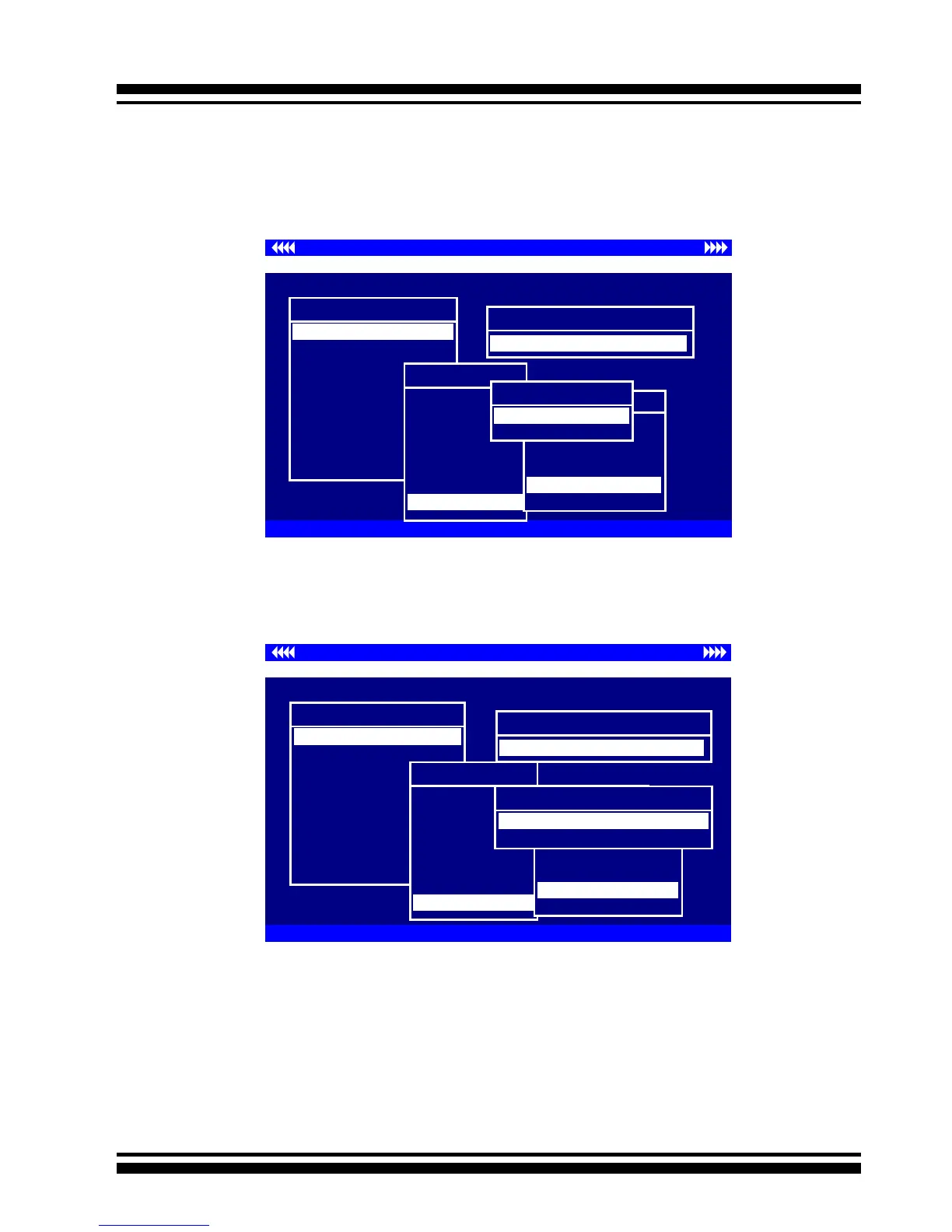
Manual Conguration gives complete control of the RAID Set set-
ting, but it will take longer to congure than “Quick Volume/Raid
Setup” conguration. Select “Raid Set Function” to manually con-
gure the raid set for the rst time or delete existing RAID Sets
and recongure the RAID Set.
Controller I/O Port:F3000000h, F2: Select Controller, F10: Reboot System
ArrowKey Or AZ:Move Cursor, Enter: Select, ESC: Escape, L:Line Draw, X: Redraw
Areca Technology Corporation RAID Controller
Main Menu
Raid Set Function
Volume Set Function
Physical Drives
Raid System Function
Ethernet Conguration
View System Events
Clear Event Buffer
Hardware Monitor
System information
Quick Volume/Raid Setup
Total 4 Drives
Raid 0
Raid 1 + 0
Raid 1 + 0 +
Spare
Raid 3
Raid 5
Raid 3 + Spare
Raid 5 + Spare
Raid 6
Available Capacity : 160.1GB
Selected Capacity : 160.1GB
Select Strip Size
4K
8K
16K
32K
128K
64K
Create Vol/Raid Set
No
Yes
Controller I/O Port:F3000000h, F2: Select Controller, F10: Reboot System
ArrowKey Or AZ:Move Cursor, Enter: Select, ESC: Escape, L:Line Draw, X: Redraw
Areca Technology Corporation RAID Controller
Create Vol/Raid Set
No
Yes
Main Menu
Raid Set Function
Volume Set Function
Physical Drives
Raid System Function
Ethernet Conguration
View System Events
Clear Event Buffer
Hardware Monitor
System information
Quick Volume/Raid Setup
Total 4 Drives
Raid 0
Raid 1 + 0
Raid 1 + 0 + Spare
Raid 3
Raid 5
Raid 3 + Spare
Raid 5 + Spare
Raid 6
Available Capacity : 160.1GB
Selected Capacity : 160.1GB
Select Strip Size
4K
8K
16K
32K
128K
64K
Initialization Mode
Background (Instant Available)
Foreground (Faster Completeion)
are sure that your computer performs random reads more often,
select a smaller stripe size.
Press the Yes key in the Create Vol/Raid Set dialog box, the raid
set and volume set will start to initialize it.
Select Foreground (Faster Completion) or Background (Instant
Available) for initialization.



 To Next Page