P92x/EN GS/E11 Technical Guide
Getting Started
Page 6/18 MiCOM P921-P922-P923
aB
7. RELAY FRONT DESCRIPTION
7.1 Front view
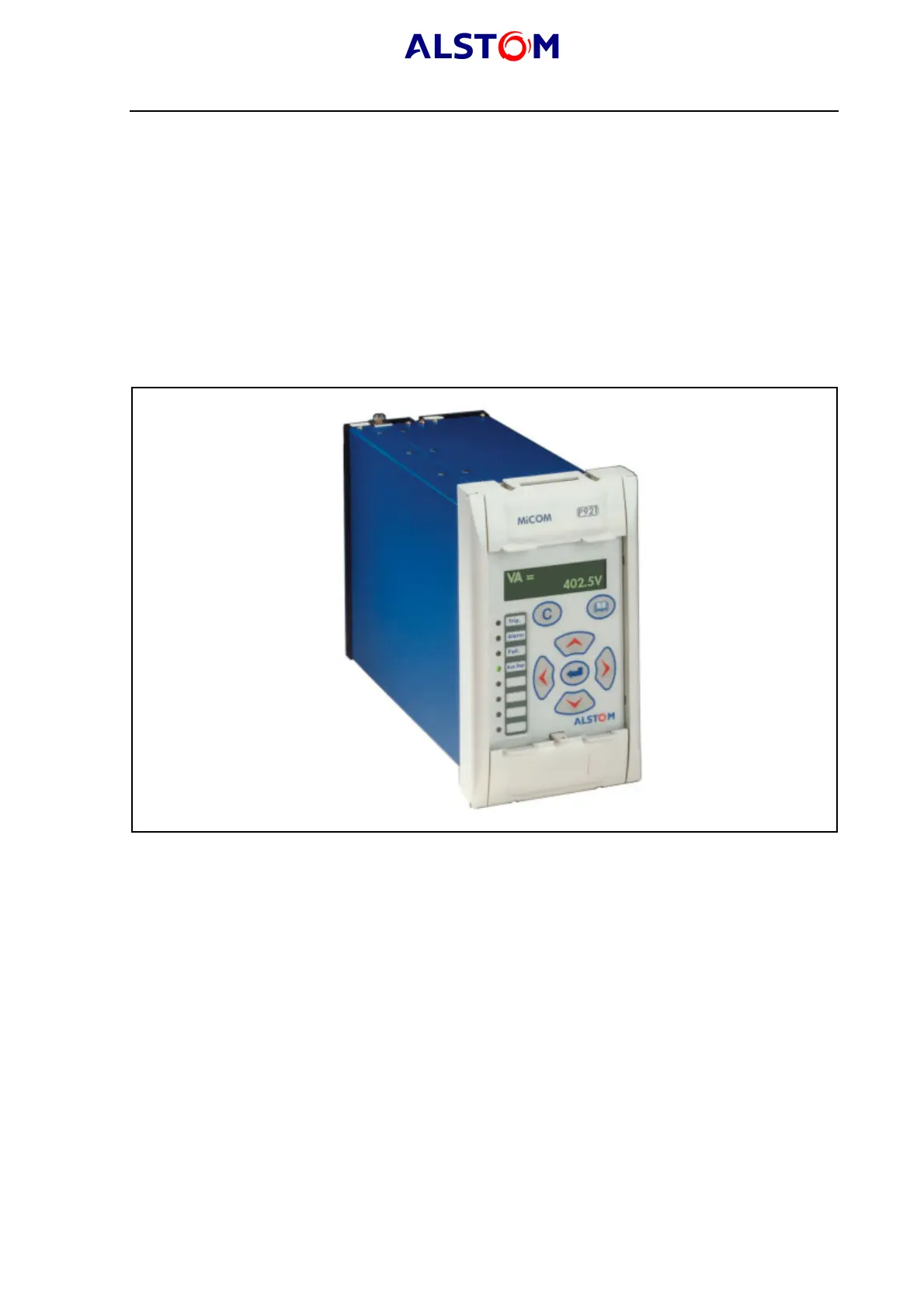
The front panel of the relay is shown in figure 1, with the hinged covers at the top
and bottom of the relay shown closed. Extra physical protection for the front panel
can be provided by an optional transparent front cover. This allows read access only
to the relay’s settings and data but does not affect the relay’s IP rating. When full
access to the relay keypad is required, for editing the settings, the transparent cover
can be unclipped and removed when the top and bottom covers are open.
Note that the MiCOM P921-P922 and P923 have the same size and the same front
panel.
P0385ENa
FIGURE 1 : RELAY FRONT VIEW
The front panel of the relay includes the following, as indicated in Figure 1:
· a 16-character by 2-line alphanumeric liquid crystal display (LCD).
· a 7-key keypad comprising 4 arrow keys (2, 6, 4, 8, an enter key 5, a clear
key 0, and a read key 1).
· 8 LEDs; 4 fixed function LEDs and 4 programmable function LEDs on the left
hand side of the front panel.
· Under the top hinged cover:
- the relay serial number, and the relay’s voltage rating information (see
figure 3 in this chapter).



 To Next Page