P92x/EN FT/E11 Technical Guide
User Guide
Page 18/110 MiCOM P921-P922-P923
7. RELAY CONFIGURATION
The “CONFIGURATION” menu makes it possible to configure the protection and the
connection which is used, and the VTs ratio. The allocation of the information to the 4
programmable LEDS, the alarm configuration and the input configuration are also
done via this menu.
To gain access to the “CONFIGURATION” menu from the default display, press 2
once and 6 once.
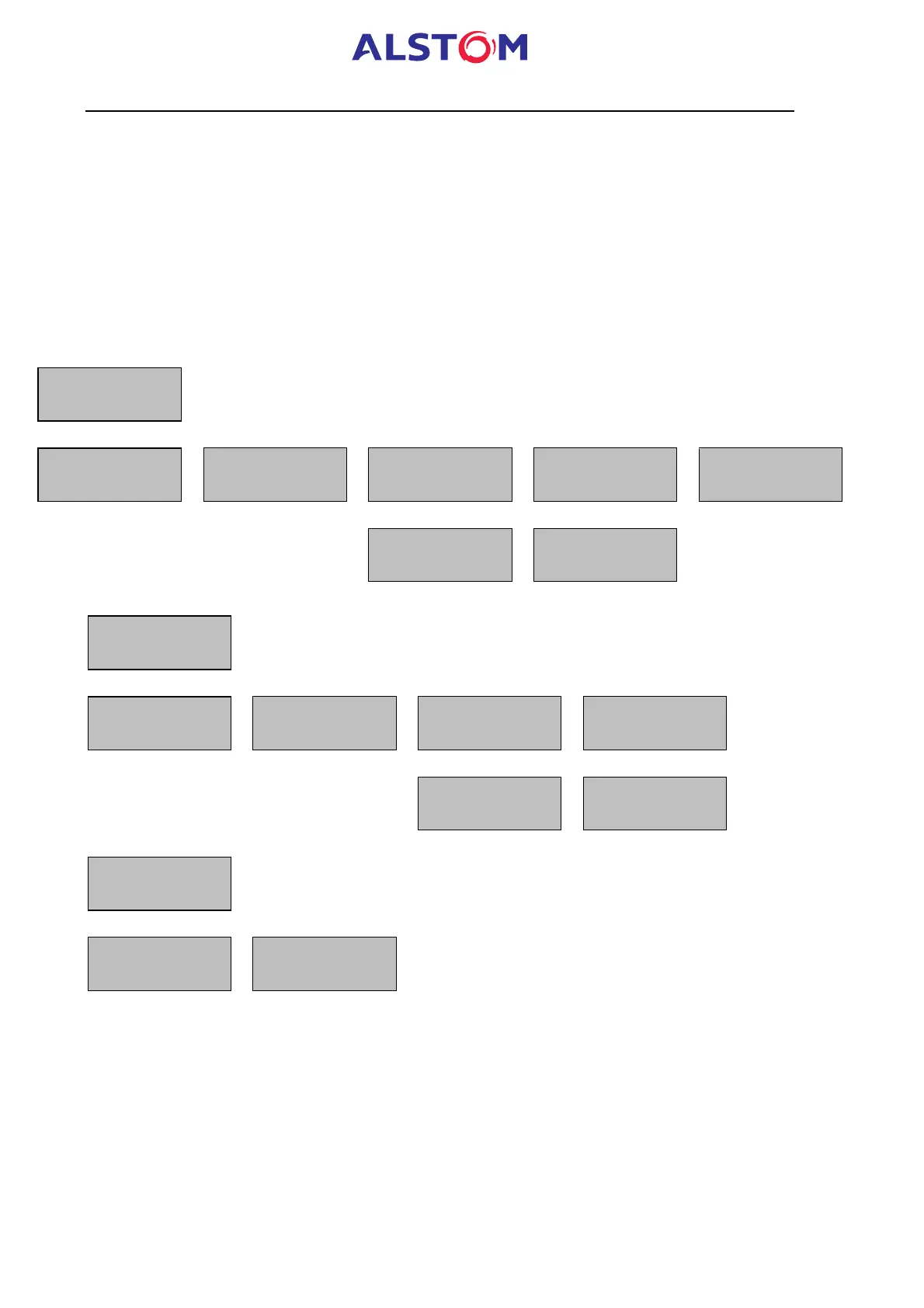
The accessible sub-menus are indicated below :
· MiCOM P921 :
CONFIGURATION
82
GENERAL
6
VT RATIO
6
LED
6
ALARM
6
CONFIGURATION
4 4 4 4
INPUT
82
LED 5 CONF.
6
LED 6 CONF.
6
V<= NO
4
V<= NO
4
· MiCOM P922 :
CONFIGURATION
82
GENERAL
6
VT RATIO
6
LED
6
GROUP SELECT
6
4 4 4 4
82
LED 5 CONF.
6
LED 6 CONF.
6
V<= NO
4
V<= NO
4
CONFIGURATION
…
ALARMS
6
CONFIGURATION
4
INPUTS



 To Next Page