w w w . a r g o n a u d i o . c o m
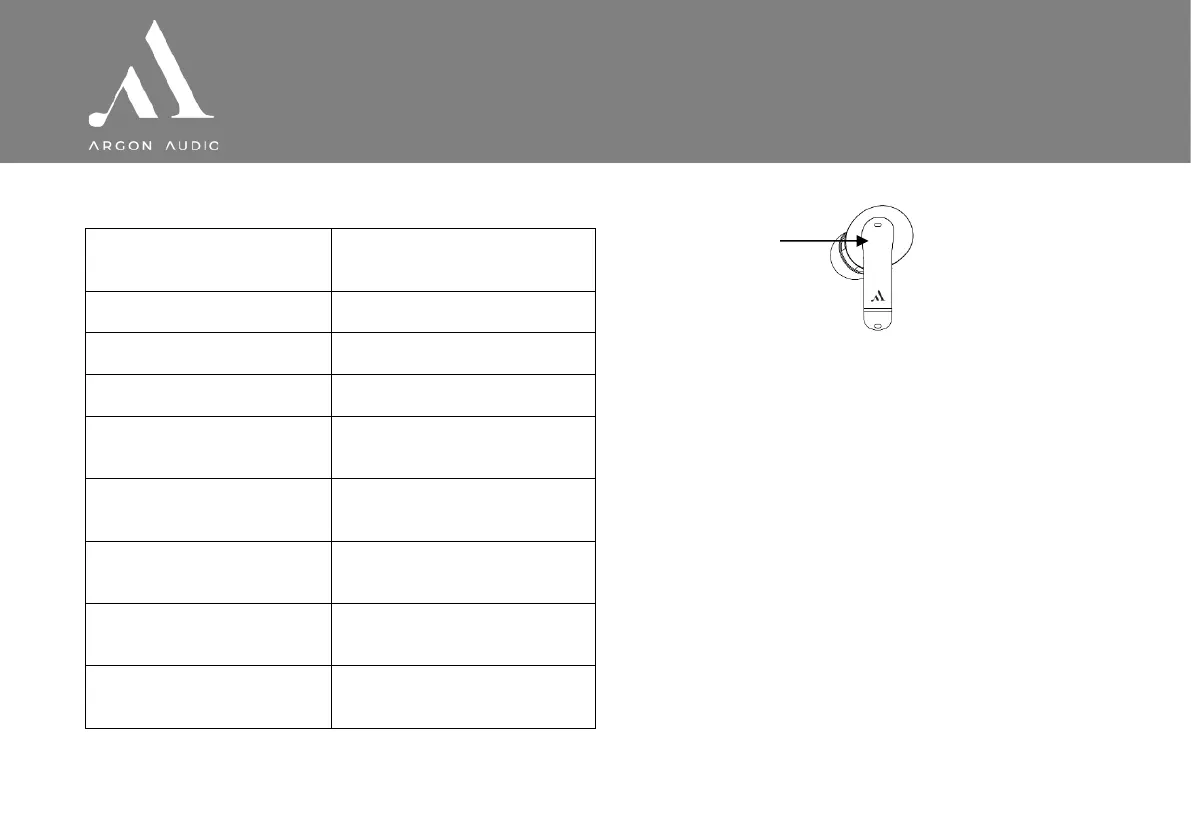
3. Music and phone controls
Play/Pause/Reject/End calls
Press the L/R ear bud button 2
times
Press the L/R ear bud button once
Press the Right ear bud button once
Press the Left ear bud button once
Press and hold the Left ear bud
button for 1.5 seconds
Press and hold the Right ear bud
button for 1.5 seconds
Press the L/R ear bud button 3
times
Put L/R earbuds into the case, close
the charging case
ANC on/ambient mode/default
mode
Press and hold R/L button 2
seconds to switch the Modes
Ear bud button
4. Restore factory settings
Remove the earphone device listing from the
Bluetooth settings on your phone. Place the
earphones into the charging case.
Press and hold the charging case button for 10
seconds with the case cover open. The 4 light
indicators on the charging case will start
flashing, before emitting constant light for 3
seconds.


 To Previous Page