To store a playing station as a favourite, press and hold Select until the display shows ‘Favourite
added’. The station appears in the default favourites list Stations.
To select a favourite, select Menu > Station list > My favourites > [Favourites list] > [Station].
4. 4 Browse
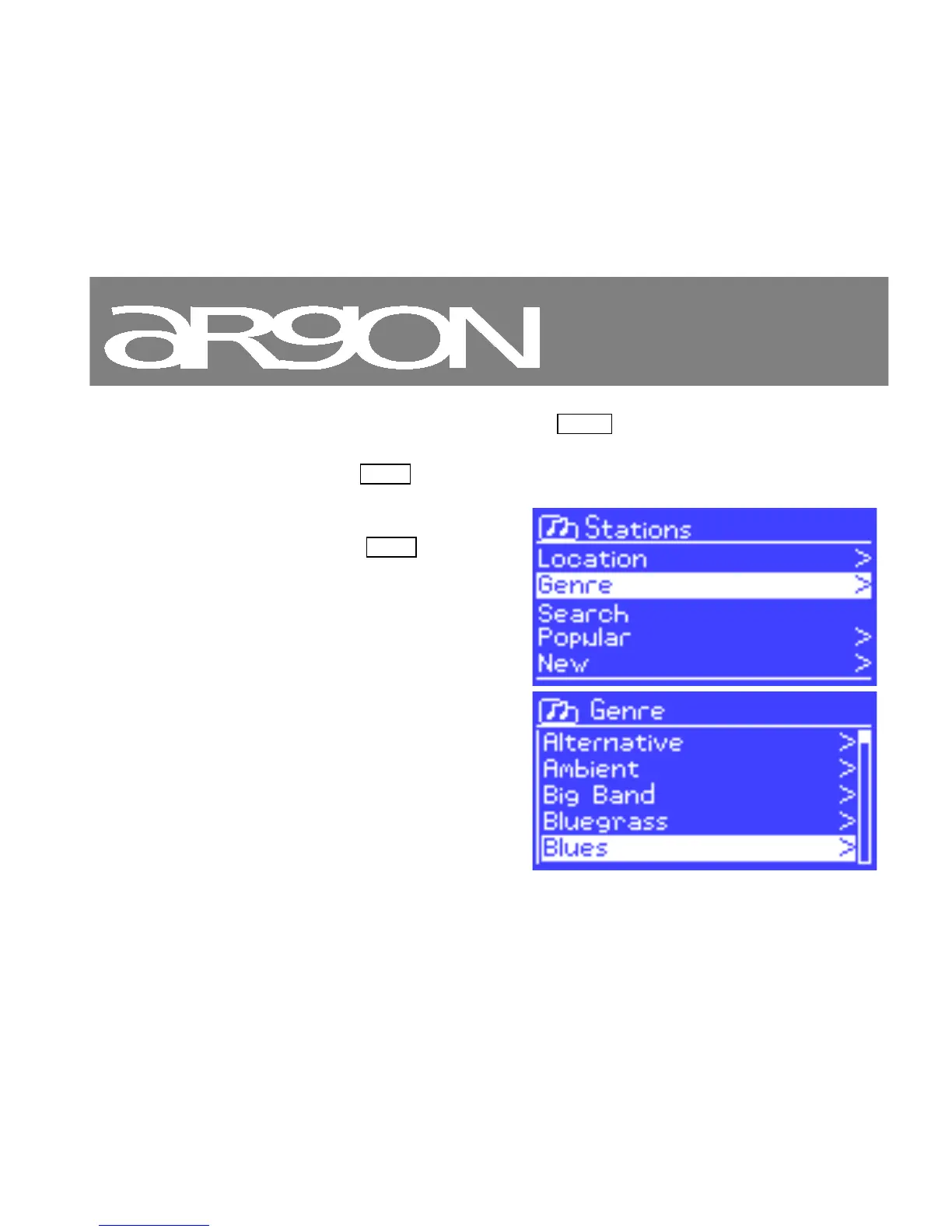
To browse Internet broadcasts, select Menu > Station list
> then either Stations > or Podcasts >.



 To Next Page