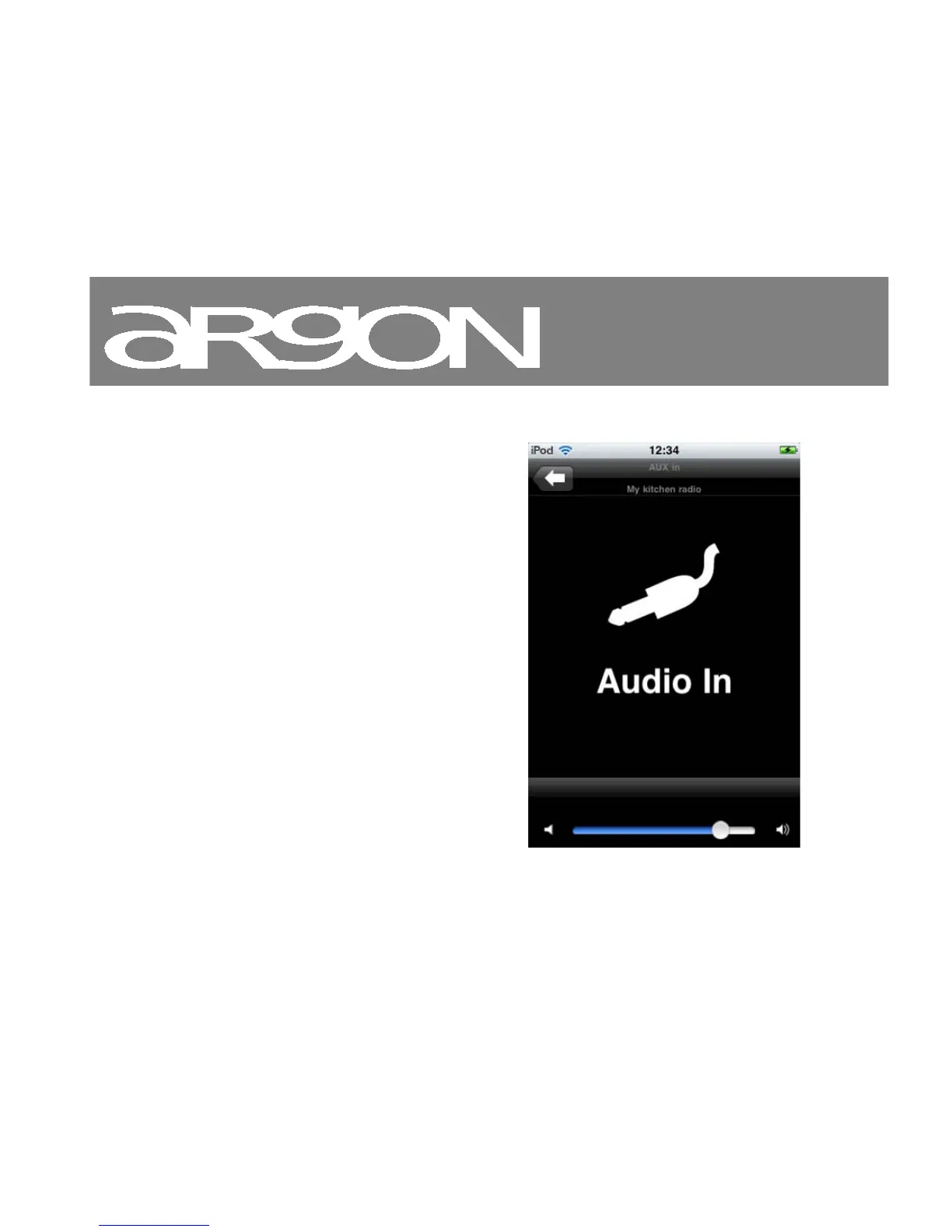
11.10 Playing from line input
If there is a device such as an MP3 Player
connected via the 3.5mm input jack on the
back of the iNet2+ called “line in”, you
can control playback from it using the Wireless
Device Remote Control application. You need
a 3.5mm to 3.5mm male to male cable to
connect the iNet2+ to the external device.
From the Wireless Device Remote Control
application, you can control playback volume
and mute playback. Other functions must be
performed from the UI of the connected device.
To change the volume of playback:
• Move the volume slider.



 To Next Page